
Create Caricature of Me and My Job with nano banana 2 | img2img AI
How Create Caricature of Me and My Job Became a Repeatable Format
Create Caricature of Me and My Job is no longer just a one-off social trend. It has become a practical content format for creators, freelancers, and teams that need profile visuals with personality. The reason is simple: people want images that feel personal, role-specific, and recognizable in one glance.
The fastest path is a three-layer workflow: identity context, job context, and visual style context. When those three layers are explicit, outputs stop looking generic. This is where nano banana 2 is useful. It follows multi-part instructions more reliably than older one-line prompt workflows, so you can keep likeness while still exaggerating features.
Many users start with the phrase create a caricature of me and my job based on everything you know about me, then wonder why the result still misses details. That phrase is strong as intent, but weak as a full instruction set. You still need scene constraints, exaggeration boundaries, and props.
If your goal is consistent quality, treat Create Caricature of Me and My Job as a small production process, not a single command.

What nano banana 2 Adds Beyond Generic Image Models
nano banana 2 is built for fast generation, editing loops, and tighter instruction following in image workflows. In practical terms, that gives you four advantages when you Create Caricature of Me and My Job:
Better adherence to layered prompts
A good create a caricature of me and my job prompt often includes identity traits, wardrobe, tools, setting, expression, and style cues in one request. nano banana 2 handles layered constraints better than many lightweight image tools, so fewer details are dropped.
More reliable character continuity
When you iterate from draft to revision, you need the same person to remain recognizable. nano banana 2 performs better when you keep a stable seed image and revise in focused rounds.
Faster variation cycles
Caricature quality is discovered through variants, not first output. With nano banana 2 you can test style intensity quickly: subtle exaggeration, editorial exaggeration, and comic exaggeration.
Cleaner workflow for role props and scene logic
If you ask for role props with context, such as a chef in a pass window or a product manager in a whiteboard sprint setting, nano banana 2 is more likely to keep scene logic coherent instead of adding random objects.
Build a Reliable create a caricature of me and my job prompt
The phrase create a caricature of me and my job prompt should be treated as a template category, not one static sentence. Use this framework each time.
Layer 1: Identity anchors
Define immutable traits first:
- Face shape, hair details, glasses, beard, signature expression
- Age range and body type
- 2-3 "must keep" features
Layer 2: Job anchors
Define role-specific details:
- Job title and seniority
- Core tools or equipment
- Environment where the role is usually performed
- A micro-action that reflects the job
Layer 3: Caricature style controls
Define exaggeration boundaries:
- Exaggeration level from 1 to 10
- Art style direction: editorial sketch, 3D cartoon, watercolor caricature
- Palette mood: warm, high-contrast, soft pastel, monochrome plus accent
Layer 4: Composition constraints
Define framing and output intent:
- Camera framing: chest-up, full body, desk scene
- Aspect ratio: 16:9 for banner usage, square for avatars
- Background density: minimal, medium, narrative
Layer 5: Negative constraints
Tell the model what to avoid:
- No extra fingers, warped tools, or duplicated accessories
- No irrelevant uniforms
- No text overlays unless explicitly required
Use this process even when your initial instruction is create a caricature of me and my job based on everything you know about me. That phrase gives direction, but the five-layer stack gives control.
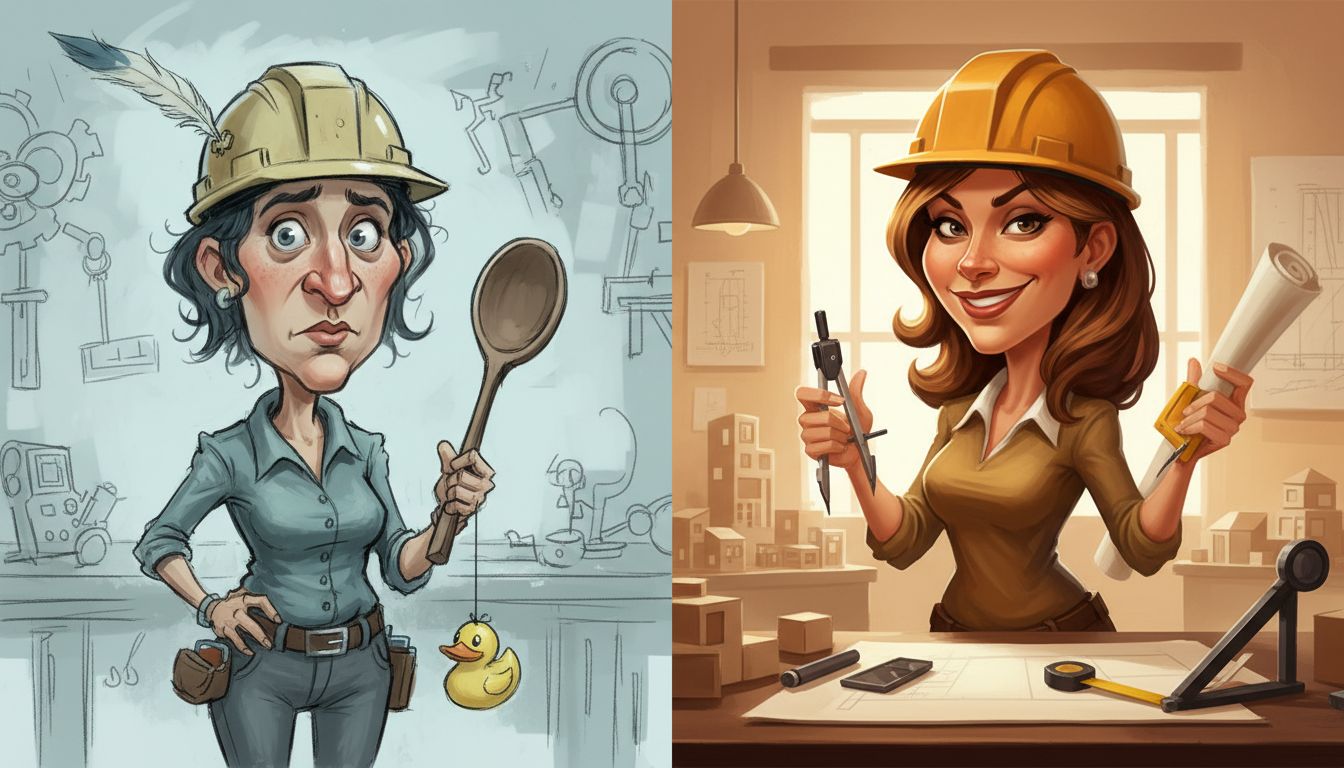
Comparison: Single-shot prompt vs staged nano banana 2 workflow
When teams evaluate quality, the biggest difference is not model brand. It is workflow structure.
Approach A: Single-shot meme prompt
Pros:
- Fast first output
- Good for casual posting
Cons:
- Weak likeness retention
- Job props are often generic
- Hard to reproduce style later
Approach B: Staged nano banana 2 workflow
Pros:
- Higher control over identity and role details
- Easier to reproduce across teammates
- Better fit for personal branding and campaign assets
Cons:
- Requires 2-4 prompt rounds
- Needs a clear selection rubric
If the goal is one playful post, Approach A is fine. If the goal is repeatable branding assets, Approach B wins.
Two mini-cases that show when to change your strategy
Case 1: Independent UX designer building a LinkedIn banner set
Initial request: create a caricature of me and my job based on everything you know about me.
Round 1 looked visually attractive but generic. The model added random tech props and ignored her signature notebook workflow.
Fix:
- Replaced vague descriptors with concrete props: sticky-wall planning board, pencil, wireframe cards
- Set exaggeration to 4/10 to keep professional tone
- Locked palette to muted neutrals plus one bright accent
Outcome:
- Three banner-ready variants
- Better recognizability
- Cleaner brand fit without losing caricature style
Case 2: Field electrician creating a team avatar pack
Initial request: one universal create a caricature of me and my job prompt for all teammates.
Round 1 made everyone look similar and erased trade-specific cues.
Fix:
- Used shared style rules but unique role props per teammate
- Added environment constraints: safety gear, industrial lighting, practical tool belts
- Ran one consistency pass after selecting top draft per person
Outcome:
- Distinct identities
- Cohesive team style
- Fewer manual edits in final pack
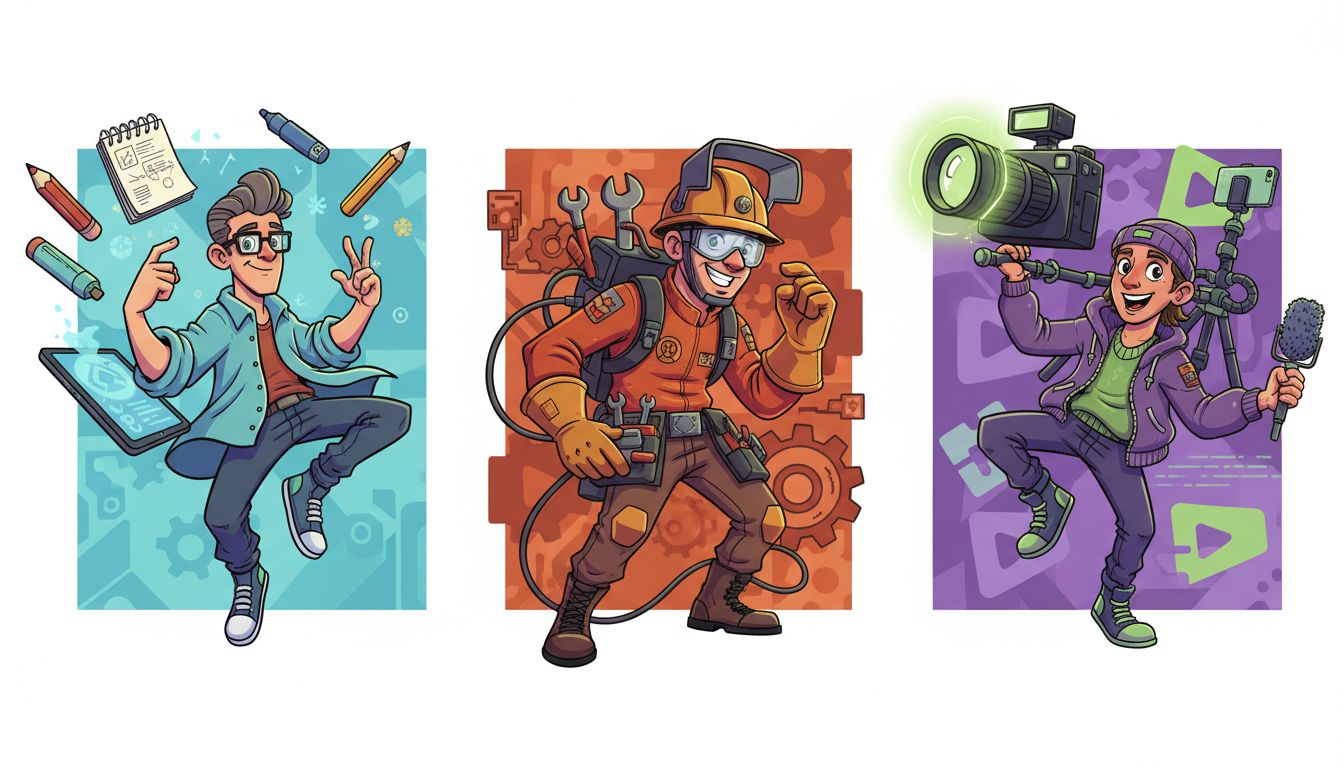
Checklist to Create Caricature of Me and My Job That People Actually Share
Use this checklist before exporting:
- Start with one clear portrait in neutral lighting.
- Decide whether the output is for avatar, banner, or print.
- Write a base create a caricature of me and my job prompt with identity anchors.
- Add role props that are real to the job, not stereotypes.
- Specify exaggeration level and art direction.
- Set aspect ratio and framing before generation.
- Generate 4-6 variants in nano banana 2.
- Keep one winner and run targeted edits only.
- Check for visual errors in hands, tools, and symmetry.
- Export two versions: social compression and high-res master.
This checklist works whether you start from create a caricature of me and my job based on everything you know about me or from a fully manual prompt.
Common Failure Modes and Fast Fixes
"It looks like me, but not like my job"
Cause: weak role constraints. Fix: add one core task, one environment, and two tools tied to your real workflow.
"It captured my job, but face resemblance is off"
Cause: style intensity too high too early. Fix: run a likeness-first draft, then apply stylization in a second pass.
"Every result feels busy"
Cause: prompt contains too many scene instructions. Fix: reduce to one subject, one action, one background priority.
"I get inconsistent outputs across retries"
Cause: changing multiple variables at once. Fix: freeze identity block and modify only one dimension per round.
"I need this for professional profiles, not meme pages"
Cause: caricature exaggeration is not bounded. Fix: explicitly set exaggeration to low or medium and request polished lighting.
FAQs About Create Caricature of Me and My Job
Is create a caricature of me and my job based on everything you know about me enough by itself?
It is a strong opener, but it is rarely enough alone. Add concrete details about tools, environment, and exaggeration boundaries to avoid generic outputs.
What should a strong create a caricature of me and my job prompt always include?
Identity anchors, job anchors, style controls, composition constraints, and negative constraints. That five-part structure reduces revision loops.
How many prompt rounds should I plan in nano banana 2?
Plan three rounds: draft for likeness, refinement for job details, and polish for style and lighting.
Can I use Create Caricature of Me and My Job for a team campaign?
Yes. Keep shared style rules constant, then vary role props and micro-actions per teammate so everyone stays distinct.
What privacy rule should I follow before uploading photos?
Only upload images you have rights to use and that you are comfortable processing through an AI workflow. Avoid private or third-party photos without permission.
Final CTA
If you want a practical shortcut, start with a clear selfie and run the framework above in nano banana 2. Try Create Caricature of Me and My Job to generate free variations, compare styles, and keep the version that best fits your professional brand.