
FLUX.2 Max Image to Image AI Editor
Flux 2 Max (FLUX.2) creates premium visuals: high-fidelity image-to-image AI editing, consistent characters, product shots, and brand-ready text.
🍒 Highest fidelity image model from Black Forest Labs
FLUX.2 Max Settings
0/5000
Generated Result
Original Image
Upload an image to see preview
FLUX.2 Max Output
Generated image will appear here
Quick Templates









How to Use FLUX.2 Max
Fast start with flux 2 max: upload references, write a clear prompt, pick a format, generate. For image to image ai edits, start from your base image and iterate with flux2 prompts.
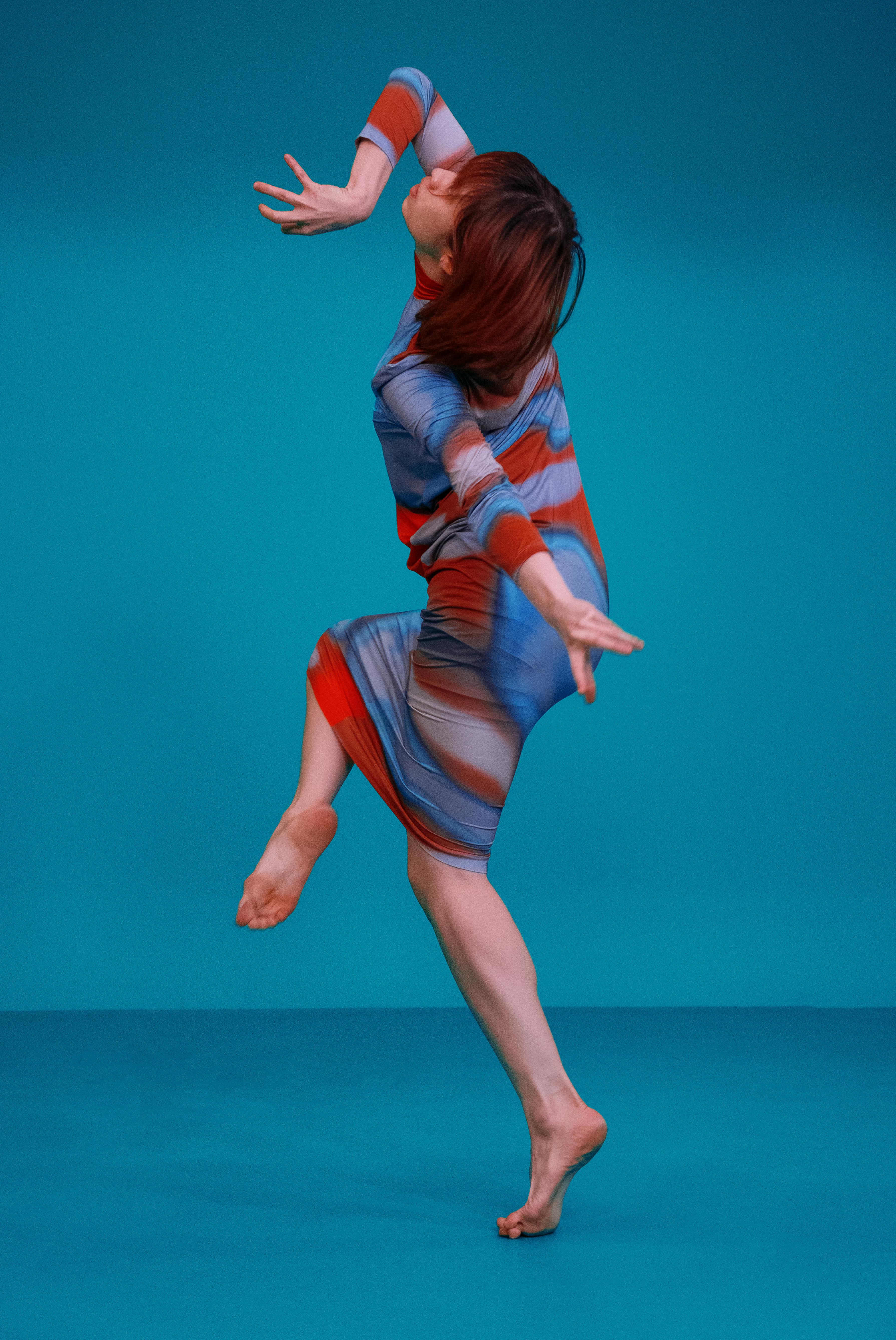
What is FLUX.2 Max
flux 2 max is the highest-capability option in the FLUX 2.0 family (often written as flux2). This flux 2 ai model helps you generate new images from text and refine visuals with image to image ai edits—while keeping subjects, materials, and style coherent. Use flux 2 max when quality and repeatability matter: marketplace-ready product shots, consistent characters, clean logos, and polished campaign visuals. Need a faster tradeoff? flux 2 pro is built for speed. Want an open-weight playground for R&D? flux 2 dev is a practical way to test ideas before you scale up.
- Product Photos That SellCreate studio-like listings with flux 2 max: accurate lighting, crisp textures, and on-brand composition. Use image to image ai to keep packaging and angles consistent across variations in your flux 2 ai workflow.
- Characters With Staying PowerBuild a recognizable cast with flux 2 max and flux2 consistency. Keep faces, outfits, and proportions stable across scenes—ideal for series content inside the FLUX 2.0 ecosystem.
- Cinematic, Story-Ready FramesTurn scripts into stills using flux 2 max: controlled camera feel, mood, and set detail. Pair flux 2 ai prompts with reference images for fast look development via image to image ai.
FLUX.2 Max Features
Built for production-grade image generation and editing, flux 2 max focuses on three things: fidelity, control, and consistency. Compared with other flux2 options in FLUX 2.0, it’s designed for the moments where “close enough” is not enough. Highlights you’ll feel immediately: - Strong prompt adherence for complex instructions - Reliable character/product consistency with references - Clean text rendering and layout control - Smooth iteration for image to image ai workflows
Top-Tier Visual Fidelity
flux 2 max prioritizes detail, realism, and stable lighting—so your flux 2 ai outputs look polished without extra touch-ups.
Multi-Reference Consistency
Bring multiple references and keep identity stable. flux2 control helps reduce drift across a FLUX 2.0 series or campaign.
Precise Image-to-Image Editing
Use image to image ai to retexture, relight, or restyle while preserving structure. flux 2 max keeps edits faithful to your intent.
Aspect Ratios That Fit Any Channel
From square posts to wide banners, flux 2 max supports flexible framing so your flux 2 ai assets ship faster.
Safer Outputs by Design
Designed to support responsible creation. Pair flux 2 max with clear prompts and references for cleaner, policy-friendly results.
Brand & Typography Control
When layouts must read, flux 2 max is built for legible text and crisp logos. It’s a practical upgrade over flux 2 dev for brand work.
FLUX.2 Max FAQ
Quick answers about flux 2 max, flux2 variants, and how to get clean, consistent results in FLUX 2.0.
What is flux 2 max?
flux 2 max is a top-quality flux 2 ai option focused on high-fidelity generation and editing. In the FLUX 2.0 lineup (flux2), it’s the pick when you want maximum detail and consistent outcomes.
How is flux 2 max different from flux 2 pro?
flux 2 max leans into quality and consistency, while flux 2 pro is optimized for faster iteration. Many teams explore with flux 2 pro, then finalize hero assets in flux 2 max.
Where does flux 2 dev fit in?
flux 2 dev is a flexible choice for experimentation and custom pipelines. If your priority is brand-ready output quality, flux 2 max is typically the stronger finish for flux 2 ai deliverables.
Does flux 2 max support image to image ai?
Yes. image to image ai is a core workflow: start from a reference image, describe your changes, and let flux 2 max preserve structure while applying style, lighting, or material edits.
What prompts work best with flux2 and flux 2.0?
Be specific: subject, setting, camera, lighting, and constraints. Structured prompts help flux 2 max follow instructions, and they translate well across flux2 tools in FLUX 2.0.
Can flux 2 max render text and logos reliably?
For design work, flux 2 max is tuned for readable text and controlled layouts. If you’re prototyping, flux 2 dev can help; for production speed, flux 2 pro is a strong companion.