
AI Portrait Generator
Create studio-quality AI portraits in seconds with our AI portrait generator – no design or editing skills required.
Upload a photo, pick a style, and let the AI portrait generator do the rest.
Add references
Upload up to four portraits to maintain consistent slimming across angles.
Portrait Retouch
AI Portrait Generator Usage
You can create your first set of AI portraits in just a few simple steps.
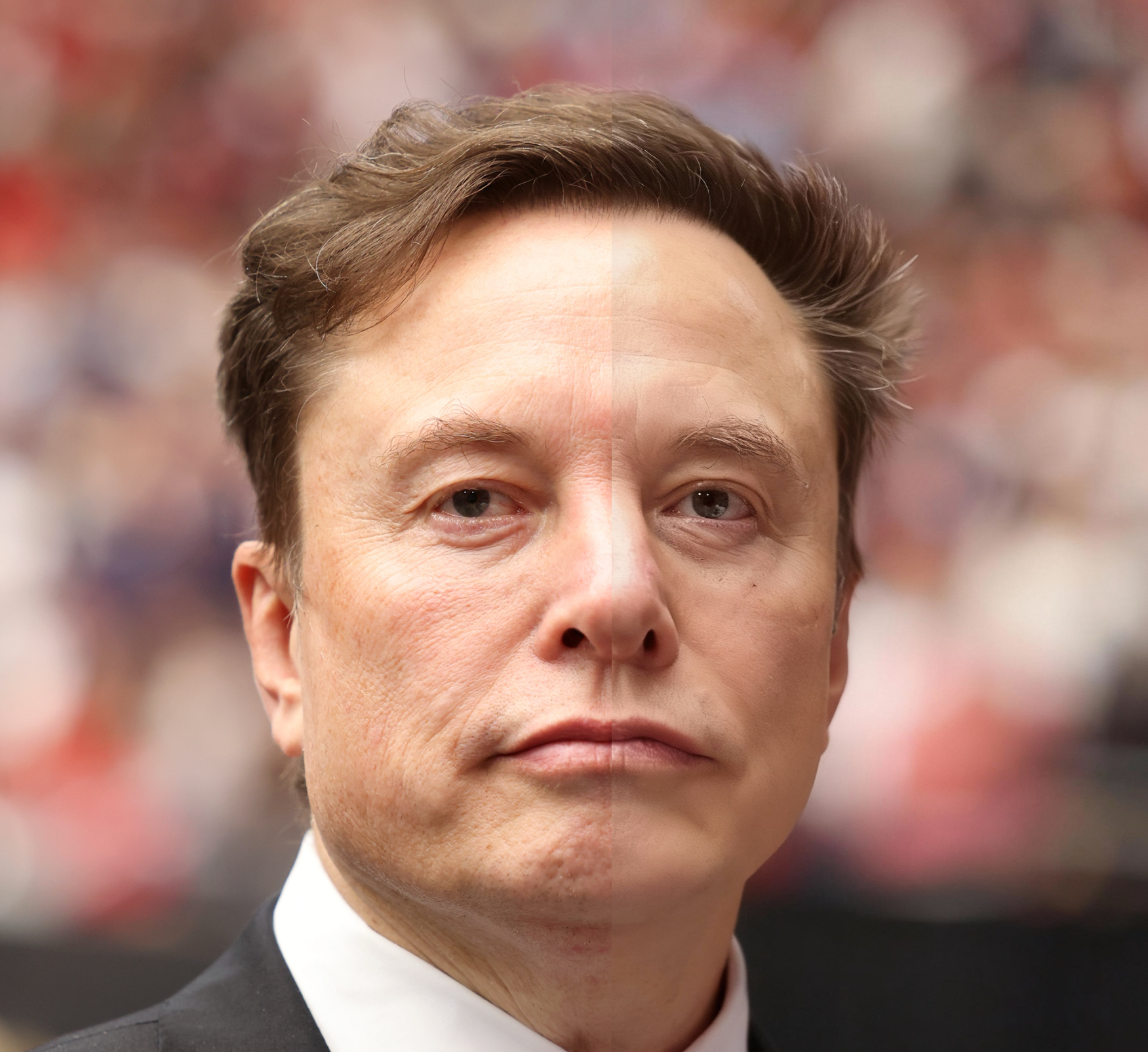
What Is AI Portrait Generator
An AI portrait generator is an online tool that uses artificial intelligence to transform your photos into stylized AI portraits. It analyzes your face, lighting, and background, then recreates the image in a new look – from professional headshots to creative avatars – in just a few clicks.
- From Photo to AI Portrait in One ClickUpload a clear photo and instantly turn it into polished AI-generated portraits. The AI portrait generator automatically detects facial features, refines details, and upgrades your look without any manual retouching.
- Smart Face EnhancementThe AI portrait generator smooths skin, balances tones, and sharpens key features while keeping you recognizable. Your portraits stay natural and flattering instead of over-edited.
- Designed for Everyday UseUse the AI portrait generator for social media, resumes, online profiles, or creative projects. It works in your browser, so you can create professional-looking portraits anytime, on any device.
AI Portrait Generator Cases
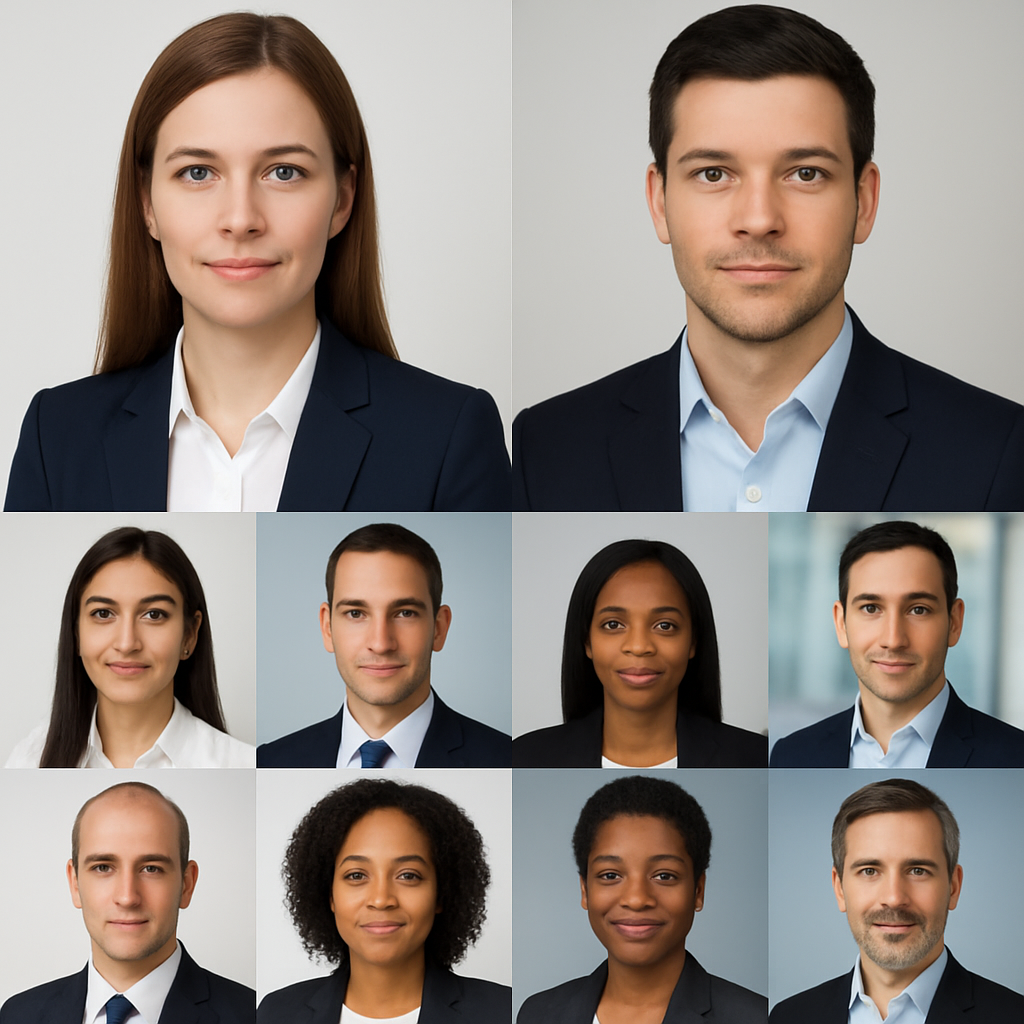
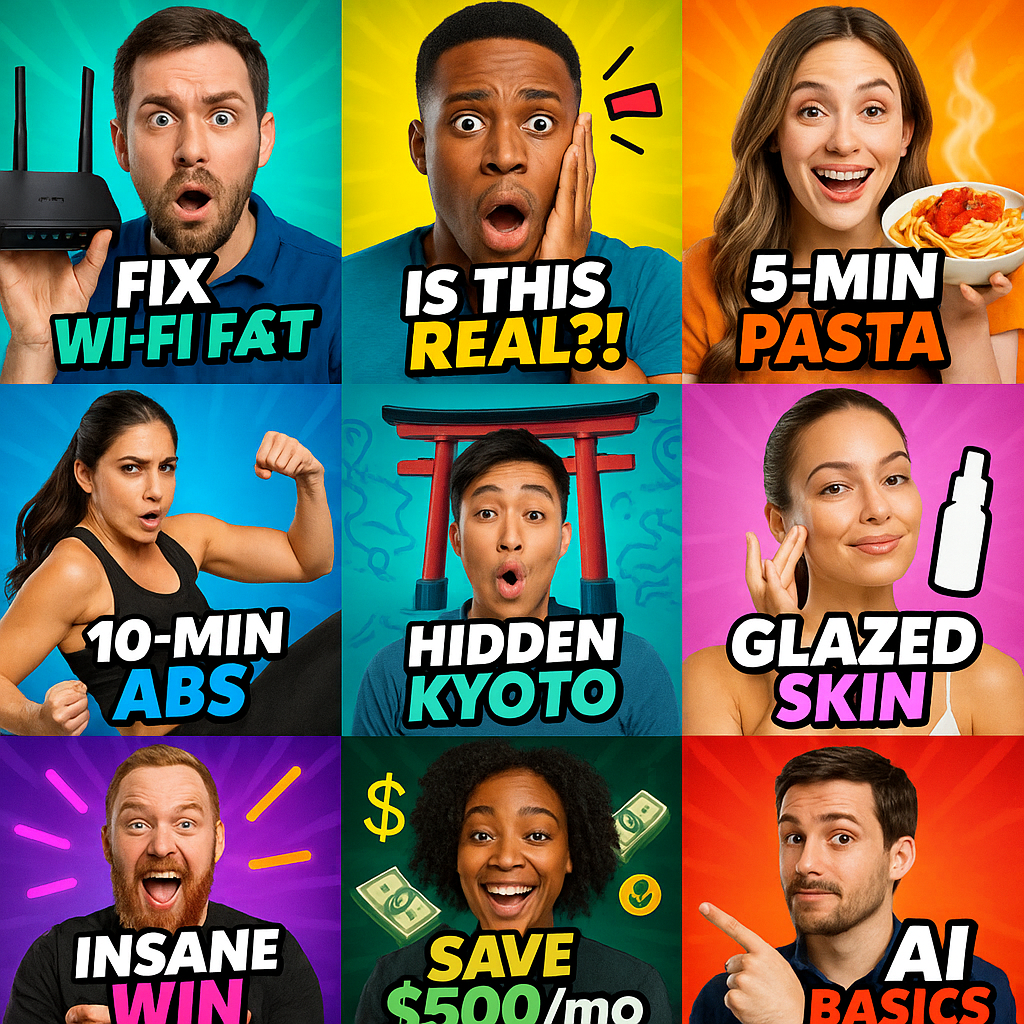
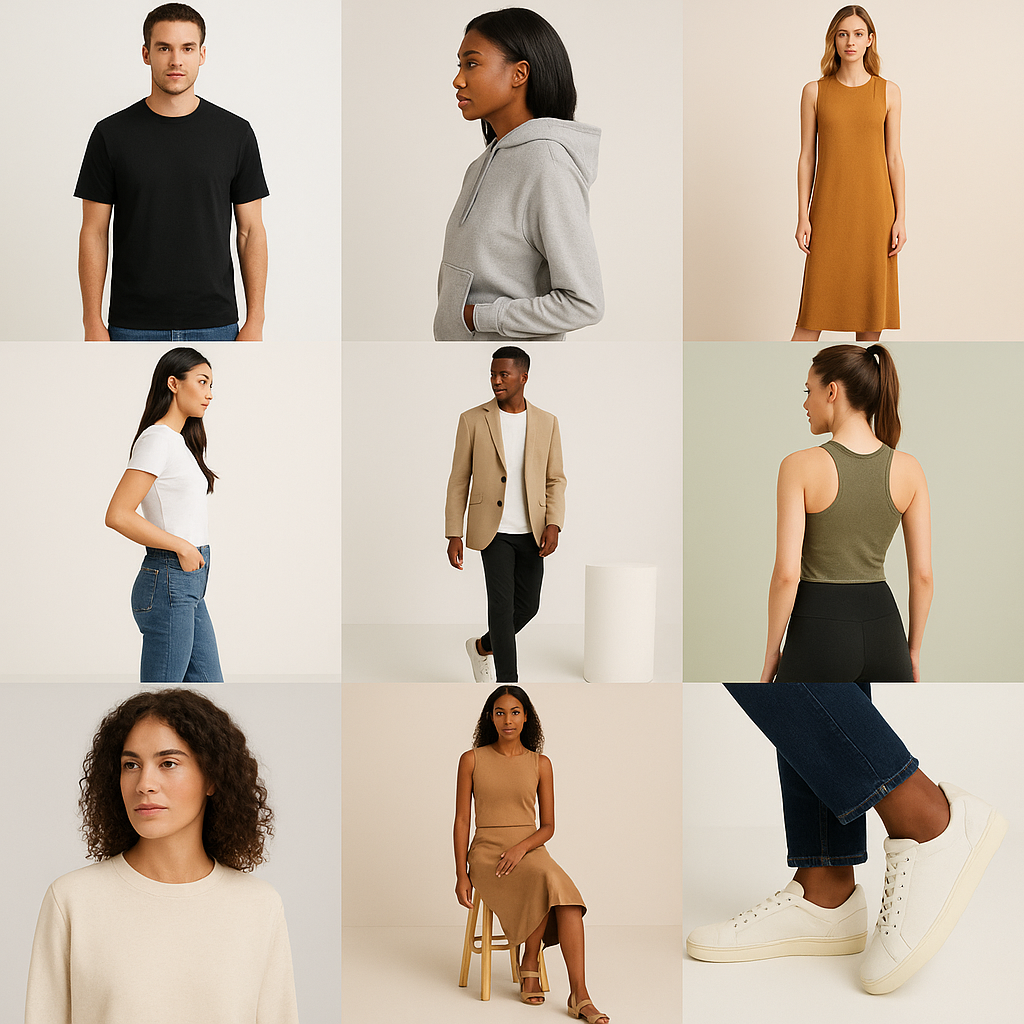
Whether you need a polished headshot or a playful avatar, the AI portrait generator adapts to your goals. Here are some of the most popular ways people use AI portraits today.
Why Choose AI Portrait Generator
Compared to traditional photo editing, an AI portrait generator gives you speed, flexibility, and professional results without a learning curve.
Beginner-Friendly Workflow
The interface is simple: upload, choose a style, and generate. The AI portrait generator handles complex editing steps so anyone can create high-quality portraits.
High-Quality Results
Advanced AI models enhance lighting, depth, and details for a studio-like finish. Your portraits look sharp and refined, even when starting from a casual snapshot.
Fast Generation Time
Skip long editing sessions. The AI portrait generator creates multiple variations in seconds, helping you test different ideas and export your favorite version quickly.
Works with Any Skill Level
You do not need to be a photographer or designer. The AI portrait generator is built for busy professionals, creators, and beginners who want great portraits with minimal effort.
Browser-Based and Device-Friendly
Create portraits on desktop or mobile without installing heavy software. Everything runs online, so your AI portrait generator is always up to date.
Flexible Export Options
Download your AI-generated portraits in high resolution for printing, or optimized sizes for web and social media. Use the same AI portrait generator for both personal and professional needs.
AI Portrait Generator FAQ
What Is an AI Portrait Generator?
An AI portrait generator is a tool that uses artificial intelligence to turn your photos into AI-generated portraits in different styles. It automatically enhances your facial features, lighting, and background so you get a polished portrait without manual editing.
How Does the AI Portrait Generator Work?
Behind the scenes, the AI portrait generator analyzes your photo using deep-learning models. It maps your facial structure, studies colors and shadows, then recreates the image as a new AI portrait based on the style you choose.
Do I Need Design Experience to Use an AI Portrait Maker?
No. The AI portrait maker is built for beginners and busy users. You simply upload an image, pick a look, and generate. The tool handles all complex photo editing steps automatically.
What Kinds of AI Portraits Can I Create?
You can create professional headshots, creative avatars, profile pictures, and more. The AI portrait generator supports realistic, cinematic, and artistic looks so your portraits fit different platforms and occasions.
Can I Use My AI Portraits for Work or Business?
Yes, AI-generated portraits are ideal for resumes, portfolios, company bios, and online branding. Just make sure you follow any platform-specific guidelines for profile photos when you upload images made with the AI portrait generator.
What Makes This AI Portrait Generator Different from Simple Filters?
Traditional filters only add overlays on top of your photo. An AI portrait generator rebuilds the image using AI, which allows for more natural skin, realistic lighting, and detailed features that feel closer to a real photo shoot.
How Do I Get the Best Results with AI Portrait Images?
Start with a sharp, front-facing photo in good lighting, with your face clearly visible. Avoid heavy filters or extreme shadows. This gives the AI portrait maker enough information to generate clean, accurate portrait results.
Is It Safe to Upload My Photos?
Reputable AI portrait generator tools are designed with privacy in mind and process your photos using secure infrastructure. Always review the privacy policy and only upload images you are comfortable using with online AI tools.