
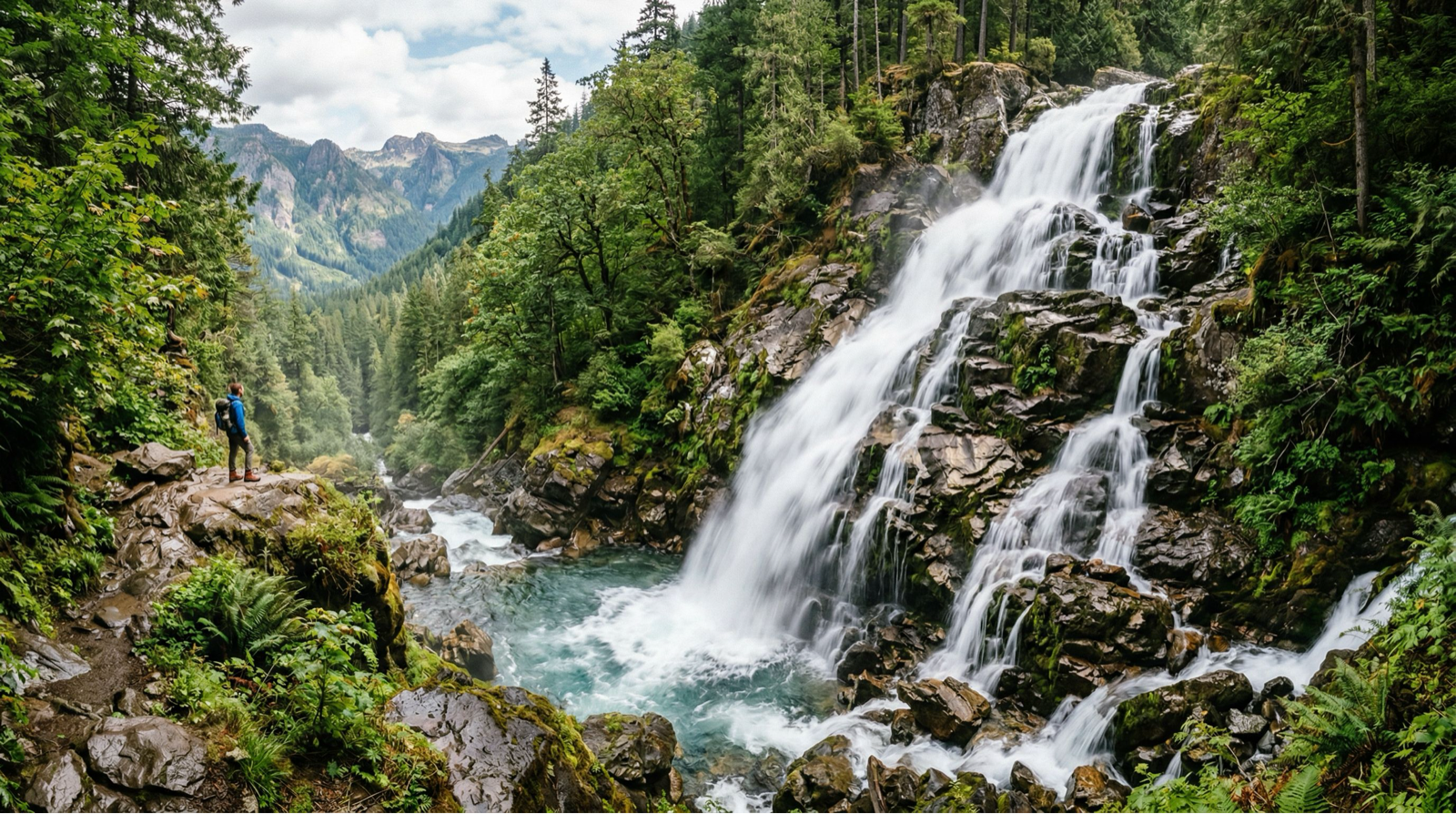
Create an Image of a Cascading Waterfall Prompt
Create an image of a cascading waterfall with nano banana 2 prompts—get vivid mist, natural lighting, and cinematic depth in seconds.
Prompt
create an image of a cascading waterfall
Tags
Photography
More prompts like this
Based on the same scene tags, People also love these prompts.
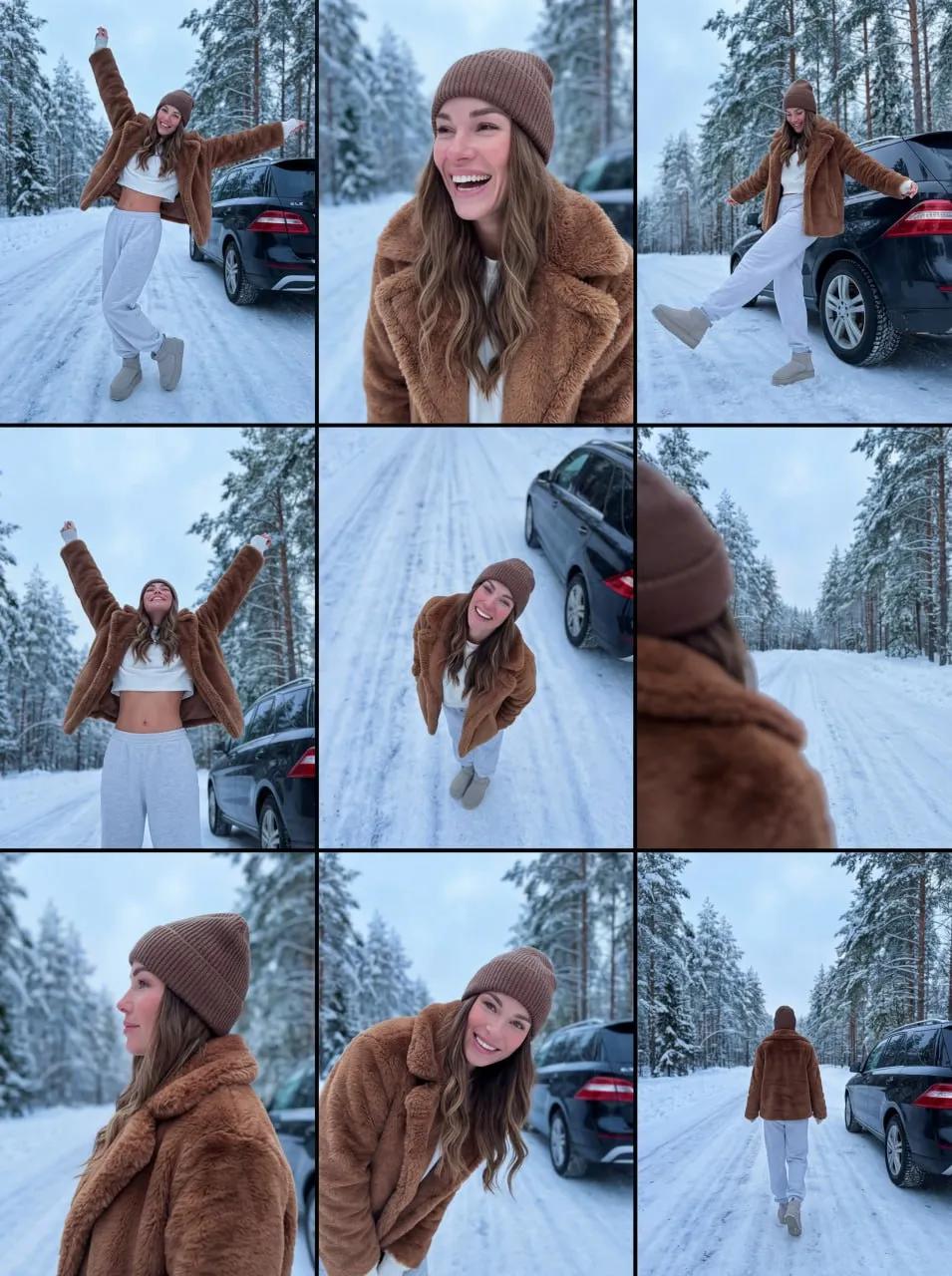
Nano Banana Prompts: Winter Collage AI Portrait Prompts
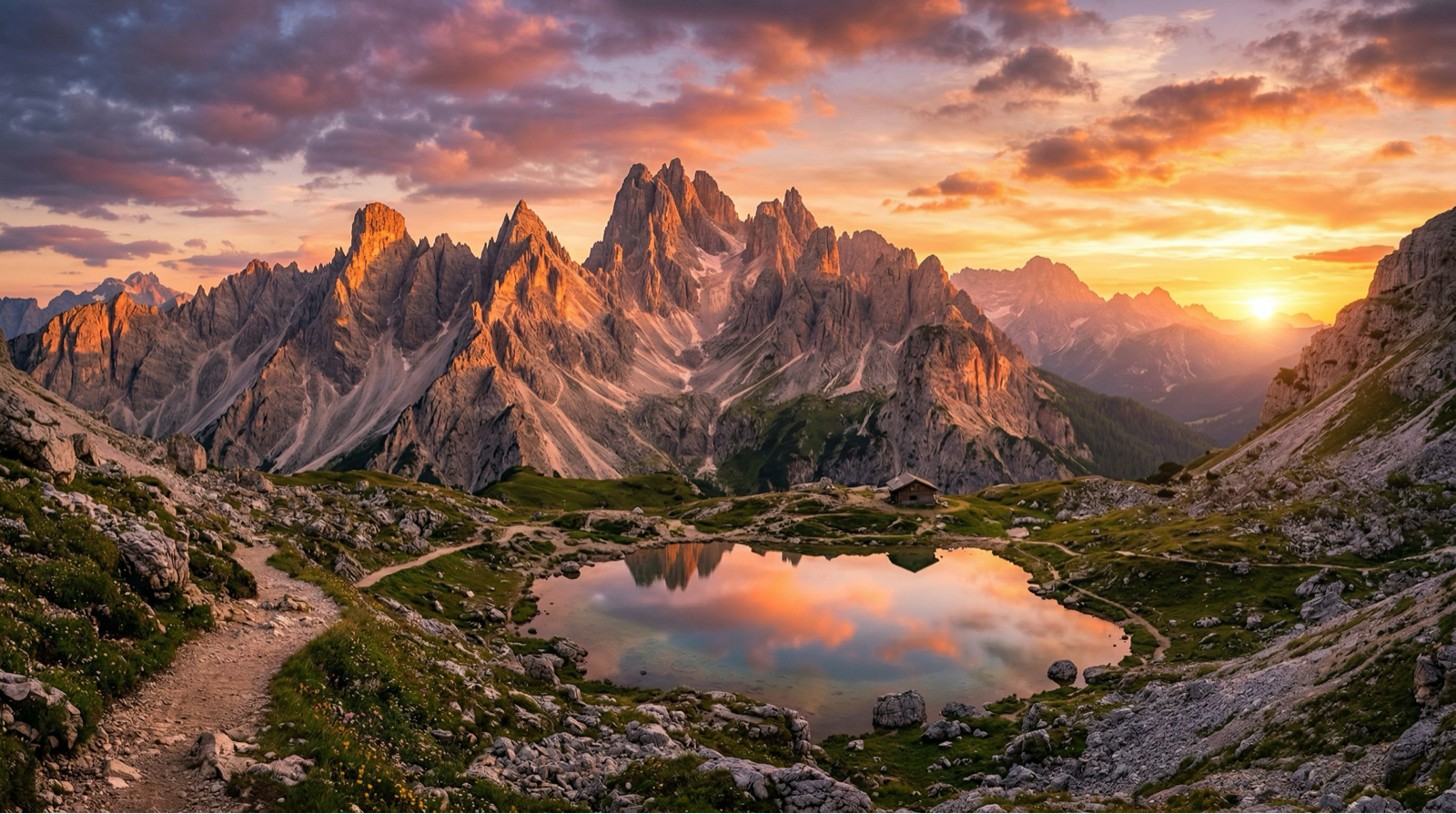
Create an Image of the Dolomite Mountains at Sunset
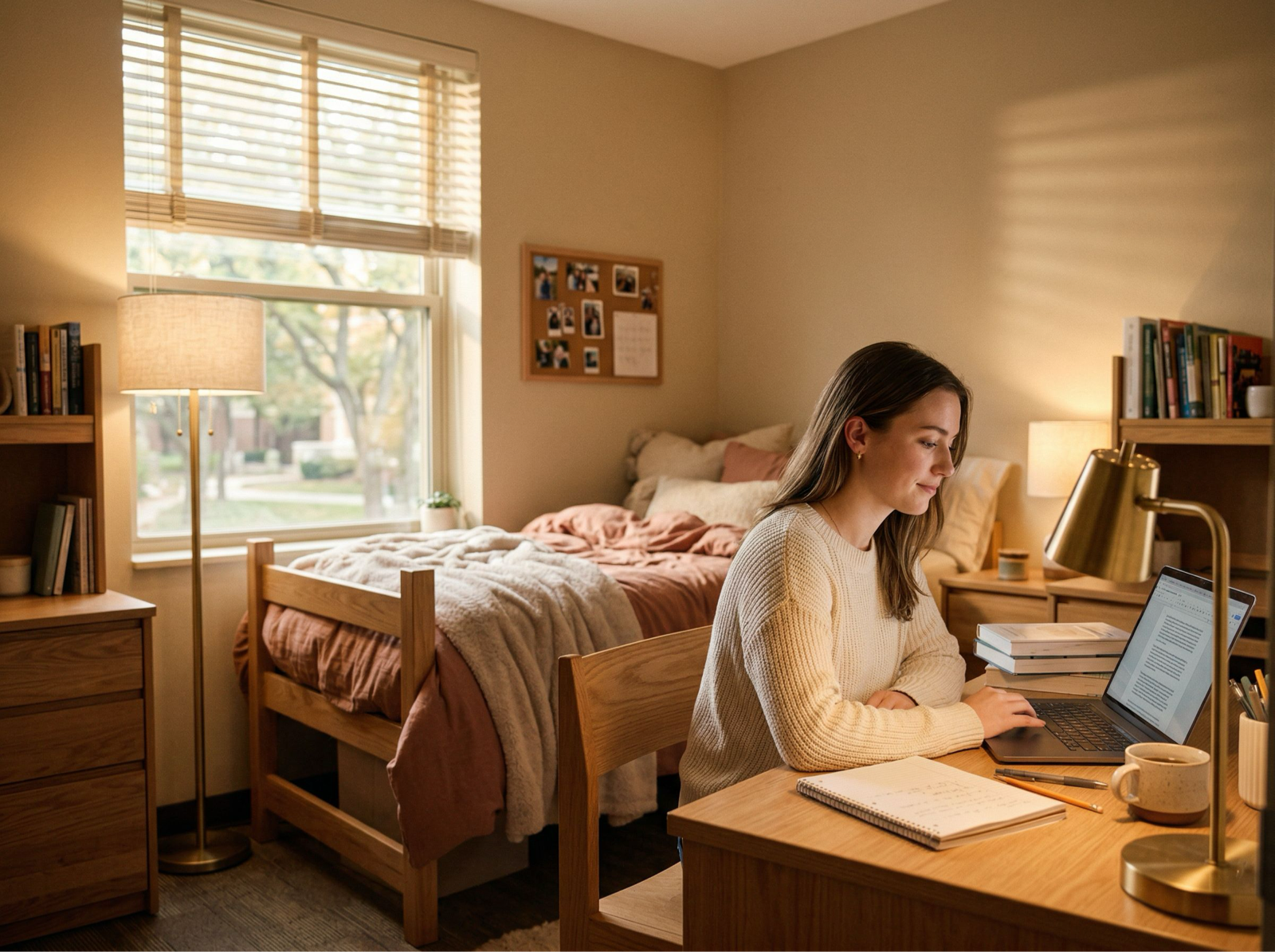
Create an Image of a Cozy Bedroom: Minimalist Dorm Study

Nano Banana Prompts: Festive Poster AI Photo Prompts
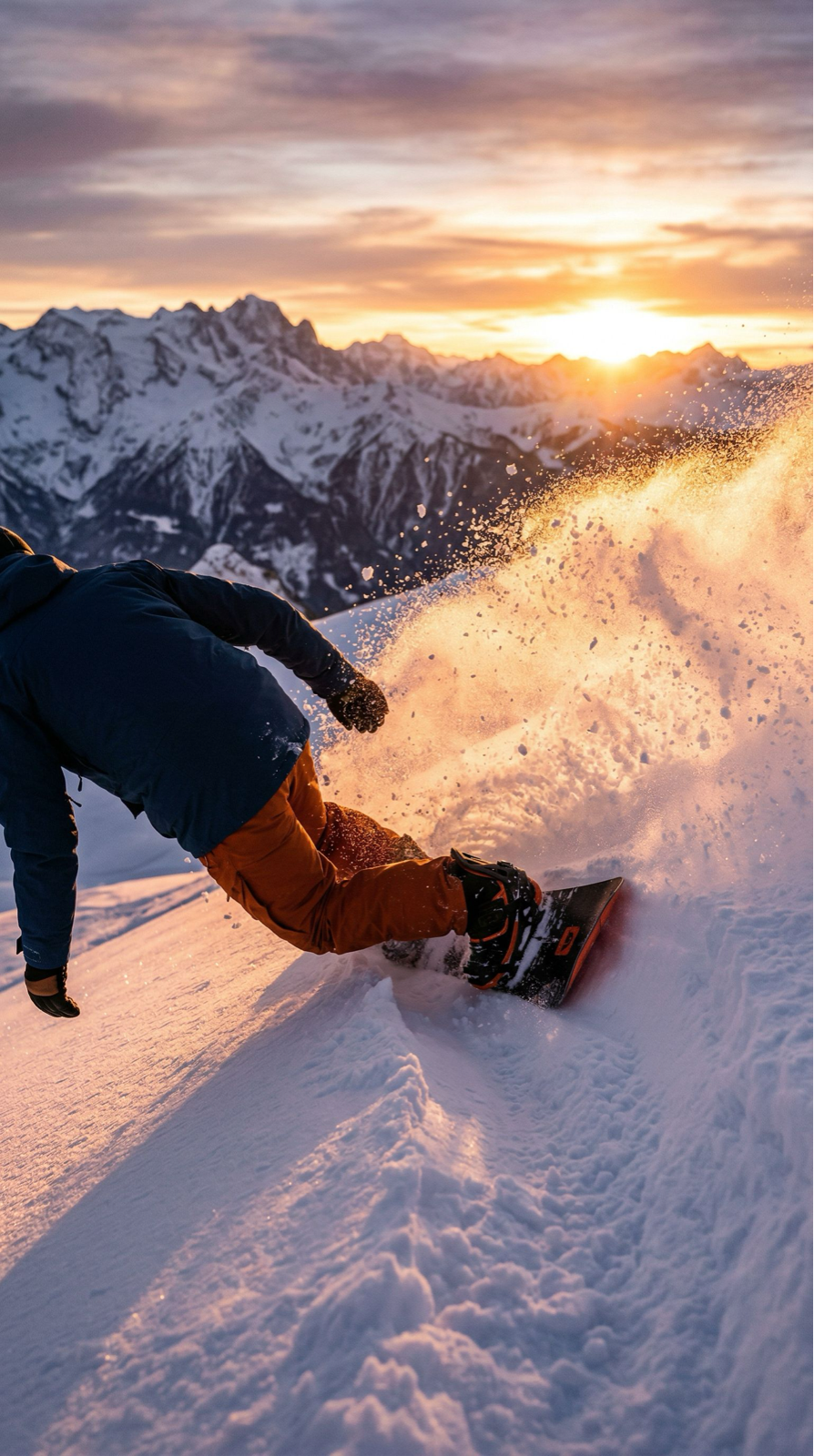
Create an Image of an Alpine Skier in Sunset Powder
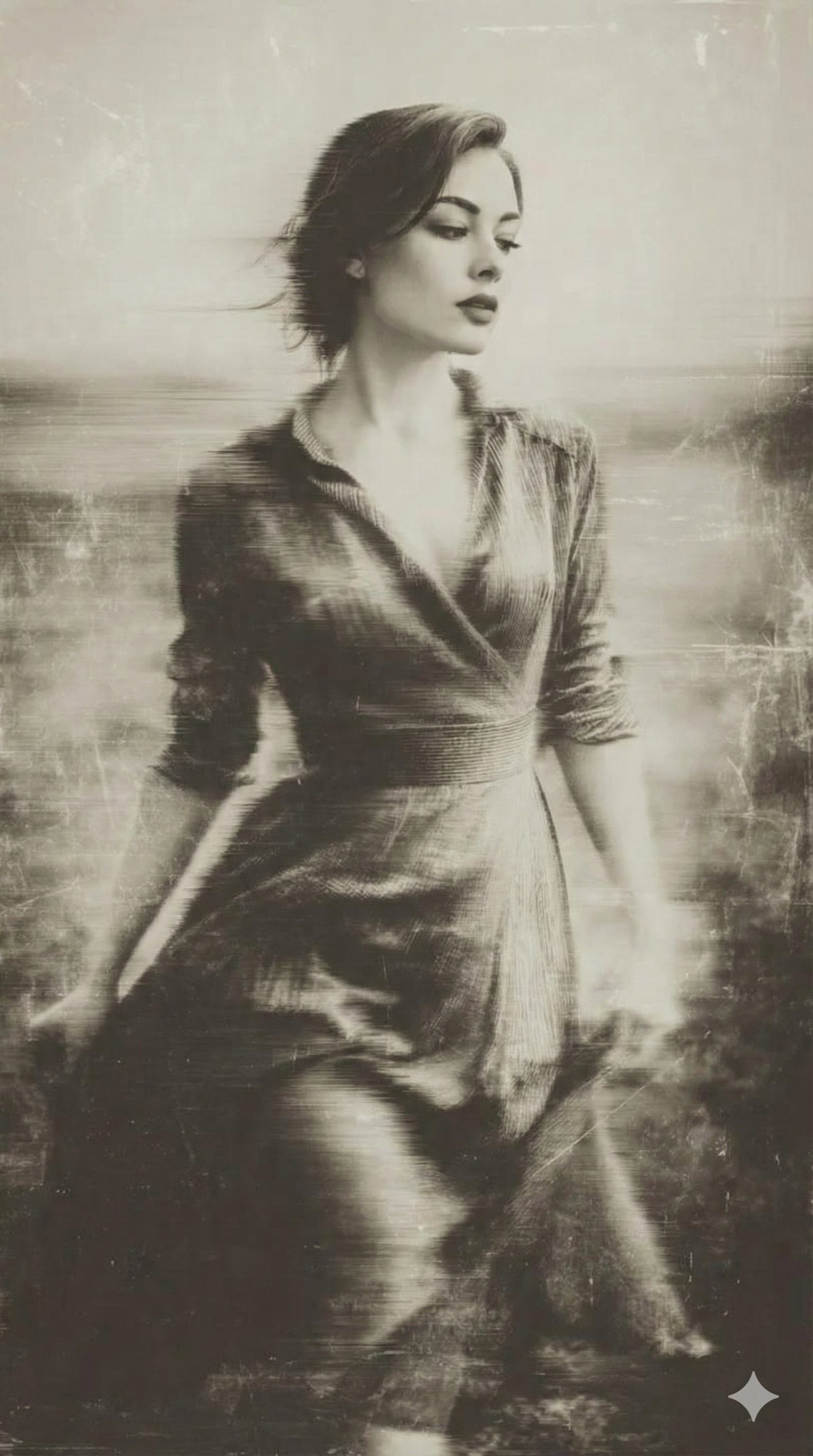
Nano Banana Prompts: Vintage Wet-Plate AI Photo Prompts
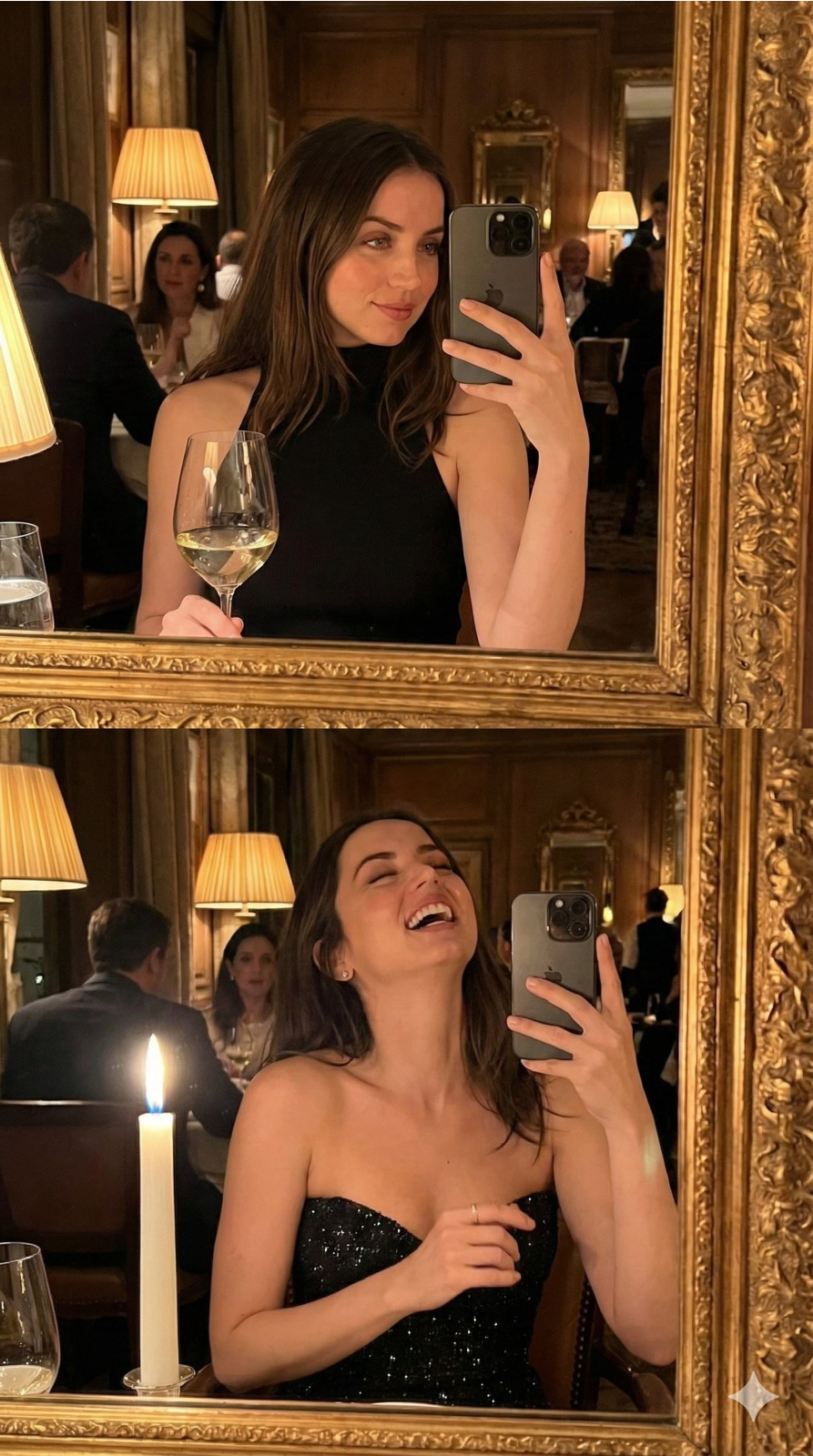
Nano Banana Pro Prompts: Luxury Mirror Selfie Portrait
Nano Banana Prompts: B&W Prompt for Professional Headshot
Nano Banana Prompts: Cascading Waterfall Image Prompt FAQ
Answers for using nano banana prompts to create an image of a cascading waterfall with realistic lighting, mist, and composition control.
1
How do I use nano banana prompts to create an image of a cascading waterfall?
Start with a clear subject line like “create an image of a cascading waterfall,” then add style, lighting, lens, and atmosphere details. Nano banana prompts work best when you specify water flow, mist, and surroundings (rocks, forest, canyon).
2
What details make “create an image of a cascading waterfall” look more realistic in nano banana prompts?
In nano banana prompts, realism improves when you describe shutter-like motion (silky vs. frozen spray), volumetric mist, natural shadows, wet rock reflections, and believable scale cues like trees or hikers.
3
Can nano banana prompts generate different waterfall styles from the same prompt?
Yes—keep “create an image of a cascading waterfall” constant, then swap modifiers: tropical jungle, Icelandic basalt cliffs, alpine valley, or canyon oasis. Nano banana prompts respond well to environment and time-of-day changes.
4
How do I control composition when I create an image of a cascading waterfall using nano banana prompts?
Use composition keywords in nano banana prompts: “wide shot,” “rule of thirds,” “foreground rocks,” “leading lines,” “aerial view,” or “close-up.” Add camera cues like focal length to guide framing.
5
What are good style options for nano banana prompts for a cascading waterfall image?
Try: photorealistic, cinematic, watercolor, oil painting, anime background, or long-exposure landscape. Keep the core phrase “create an image of a cascading waterfall” and only change the style block in your nano banana prompts.
6
How can I avoid weird water textures when using nano banana prompts?
In nano banana prompts, specify “natural water detail,” “consistent flow,” “no plastic texture,” and add context like “river source above” and “pool below.” Keeping “create an image of a cascading waterfall” plus physical cues reduces artifacts.