
Nano Banana 2.1
Create a new scene from text or edit the photos you already have. Nano Banana 2.1 combines reference images and written instructions for product visuals, portraits, and everyday creative work.
Fixed 2K output · 1 image per run · 4 credits
Nano Banana 2.1 settings
0/5000
Generated Result
Reference image
No reference images selected
Result
Generated image will appear here
Quick Templates


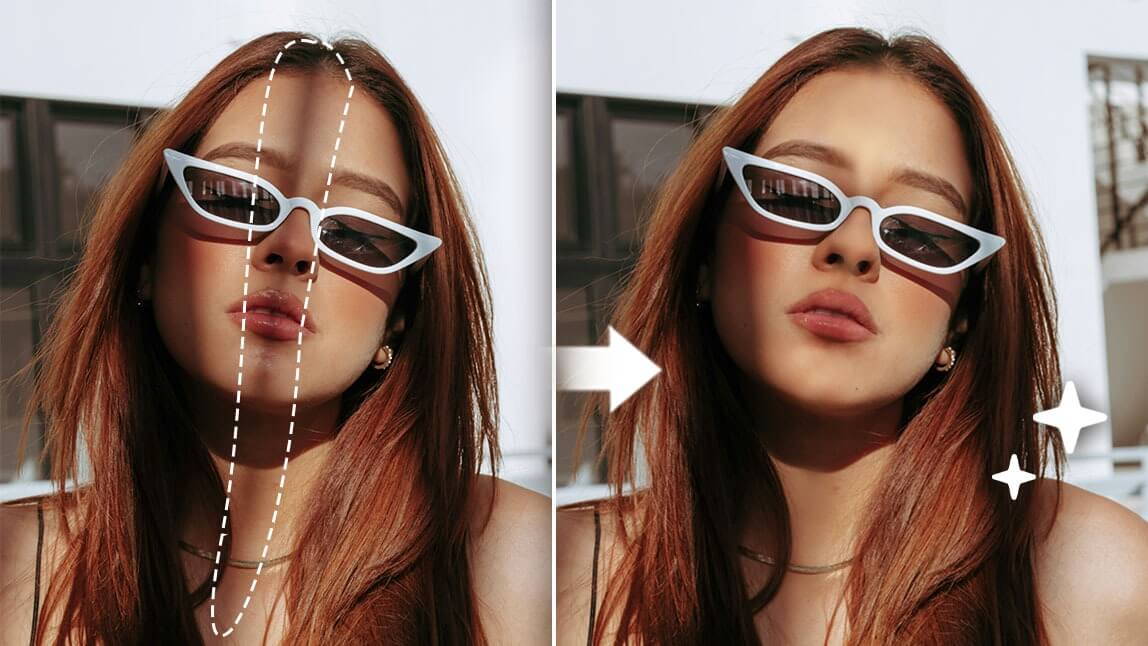
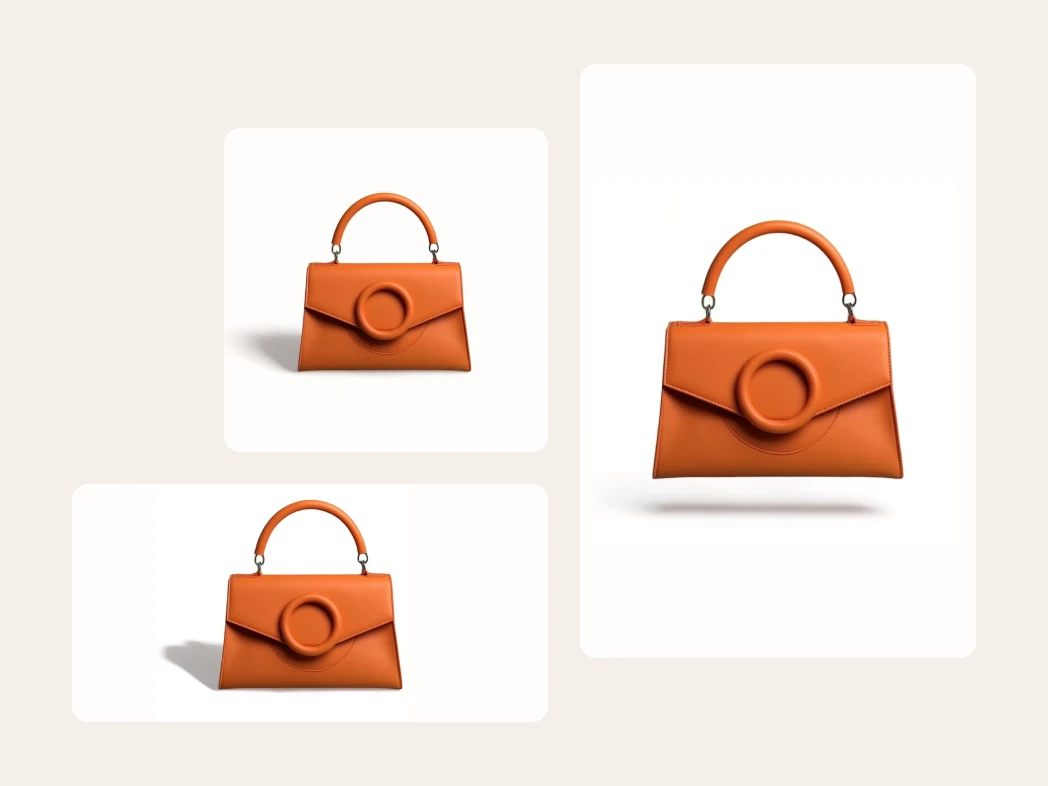




How to use Nano Banana 2.1
Move from an idea to an image in four steps. The examples illustrate creative uses such as campaigns, product scenes, posters, and photo edits.
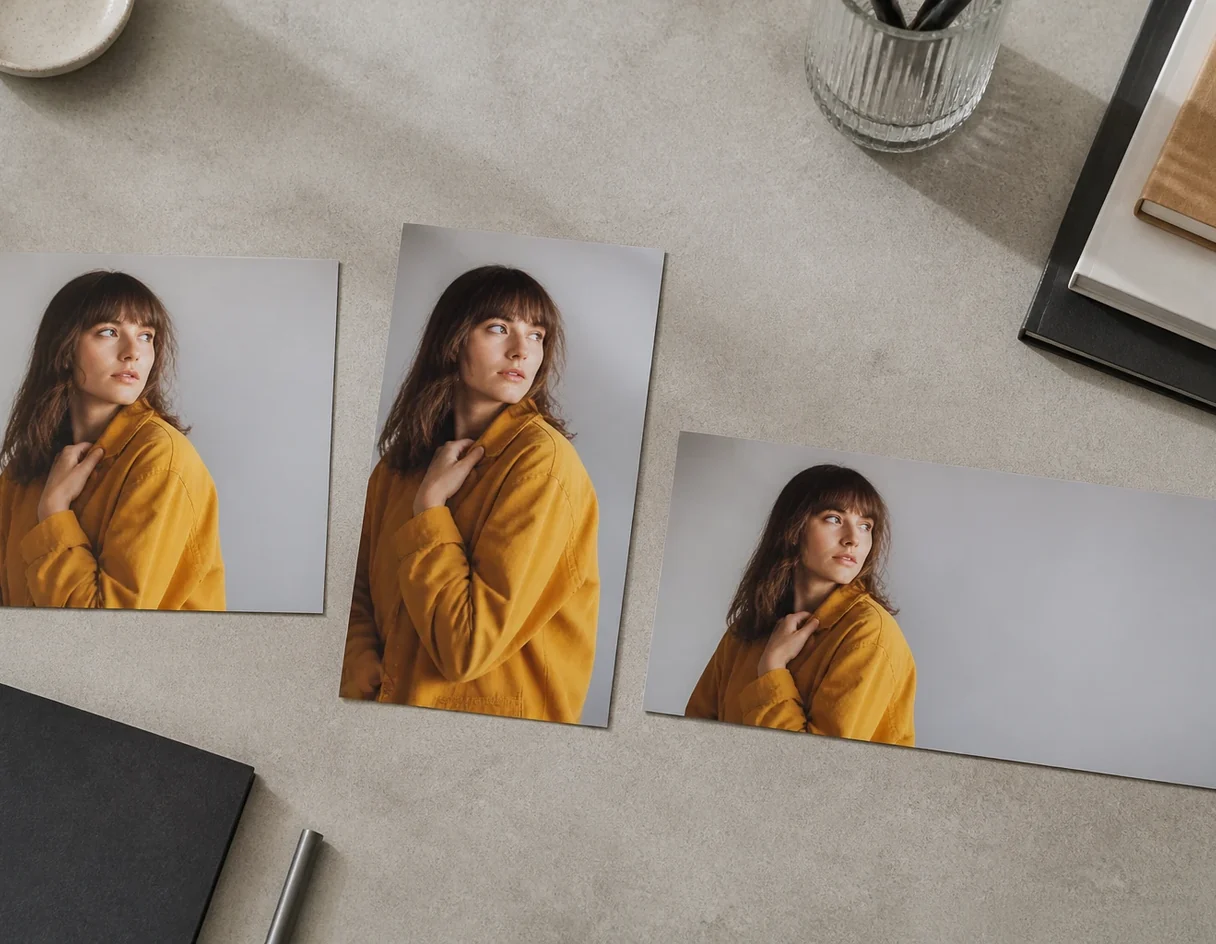
What can Nano Banana 2.1 do?
Nano Banana 2.1 is a Google image model for text-driven creation and reference-guided edits. Use it to explore product scenes, change a portrait setting, or develop a consistent visual direction. This page accepts up to four references and returns one image at a fixed 2K resolution.
- Create from a written briefDescribe a subject, setting, style, and lighting. Leave the upload area empty when you want to start from text alone.
- Guide an edit with referencesUpload photos or product images, then name the change you want. Specify which colors, objects, or facial details should stay consistent.
- Review and refineCheck the result, especially small text and important product details. Upload a result as a new reference when you want to make another edit.
Nano Banana 2.1 features and controls
The options on this page keep generation and editing straightforward, with the same limits in both workflows.
Text-to-image and image editing
Start from a prompt or add reference images. The editor selects the matching generation or editing workflow.
Up to four reference images
Use JPEG, PNG, or WebP references, up to 15 MB each. Add only the images that help explain the subject or change.
Aspect ratio and output format
Choose the available size or aspect ratio, then export as PNG, JPEG, or WebP to fit your next step.
One result to review
Each request returns one image. Check composition and details before downloading or starting another generation.
Fixed 2K output
Each text-to-image or editing request costs 4 credits and returns one 2K image. Choose the aspect ratio that suits your layout.
Optional web search
Enable web search when your prompt benefits from additional information. Check factual details in the result before using it.
Nano Banana 2.1 FAQ
Practical answers about prompts, references, output, and the settings available on this page.
Can I generate without uploading an image?
Yes. Enter a prompt and leave the upload area empty to create a new image. Add references when you want to edit an existing image or guide the composition.
How many reference images can I use?
You can upload up to four reference images per request. Supported formats are JPEG, PNG, and WebP, with a 15 MB limit per file.
What does a generation cost?
Each request costs 4 credits and returns one image at 2K. The same rate applies to text-to-image and editing. Sign in before generating.
Which output formats are available?
The editor offers PNG, JPEG, and WebP. Choose your format before generating, then download the returned image.
How do I get a better edit?
Name the change and the details to preserve. For example: change the background to a bright studio, keep the product shape, label, and color. Review the result and make further edits one at a time.
Which settings are available here?
You can choose an aspect ratio and file format, and optionally enable web search. Resolution is fixed at 2K on this page.