
Add Shadow to Image
Use image to image ai to instantly add shadow to image online. Create natural depth for product shots, portraits, and social posts without complex software. Upload your file, fine-tune the look, and add shadow to photo in seconds.
Choose images
Upload up to 4 reference images
Quick Templates








Popular Tools
Add Shadow to Image Usage
Add depth in four steps.

What is Add Shadow to Image
This smart online editor lets you add shadow to image content in a few clicks while keeping colors, edges, and textures sharp. Instead of painting everything by hand, you describe the lighting you want and our image to image ai generates realistic shading that matches it. Use it to add shadows to image backgrounds, floating products, or lifestyle photos so every scene feels grounded and three-dimensional.
- Realistic, light-aware shadowsOur models analyze highlights and reflections so when you add shadow to image content, the direction, softness, and blur feel natural instead of fake or painted on.
- Fast image to image ai workflowGo from flat to dimensional in seconds. Drag in a file, choose a style, and let image to image ai calculate the right cast shadow, contact shadow, and glow.
- Perfect for every photoWhether you need to add shadow to photo portraits, still life shots, or mockups, you can add shadows to image layers that match the original scene lighting.
Add Shadow Use Cases
From product photography to social media graphics, add shadow to image files whenever you need believable depth, separation from the background, or a more polished, studio-like finish.
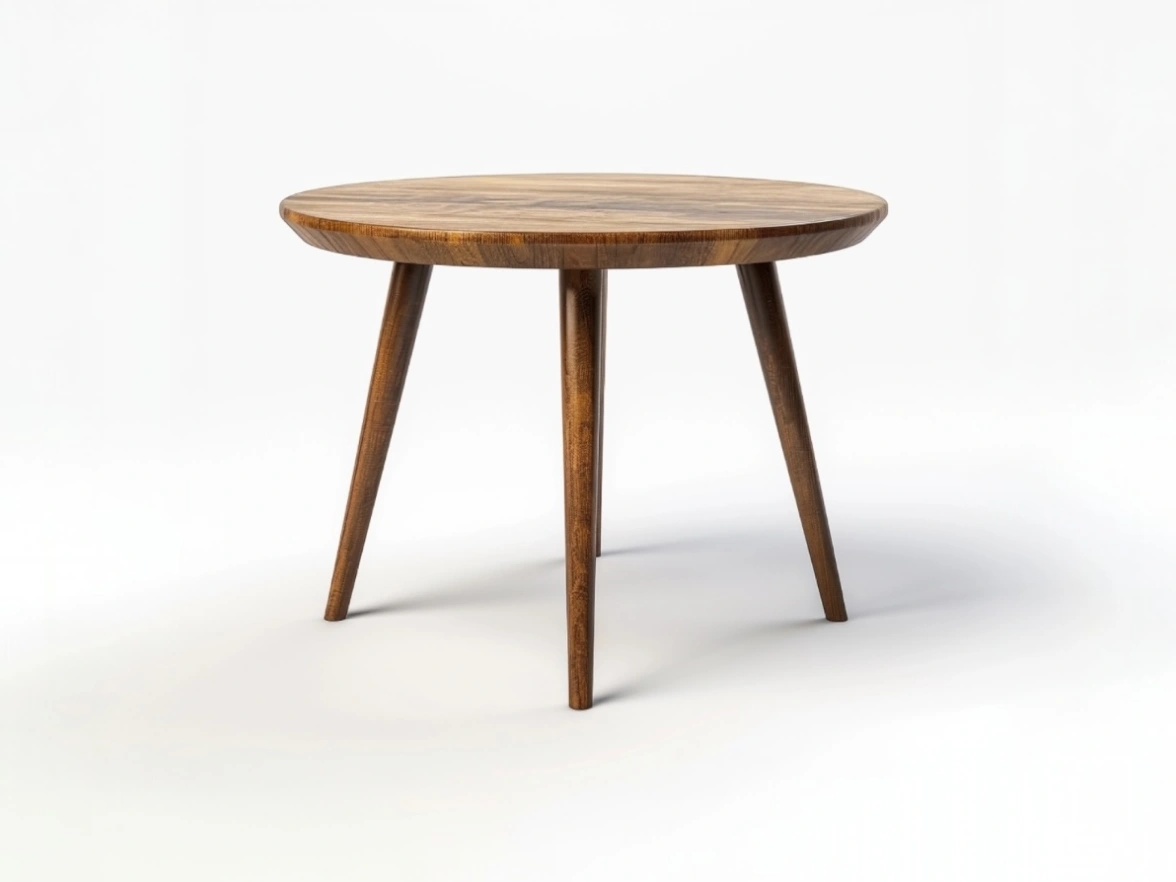
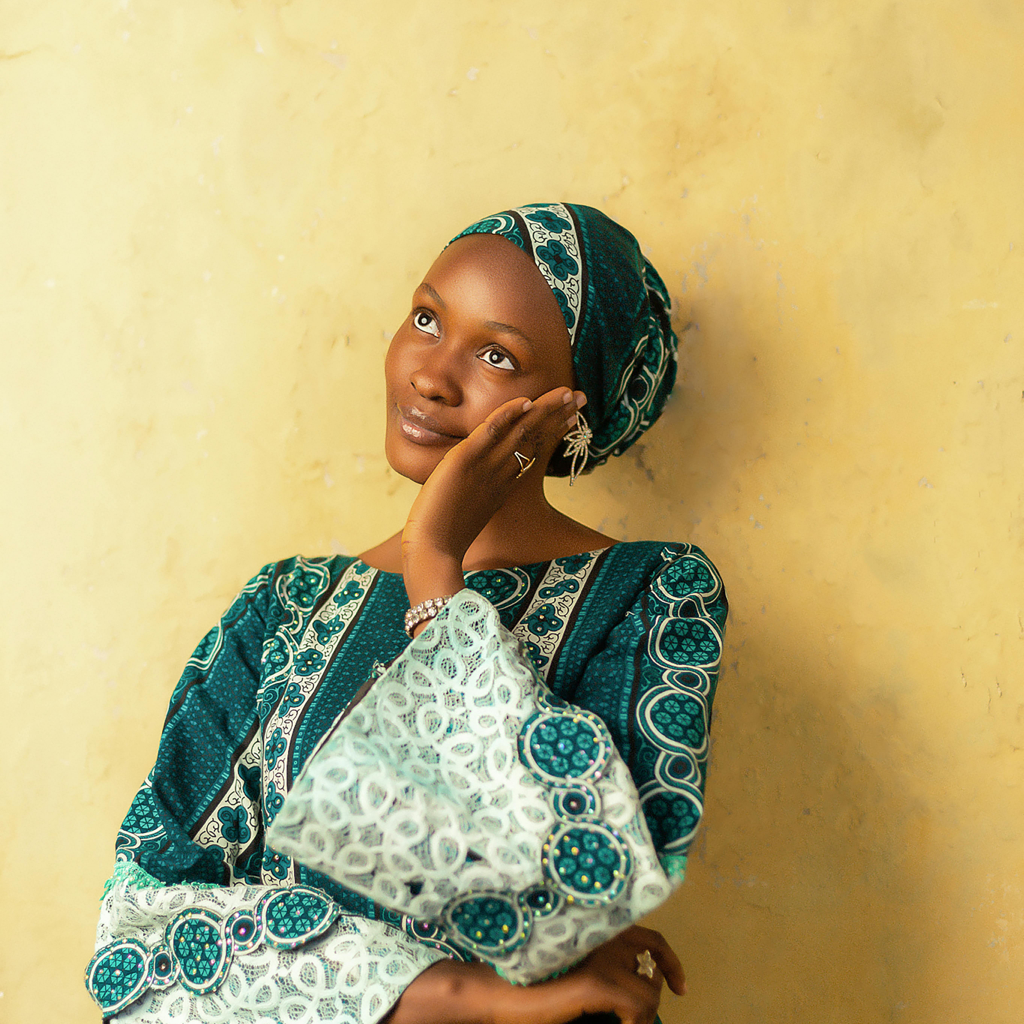

Add Shadow Features
Fine-tuned controls and image to image ai give you everything you need to add shadows to image projects with professional results.
AI lighting engine
Let image to image ai estimate the light direction and intensity for you so each time you add shadow to image content, highlights and contrast stay believable.
Full control over shadow style
Adjust distance, angle, blur, hardness, and color to match natural daylight or studio lighting when you add shadow to photo or graphics.
High-quality output
Preserve resolution and detail so every add shadow to image edit is ready for print, storefronts, or high-DPI screens.
Non-destructive editing
Keep your original safe. Experiment with different ways to add shadow to image scenes using adjustable layers you can toggle or refine later.
Works with photos and renders
Use the same tool to add shadow to photo shoots, 3D renders, mockups, and screenshots while keeping a consistent look across every asset.
Designed for speed
Because processing runs on powerful image to image ai, you can upload, add shadow to image sequences, and download results in just a few moments.
Add Shadow FAQ
How does this tool add shadow to image files?
The editor analyzes your uploaded photo, detects the subject, and uses image to image ai to generate a realistic shadow that follows your chosen light direction, softness, and distance.
Can I add shadow to photo backgrounds as well?
Yes. You can add shadow to photo subjects, props, and backgrounds. Use the controls to decide whether the shadow stays tight under the object or extends across more of the scene.
What image formats are supported when I add shadows to image content?
You can upload common formats like JPG, PNG, and WEBP. The tool keeps your resolution so the add shadow to image result works for both online and print use.
Is this an image to image ai tool or a manual editor?
It is an image to image ai workflow with manual controls on top. The AI quickly adds realistic shadow to image content, and you refine the details with intuitive sliders.
Will the add shadow to image effect look natural with different light sources?
Yes. You can mimic soft window light, harsh sun, or studio lamps by adjusting blur, opacity, angle, and color so each add shadow to image edit feels true to the scene.
Can beginners use this to add shadow to photo shoots?
Absolutely. The interface is simple enough for first-time users while still powerful for pros who need to add shadow to image sets for clients or campaigns.
Is there a limit on how many times I can add shadow to image per day?
You can process multiple images in a row. For heavy use, such as adding shadows to image libraries or product catalogs, check your plan limits inside the app.
Do I need any other software to add shadow to image online?
No extra software is required. Open the website in your browser, upload, customize the effect, and download the final add shadow to image result directly.