
AI Clothes Changer
Try outfits on any portrait with an AI clothes changer. Upload a clear photo, describe the outfit, and preview realistic garments in seconds—ideal for shopping decisions, product shots, or social content powered by AI change clothes.
Pro tip: Use a front-facing photo with even lighting and a neutral background for the most natural garment fit.
Upload Person
Upload the person photo to be edited. Clear full-body or half-body shots work best.
Upload Clothes
Upload the clothes reference image that Person should wear.
Portrait Retouch
AI Clothes Changer Usage
In minutes, the AI clothes changer lets you test outfits for shopping, branding, or content. For best results, use even light, a neutral background, and—if possible—AI change clothes with a front-facing pose.
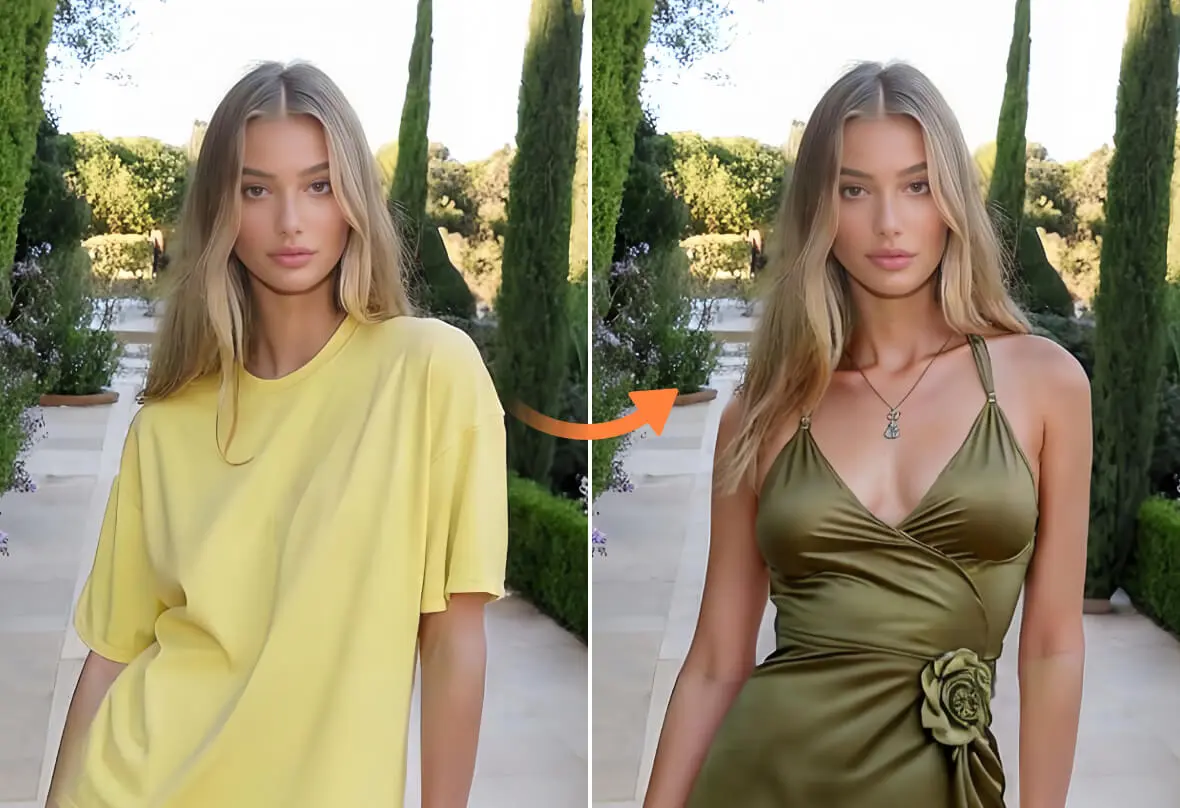
What Is AI Clothes Changer
An AI clothes changer is a virtual try-on tool that swaps clothing in your photos using generative models.
- Realistic Fit & LightingSmart mapping aligns collars, sleeves, and hems with the body, then blends highlights and shadows so results look like a true try-on from an ai clothes changer.
- One-Click or Fully GuidedPick quick presets for speed, or fine-tune prompts for fabric, color, and neckline. Either way, ai change clothes delivers consistent, studio-style outputs.
- Reference Outfit TransferUpload a garment reference to transfer its look—great for seeing how a specific jacket, dress, or tee could appear on your photo without a physical fitting.
AI Clothes Changer Cases
See where an AI clothes changer saves time and lifts conversion—from virtual try-on to creative production and E-commerce operations.
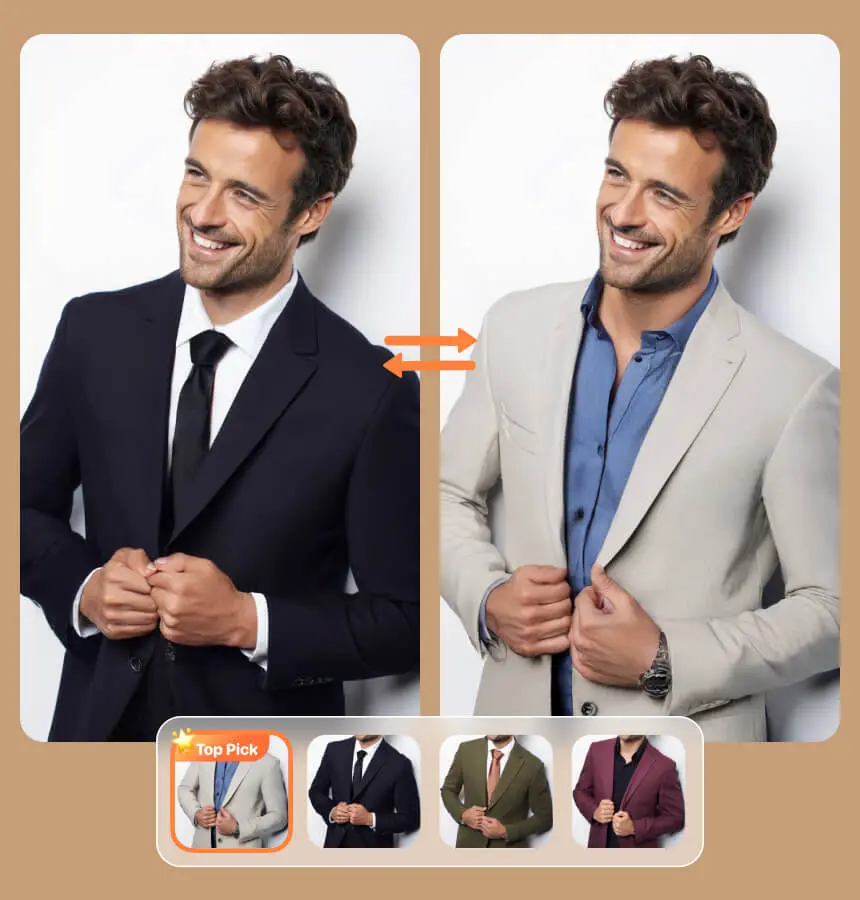
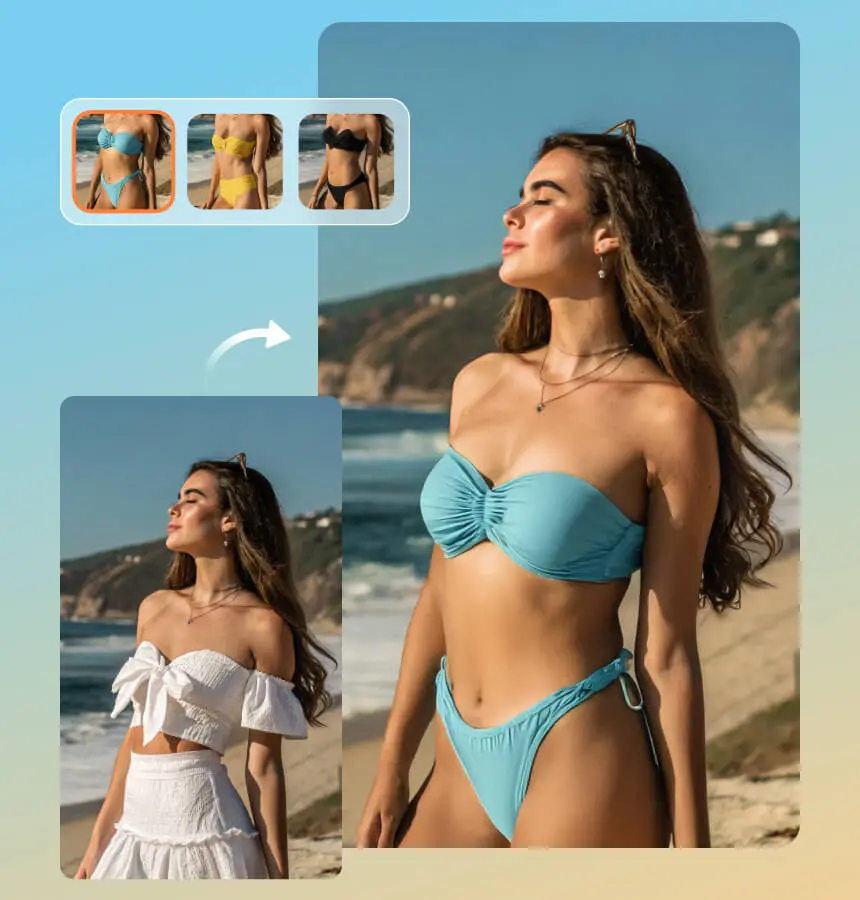
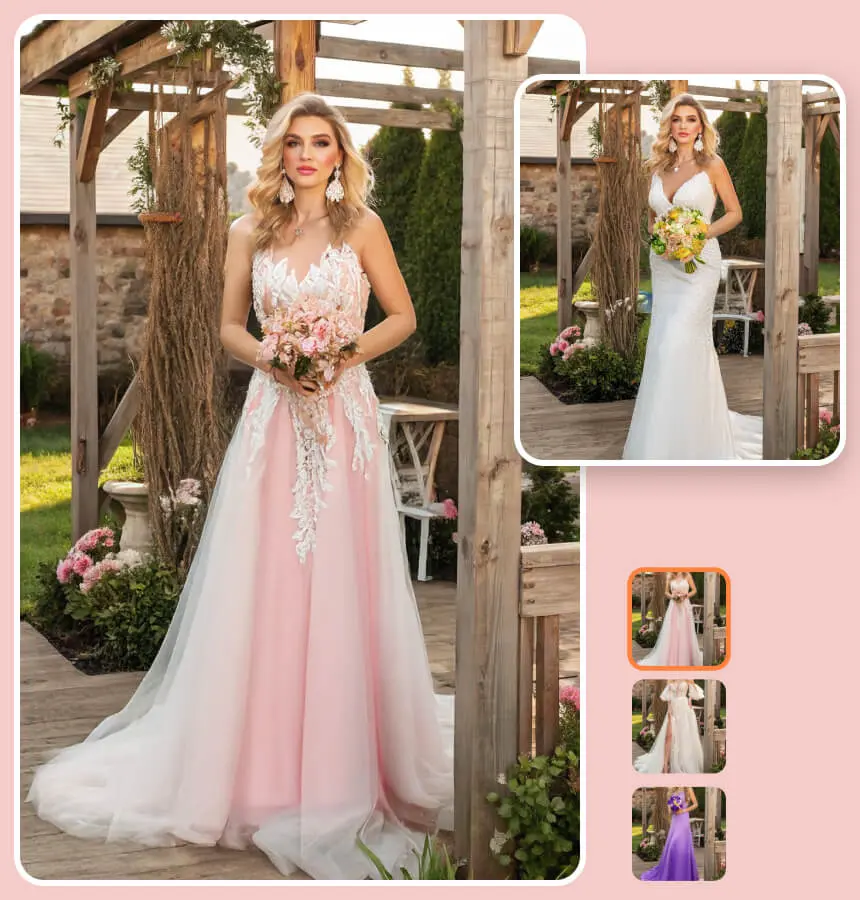
Why choose this ai clothes changer
Built for realism, speed, and control—keep faces natural, fabric believable, and brand styling consistent across images.
Human-Aware Fitting
Understands pose and proportion to align garments naturally—no awkward sleeves or warped collars in your ai clothes changer results.
Reference Garment Transfer
Apply outfits from a reference image with realistic drape and material cues—denim, cotton, and knits render convincingly.
Face & Skin Preservation
Keeps identity and complexion intact while only changing outfits—great for professional headshots and profiles.
High-Resolution Output
Export crisp PNG/JPG files suitable for marketplaces, ads, and storefronts without sacrificing detail.
Style & Color Matching
Match brand palettes, balance contrast, and harmonize tones so the new clothing integrates with your scene.
Non-Destructive Variations
Generate multiple looks, compare side by side, and roll back anytime—creative exploration with full control in your ai clothes changer.
AI Clothes Changer FAQ
Is the tool free to use?
You can start with free generations for personal testing. Advanced features and higher limits may require an upgrade depending on your plan.
Does it work on all clothing types?
Common fabrics like cotton, denim, and knits render most reliably. Very reflective, sheer, or intricate lace may need extra guidance or multiple tries.
How realistic are the results?
The system models fabric drape, edges, and lighting to blend with the body. For the best realism, use a sharp, front-facing photo with neutral light.
Can I use outputs commercially?
Many users do, but rights depend on your plan, local laws, and the images you upload. Only use photos and references you own or are licensed to use.
Will it change my body shape?
By default it focuses on garments, not body reshaping. If styling calls for adjustments, use optional parameters that respect proportions and look natural.
What image quality is recommended?
Aim for a clean, well-lit image at roughly 8–12 MP. Busy backgrounds, motion blur, or heavy compression can reduce fidelity when you ai change clothes.
How do I get the best results?
Shoot in even lighting, avoid extreme poses, and describe the outfit clearly—fabric, color, neckline, sleeves. Add a reference garment for precise matching.
Is my data safe?
Images are processed solely for editing. Avoid uploading sensitive content, and delete files you no longer need. Always obtain consent from people in the photo.