
Body Editor Online
Body editor lets you redefine the natural curves and contours of your body. Whether it's your arms, legs, waistline, or buttocks, use this tool to make every body part look flawless.
Add references
Add up to four references to match target shape or posture.
Portrait Retouch
Body Editor Online Usage
Follow these quick steps to create natural edits with a body editor online.
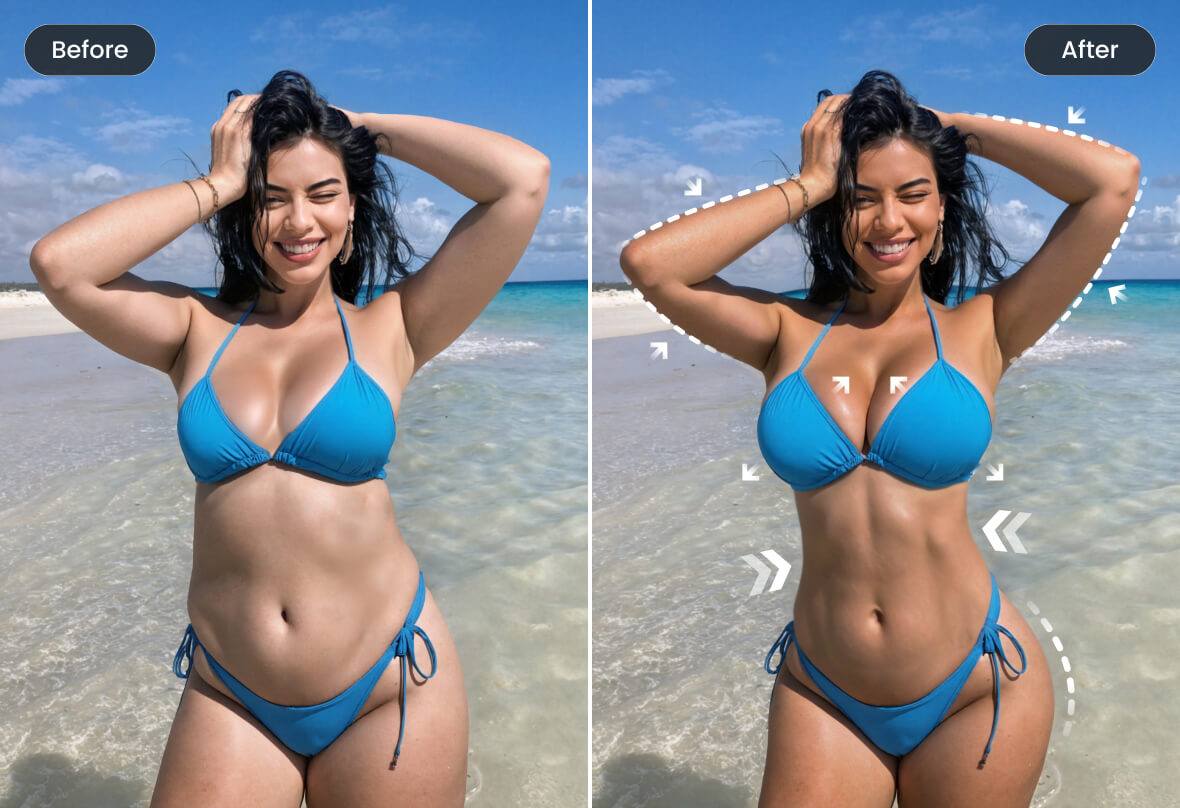
What Is Body Editor Online
A body editor online is a web-based tool that reshapes physiques, refines skin, and adjusts proportions using modern computer vision.
- One-click ReshapeSmart handles from the ai body editor let you slim, widen, or lengthen areas without warping nearby details.
- Natural Muscle DefinitionUse the muscle ai generator to add gentle abs, shoulders, or back tone that stays anatomically plausible.
- Skin & Tone ControlBalance skin texture, highlights, and shadows so edits from the body editor online remain photo-real.
Body Editor Online Cases
See how a body editor online improves portraits, product shots, and fitness photos without overediting.
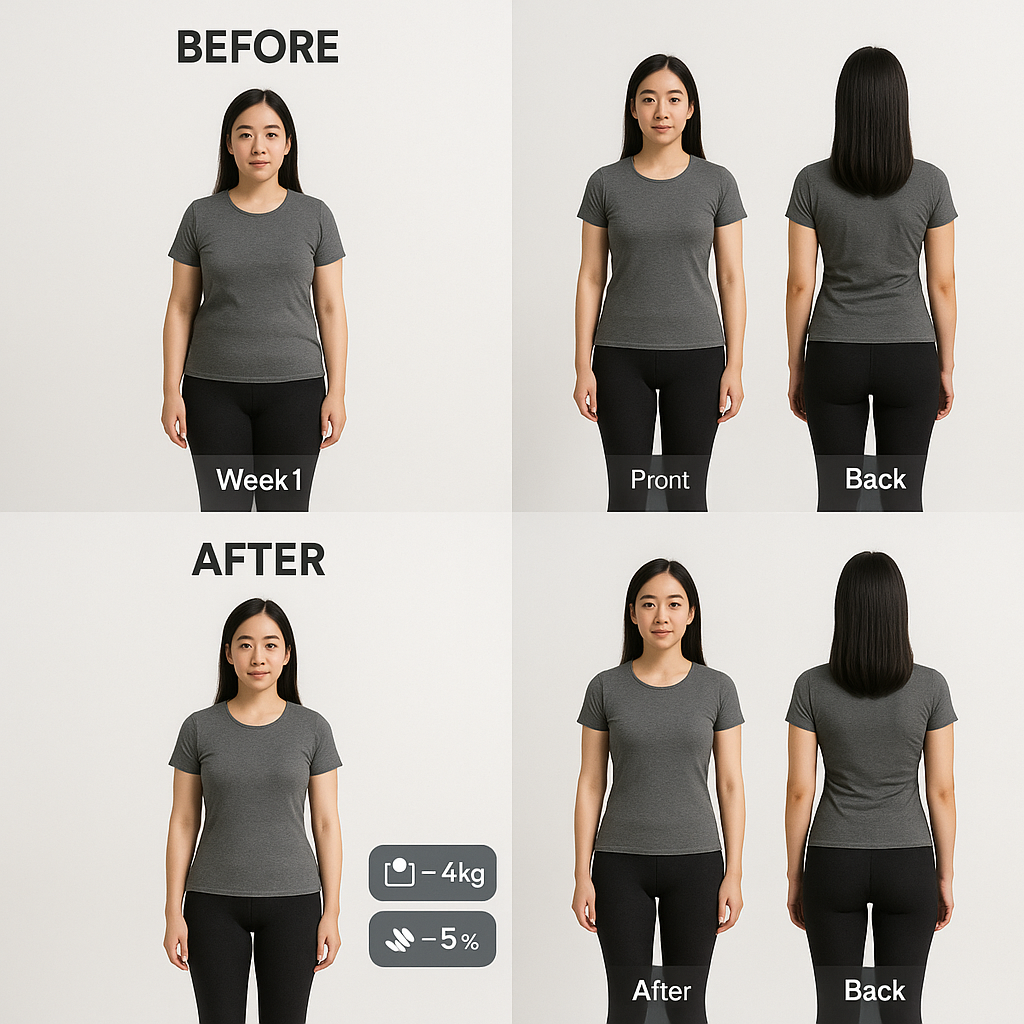
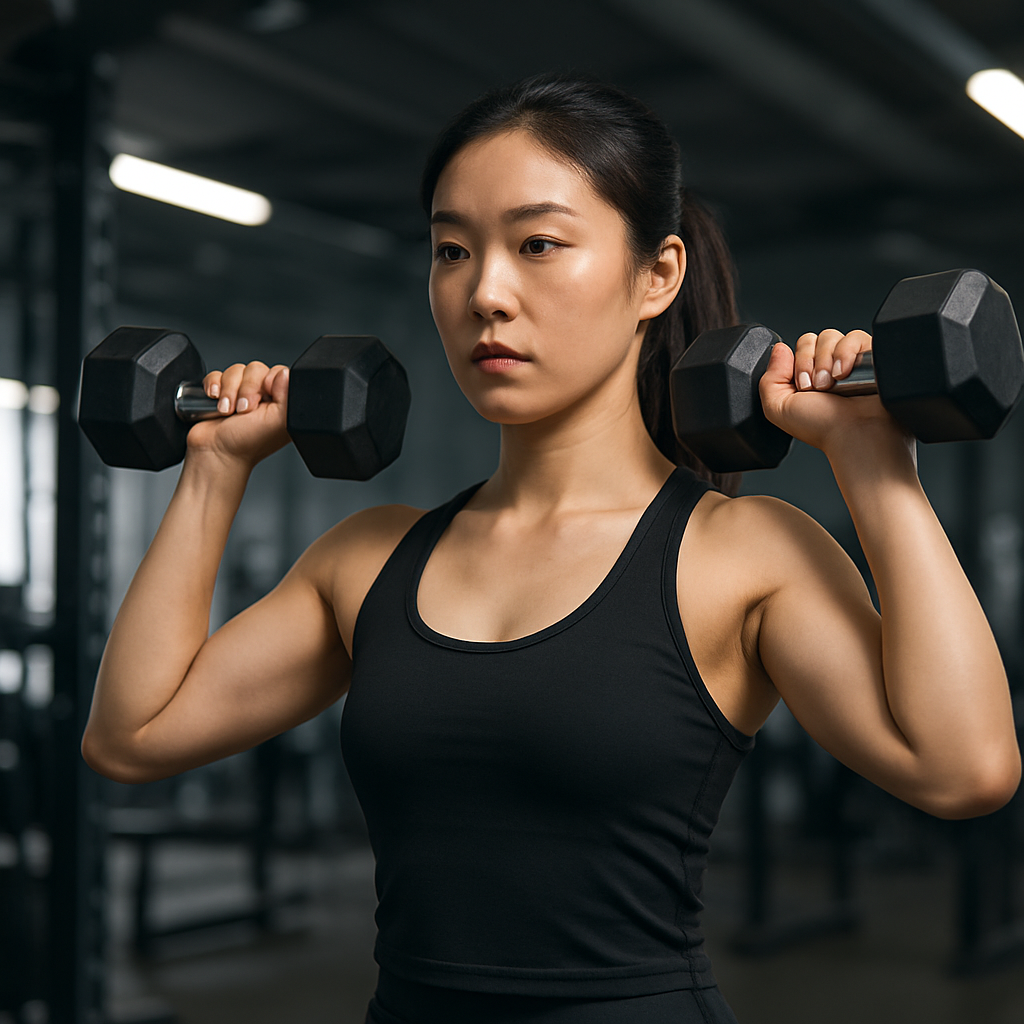
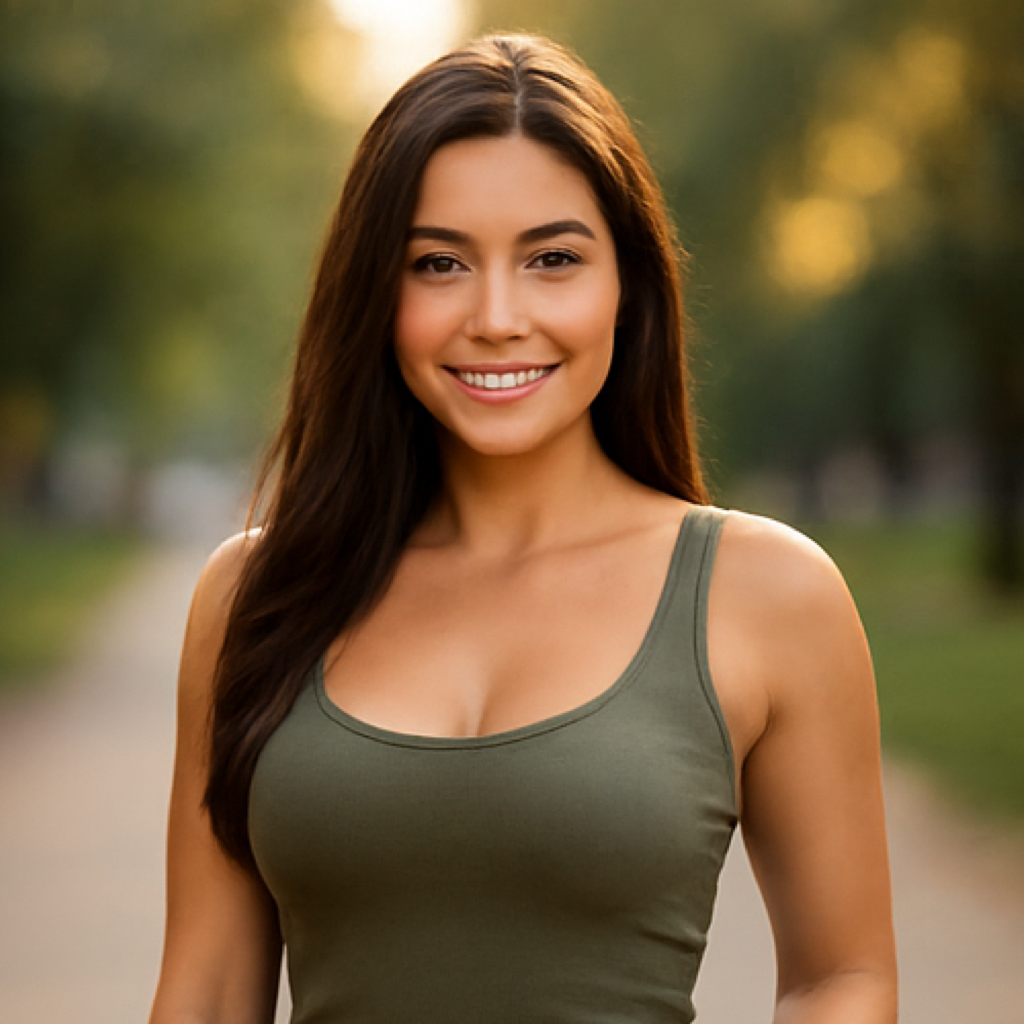
Why Choose a Body Editor Online
Precision controls, fast previews, and an AI body editor that respects anatomy.
Face-aware Reshaping
Safeguards detect eyes, nose, and mouth so body changes don’t distort the face.
Edge-clean Rendering
High-fidelity borders around hair, fingers, and clothes to avoid blurry seams.
Live Preview
Instant before/after previews help you approve edits faster.
Natural-Look Guardrails
Built-in limits prevent extreme warps and keep proportions believable.
Muscle & Tone Presets
Apply curated looks powered by the muscle ai generator—from slight definition to competition-ready.
Manual Fine-Tune
Use brush, warp, and mask tools to perfect areas the body editor online might miss.
Body Editor Online FAQ
Is a body editor online safe to use on personal photos?
Your image is processed only to create the requested edit inside your session. Avoid uploading sensitive material and review results before sharing.
How do I keep edits realistic?
Work in small steps, keep strength low, and zoom to 100%. Use symmetry tools and masks, and let the ai body editor handle edges to avoid artifacts.
Can it add muscle?
Yes—the muscle ai generator can add subtle definition or reduce it. For believable outcomes, use small increments and keep the scene lighting consistent.
Will clothing and backgrounds warp?
Edge-aware tools minimize warping. Protect text, patterns, or props with masks and preview before exporting.
What image sizes and formats are supported?
JPG, PNG, and WEBP up to 15 MB are supported. Export retains the original dimensions when available.
Do I need editing experience?
No. Guided steps, presets, and clear controls make a body editor online easy for beginners while offering manual tools for experts.
Can I use it for commercial work?
Yes, provided you have the rights to edit the photo. Follow platform policies and local advertising standards.
Does it work on mobile?
Most modern browsers are supported. For very large files, a desktop may preview faster in the body editor online.