
AI Wrinkle Remover
Smooth fine lines in seconds with our AI wrinkle remover. Upload a photo, preview natural results, and export in high quality. If you need a fast face wrinkle remover AI, this tool keeps skin texture intact. Try the AI wrinkle remover free online.
Natural, fast results for portraits.
Add references
Add up to four reference portraits to match retouch strength.
Portrait Retouch
AI Wrinkle Remover Usage
Follow these quick steps to get a natural, polished result using the AI wrinkle remover.
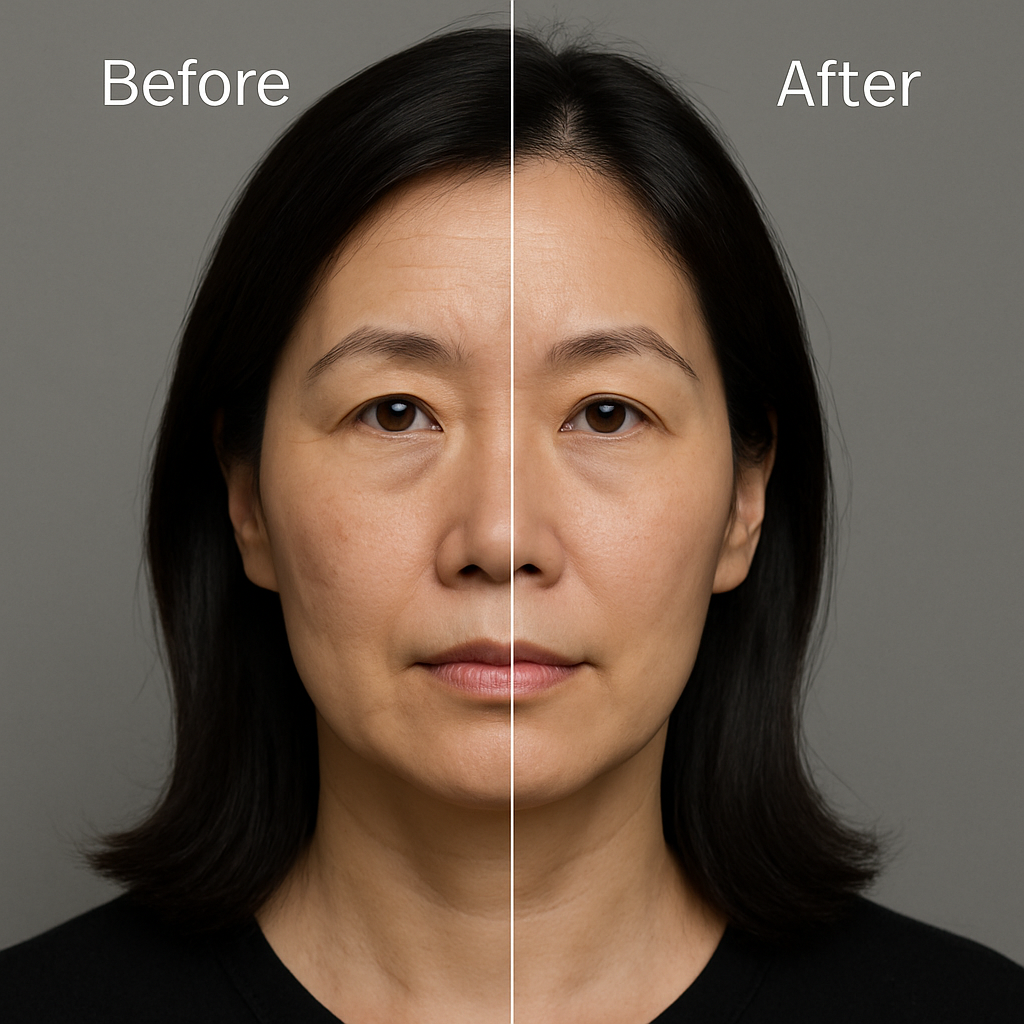
What Is AI Wrinkle Remover
An AI wrinkle remover uses computer vision and generative retouching to soften forehead lines, under-eye creases, crow’s feet, and nasolabial folds while preserving pores. It’s ideal when you need a quick, natural edit or a reliable face wrinkle remover AI for headshots, product models, and social posts.
- Instant smoothingApply the ai wrinkle remover to see balanced smoothing in seconds—no learning curve.
- Texture preservedMicro-contrast and pores remain visible so edits look real; the ai wrinkle remover avoids plastic skin.
- Non-destructiveCompare before/after, reset anytime, and keep the original while the ai wrinkle remover writes a new version.
AI Wrinkle Remover Cases
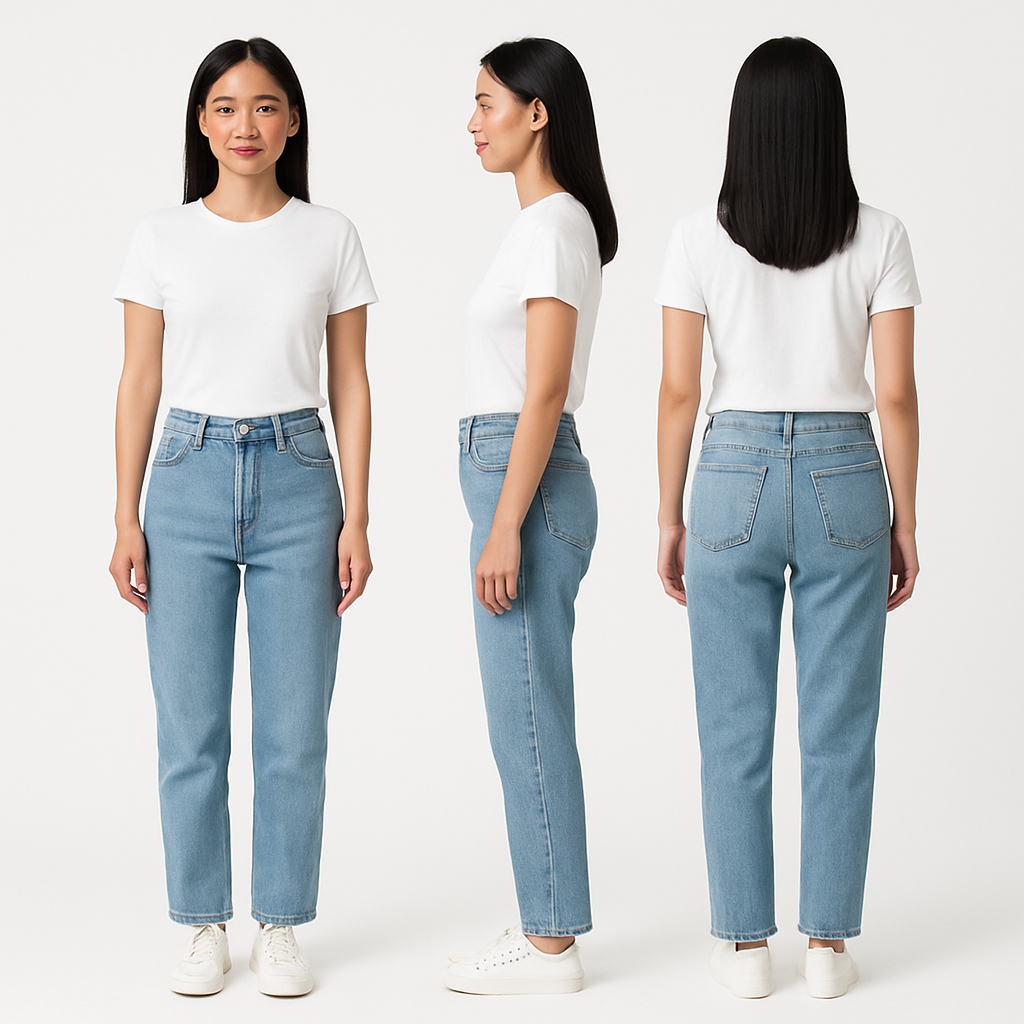
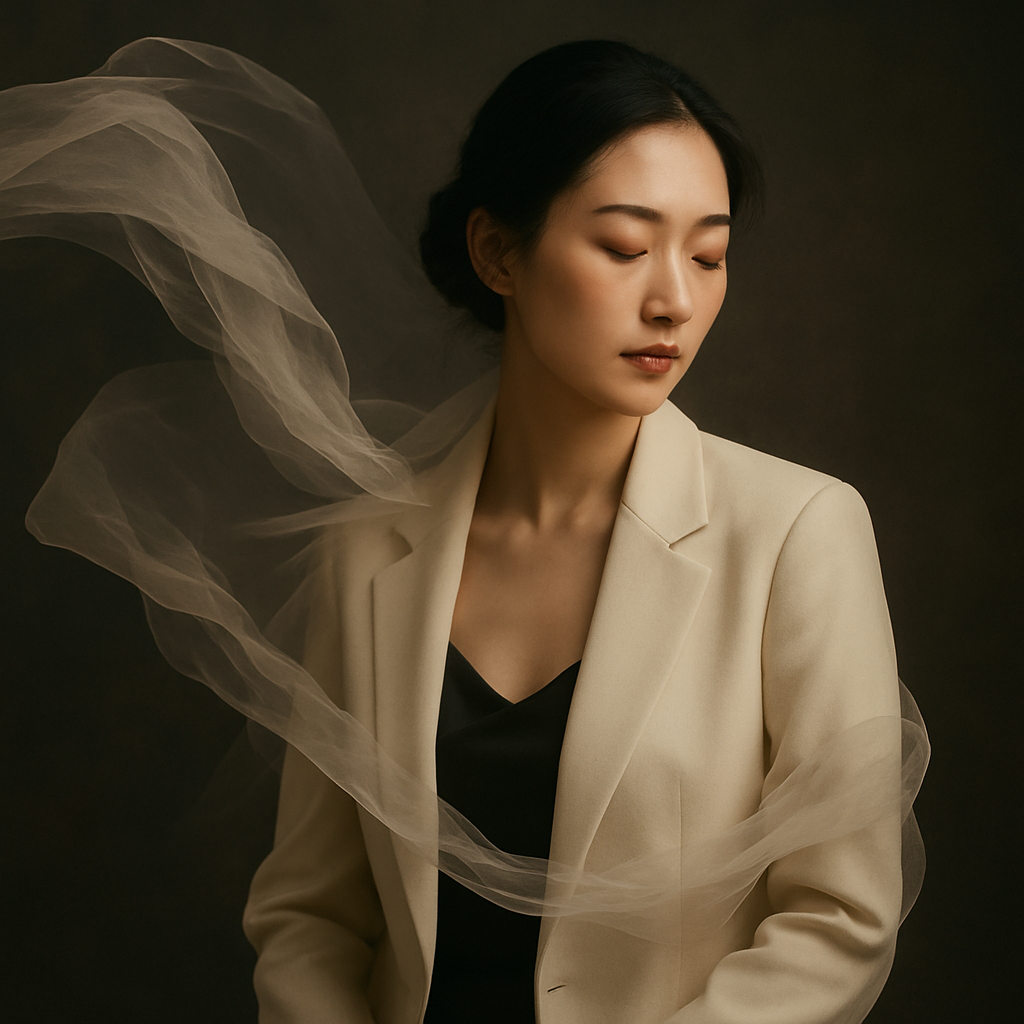
From professional profiles to creative campaigns, these scenarios show how the ai wrinkle remover fits real workflows.

Features That Make Our AI Wrinkle Remover Different
Get accurate, natural complexion edits at speed. The AI wrinkle remover pairs auto detection with manual overrides, so creators can start fast and fine-tune later—even when they prefer a face wrinkle remover AI as a light touch.
Skin-realistic smoothing
Edge-aware processing keeps hair, lashes, and pores intact; the ai wrinkle remover softens only the lines.
Face-aware detection
Under-eye, forehead, and smile lines are identified automatically for consistent results.
Video-friendly assets
Create matching thumbnails or stills for reels and shorts; edits export cleanly for external video tools.
Creator-grade output
Export large, sharp images ready for web or print with metadata preserved.
High-res support
Works with common formats (JPG/PNG/WEBP) and files up to 15 MB.
Style consistency
Save preferred settings to keep a unified look across campaigns with teammates.
AI Wrinkle Remover FAQ
Is the edit obvious?
No. The model targets lines and preserves grain, so results from the ai wrinkle remover look natural.
Is it free to try?
Yes, you can test core tools online at no cost; advanced options may require an account depending on future plans.
Does it work across ages and skin tones?
Yes. Detection adapts to varied tones and lighting, and you control intensity for subtle or strong corrections.
Can it handle deep furrows?
Yes, but for very deep creases, combine a light pass from the ai wrinkle remover with manual brushing for the most realistic finish.
What file types and sizes are supported?
JPG, PNG, and WEBP are supported, up to 15 MB per image. Higher-resolution sources generally yield better results.
Will it change my facial identity?
No. The AI tool is designed to soften lines without altering key facial structure or expressions.
Can I use it on group photos?
Yes. The tool can detect multiple faces; use masks to edit each person separately and keep the look consistent.
How is my data handled?
Images are processed to generate results, and originals remain yours. For sensitive projects, export and delete within your session.