
Retouch Face AI Online Free
Enhance portraits in seconds with smart blemish removal, tone balancing, and natural skin texture—directly in your browser. Try Retouch Face AI Online Free to refresh selfies, headshots, and product faces without learning complex tools.
Polish details fast with AI skin retouching free for social posts, resumes, and storefronts.
Add references
Add up to four portraits to match retouch intensity across images.
Portrait Retouch
Retouch Face AI Online Free Usage
Follow these quick steps to complete a natural, studio-quality Retouch Face AI Online Free in minutes.
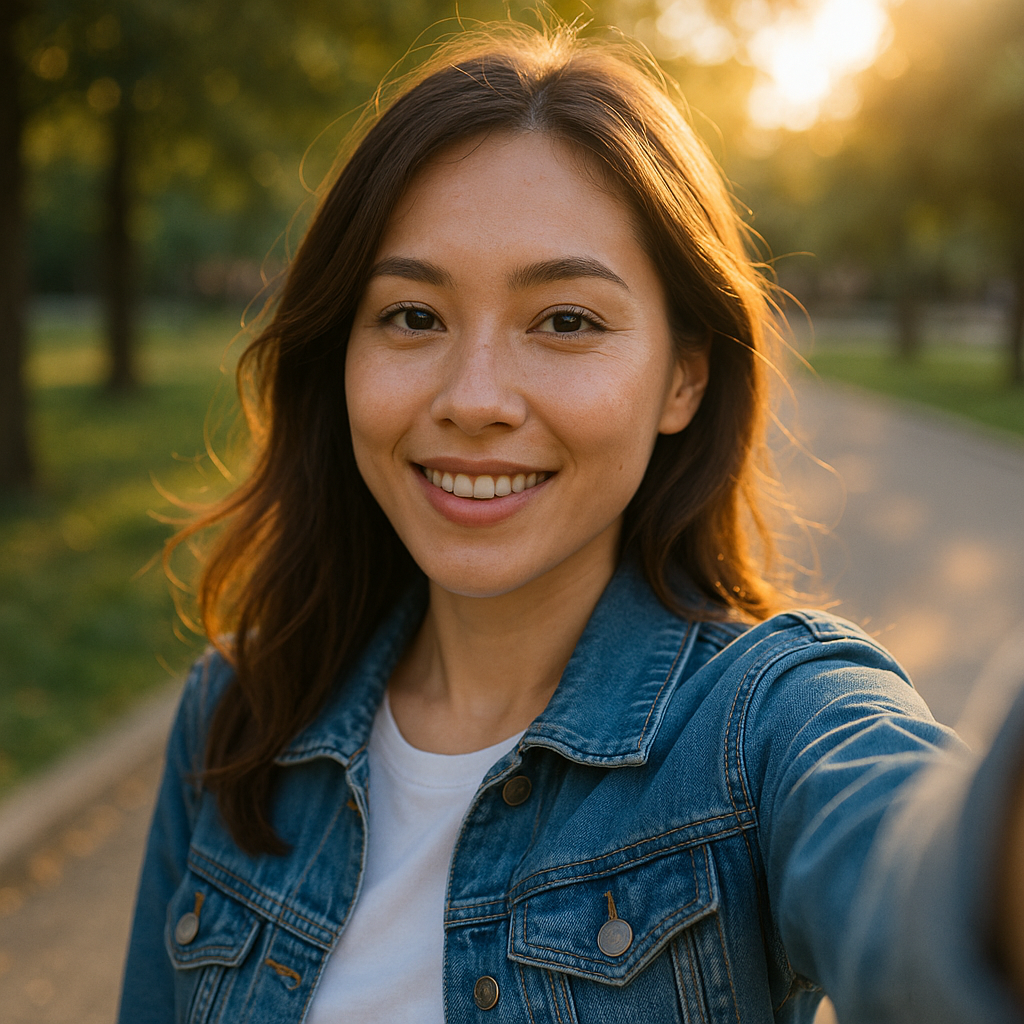
What Is Retouch Face AI Online Free
It’s a lightweight web tool that uses computer vision to identify faces and refine skin, eyes, lips, and lighting automatically. With Retouch Face AI Online Free, beginners and pros can clean blemishes, even tones, and keep authentic texture.
- One-click cleanupRemove pimples, soften pores, and reduce shine in a tap. The retouch face ai online free workflow detects facial regions and applies targeted fixes that look natural at social and print sizes.
- Smart light & colorBalance exposure, lift shadows under eyes, and correct color casts so skin tones feel consistent across different cameras and environments.
- Face-aware precisionEdge-safe adjustments respect hairlines, lips, brows, and background details, so enhancements stay on the face and don’t blur important edges.
Retouch Face AI Online Free Cases
Discover where Retouch Face AI Online Free makes the biggest impact—from quick selfies to polished branding shots.
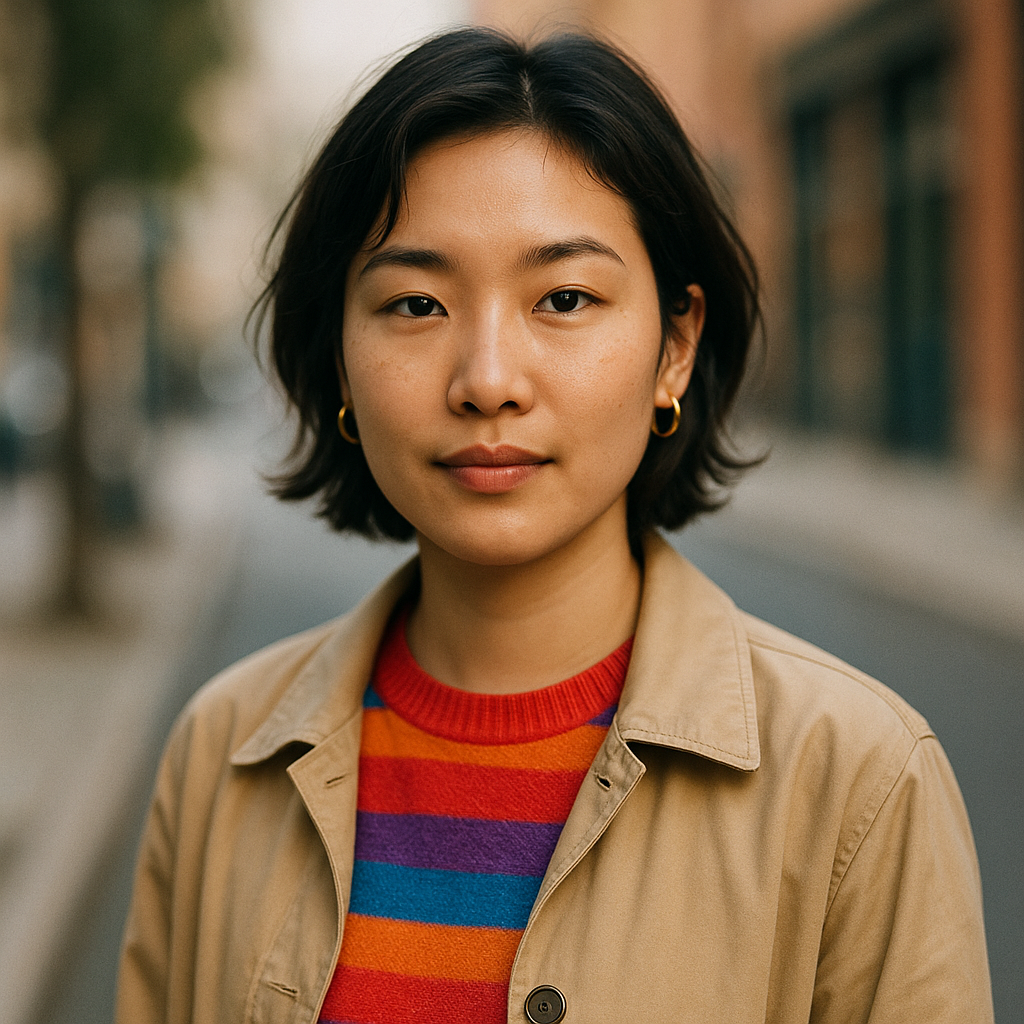

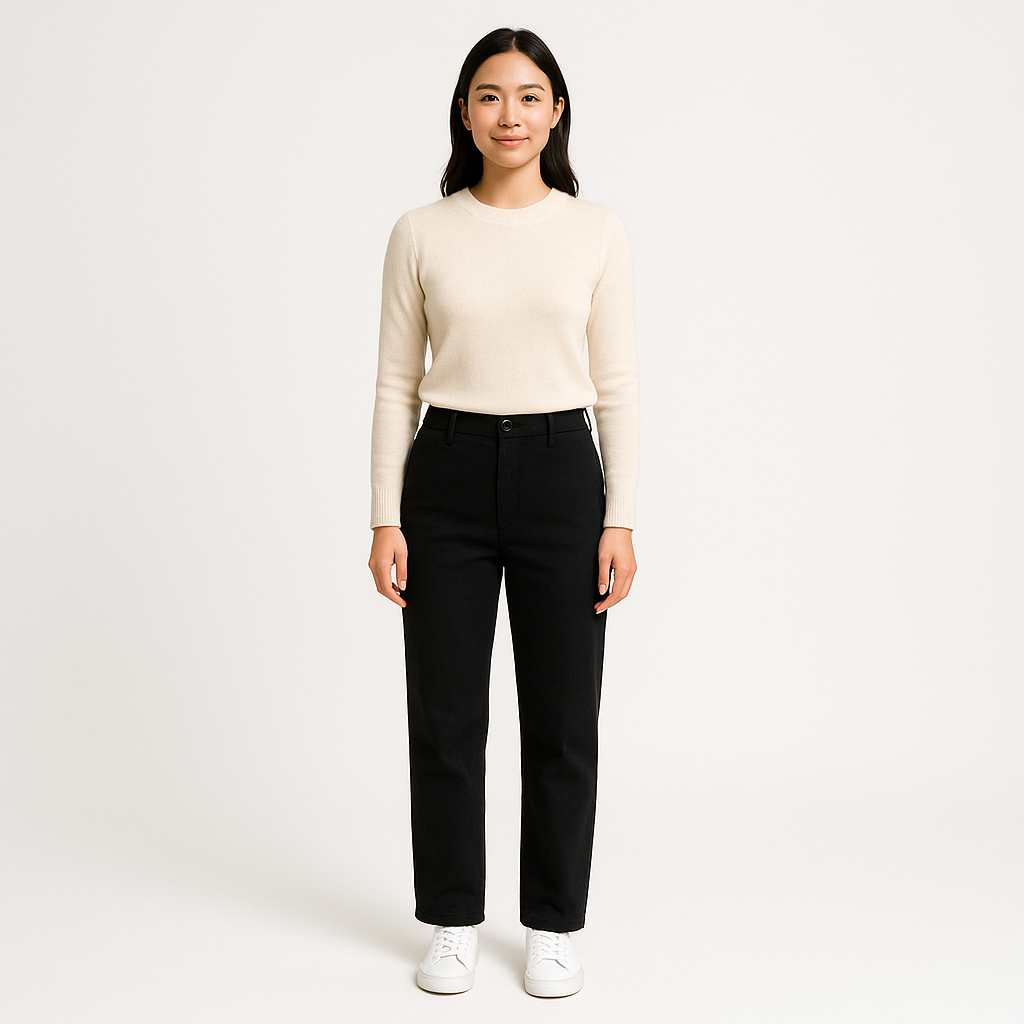
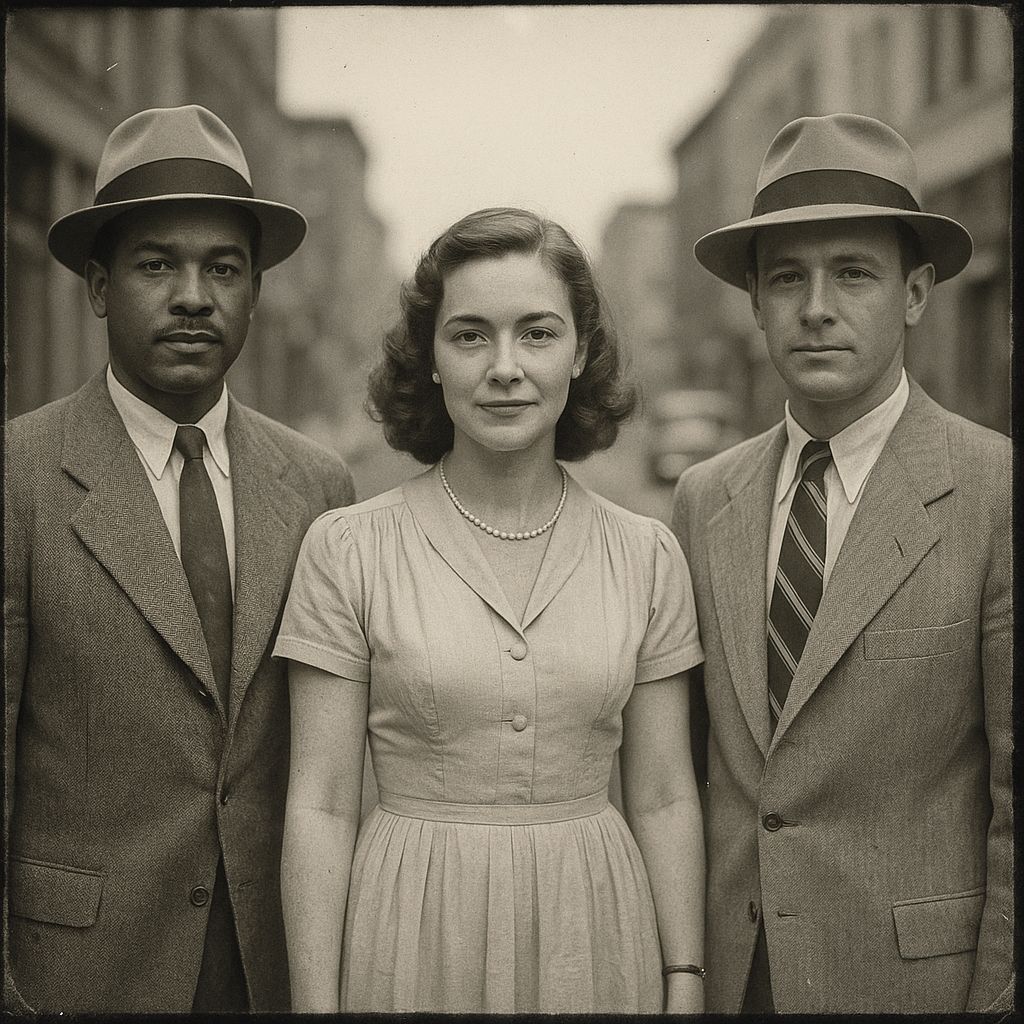
Why Choose Retouch Face AI Online Free
Designed for accuracy and speed, it keeps skin realistic while simplifying complex edits. Use it as your daily finisher or as a standalone AI skin retouching free solution.
Texture-preserving smoothing
Adaptive smoothing protects pores and fine hair so faces look clean yet believable—even on close-ups and 4K displays.
Blemish & spot removal
Auto-detects acne, dark spots, and minor scars. Tweak intensity to match the scene and keep natural character.
Eye & teeth refinements
Brighten eyes, soften under-eye shadows, and gently whiten teeth without halos or color shifts.
Lighting consistency
Balances exposure and color temperature across images so portraits feel cohesive in grids and galleries.
Face detection
Edits focus on faces, protecting backgrounds and typography in posters, thumbnails, and product banners.
Fine-grained control
Adjust skin smoothness, clarity, highlights, and color balance for a tailored retouch face ai online free finish.
Retouch Face AI Online Free FAQ
Is it really free to use?
Yes—use core retouching features directly in your browser. Some advanced options may vary by deployment, but you can complete a full retouch face ai online free without paying.
Will my skin look plastic or over-smoothed?
No. The engine preserves pores and micro-contrast by default. Start with low intensity and increase gradually. For a subtle finish, combine retouch face ai online free with light clarity adjustments.
Which files are supported?
Upload JPG, PNG, or WEBP up to 15 MB. Exports maintain high resolution so your retouch face ai online free remains sharp on profiles, stores, and presentations.
How about privacy and security?
Images are processed by automated systems for retouching. Avoid uploading sensitive content, and clear your browser history if needed. Check local policies for how data is handled in your region.
Does it work with group photos?
Yes. Face detection applies balanced adjustments across multiple faces to keep everyone consistent while retaining individual features.
Can it fix acne, dark circles, and shine?
Absolutely. It reduces pimples, evens under-eye shadows, and mutes hot highlights while protecting real texture—ideal for fast retouch face ai online free edits before publishing.