
Fix Hair in Image
Use AI to fix hair in image in seconds—smooth flyaways, tame frizz, and restore clean edges without manual masking. Try it to remove hair frizz from picture free online.
Pro tip: upload a sharp photo, keep the face unobstructed.
Add references
Add up to four references to match style, color, or volume.
Portrait Retouch
Fix Hair In Image Usage
Follow these steps to fix hair in image quickly.
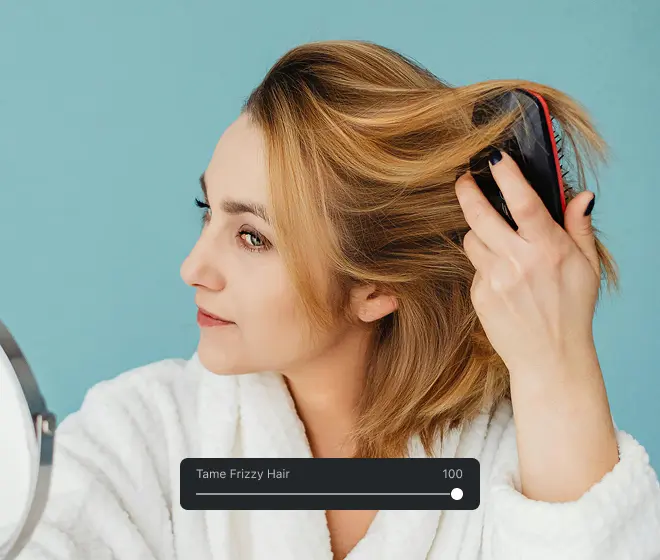
What Is Fix Hair in Image
"fix hair in image" means using an AI-powered retouching tool to clean stray strands, reduce frizz, and refine hairlines while preserving natural texture and color.
- Natural-looking smoothingReduce static and flyaways without plastic blur; hair grain and curl pattern stay intact.
- Edge-aware cleanupProtect eyebrows, lashes, and background edges while you fix hair in image.
- Color-safe retouchPreserves highlights, shadows, and dye tones; no dull, gray cast.
Fix Hair In Image Cases
From quick selfies to professional headshots, these are the most common ways people fix hair in image to improve clarity and polish.
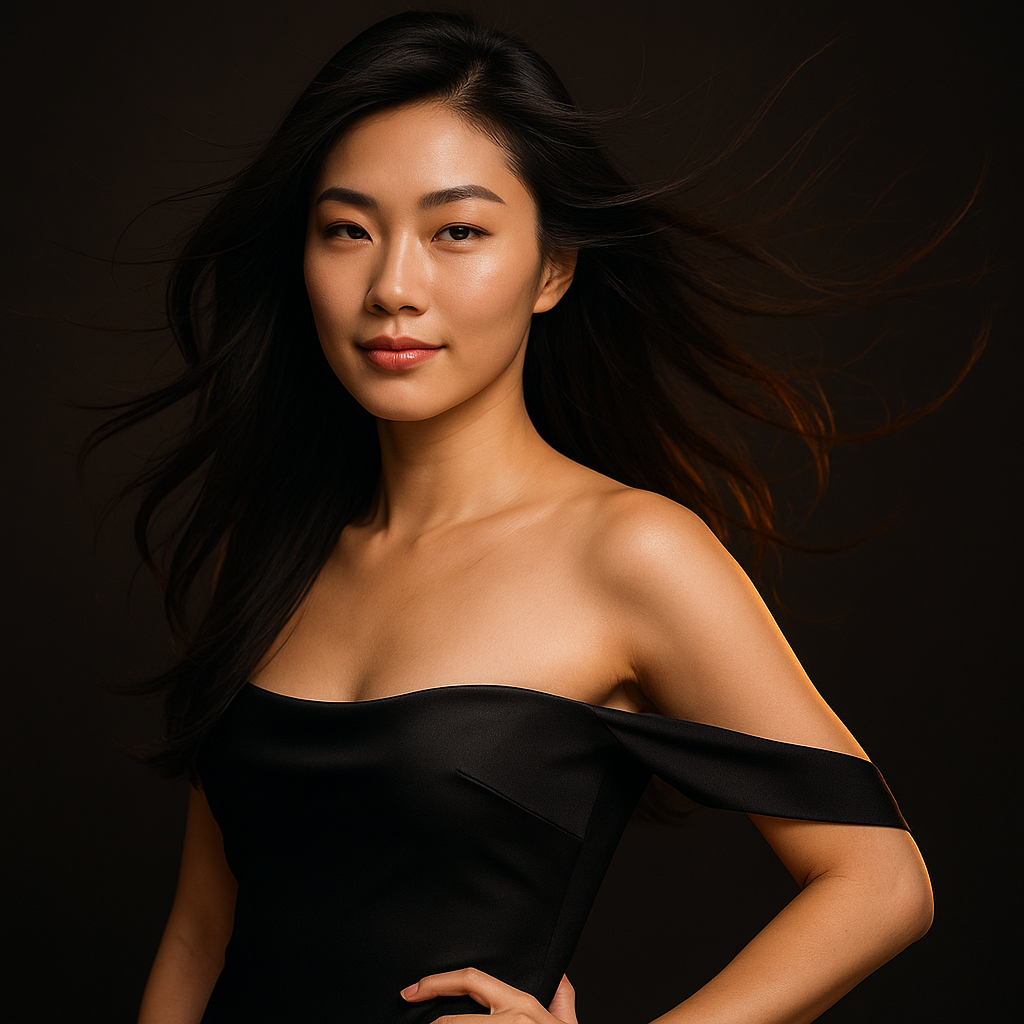
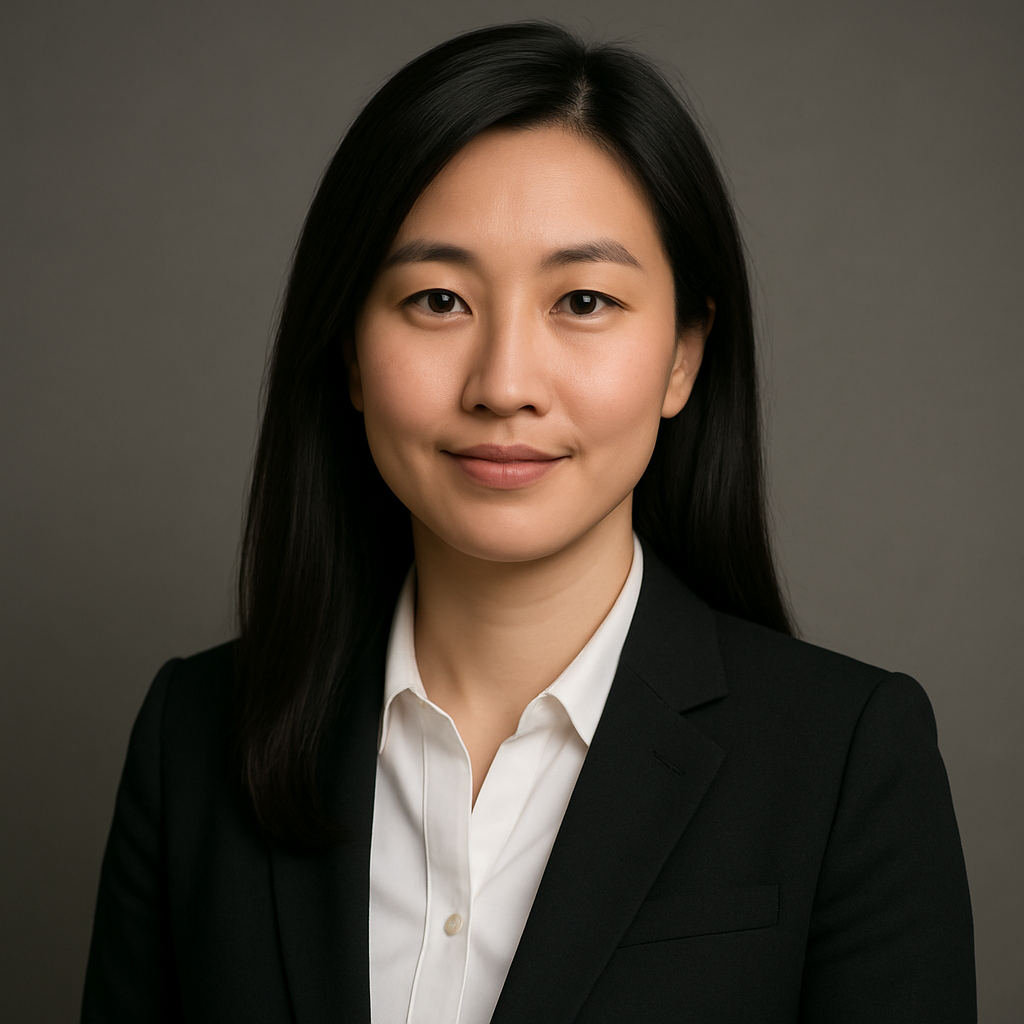
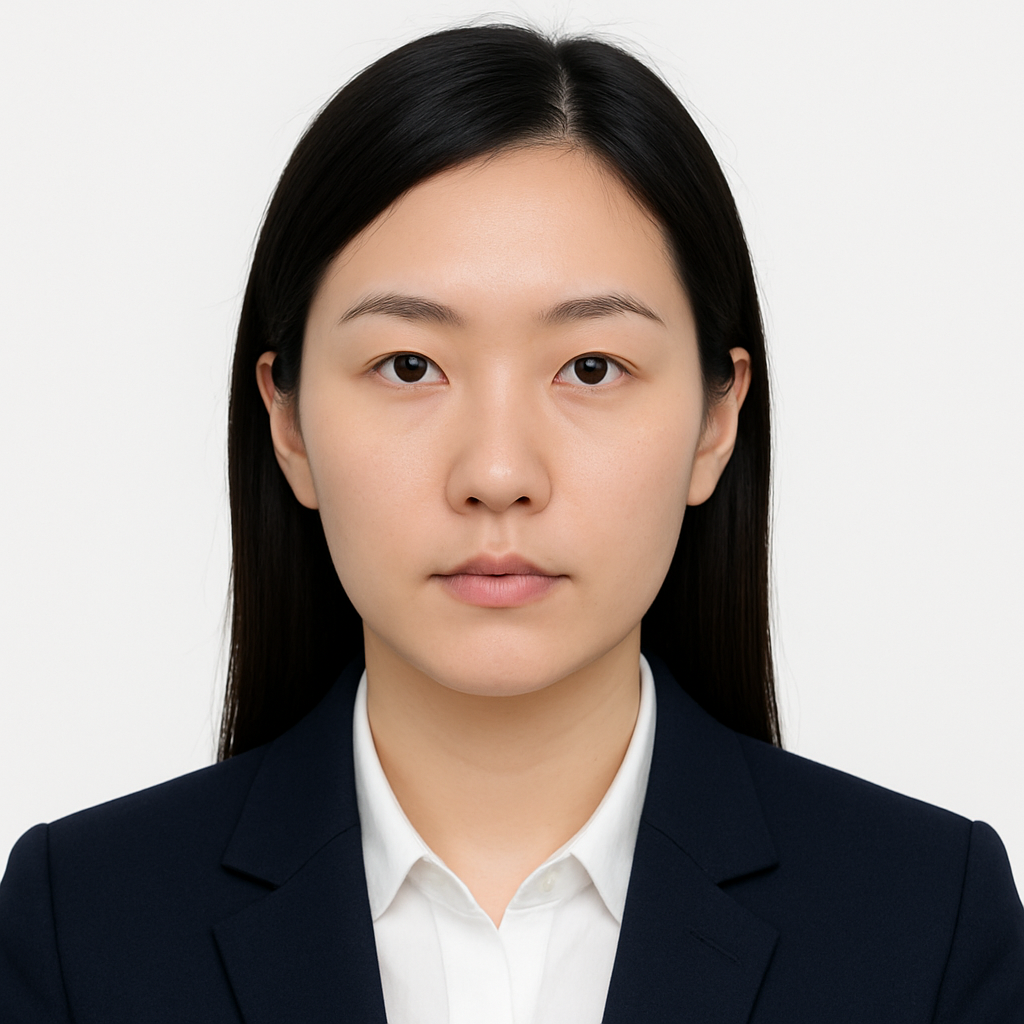
Features to Fix Hair in Image Accurately
Built for fast, consistent retouching at any skill level.
Face-safe detection
Understands faces and hair boundaries to avoid smudging skin.
High-fidelity render
Restores texture and micro-contrast so hair stays realistic.
Before/after preview
Compare results instantly and undo in one tap.
Quality presets
Soft, Balanced, Strong—choose the mood, keep consistency across shoots.
Supports JPG/PNG/WEBP
Up to 15 MB per file; export at original resolution.
Style control
Guard curls, enhance shine, or keep matte texture with one slider.
Fix Hair In Image FAQ
What exactly does the tool do?
It uses AI to detect hair regions and clean stray strands and frizz while preserving natural texture. The goal is to fix hair in image without flattening or blurring detail.
Is it really free to start?
Yes—basic edits let you remove hair frizz from picture free online. Advanced options may be available depending on your plan.
Will it change my face or head shape?
No. Edge-aware detection protects facial features, ears, and jawlines so the edit looks authentic.
How do I keep curls and waves?
Use lower strength, enable curl guard, and focus brushes only on flyaways. This keeps natural texture intact.
What image formats and sizes are supported?
JPG, PNG, and WEBP up to 15 MB per file. Export retains the original resolution where possible.
Can I preview changes before saving?
Yes. Use the side-by-side or toggle view to compare before/after and fine-tune settings to fix hair in image with confidence.
Any tips for best results?
Start from a well-lit, sharp photo. Avoid heavy compression and keep the face unobstructed.
How is my privacy handled?
Images are processed only for editing. Review the privacy policy for details and delete files from your workspace when finished.