
AI T-Shirt Lifestyle Photoshoot
Create on-model product images with AI T-shirt lifestyle photoshoot—fast, photoreal, and brand-ready. Built for E-commerce and social, it blends AI fashion photography with scene control, realistic fabric drape, and batch output.
Try AI T-shirt lifestyle photoshoot to turn flat tees into scroll-stopping lifestyle shots in minutes.
Add references
Add up to four reference photos to lock lighting, models, or locations.
Product Retouch
AI T-Shirt Lifestyle Photoshoot Usage
Get production-ready results in four steps.
What Is AI T-Shirt Lifestyle Photoshoot
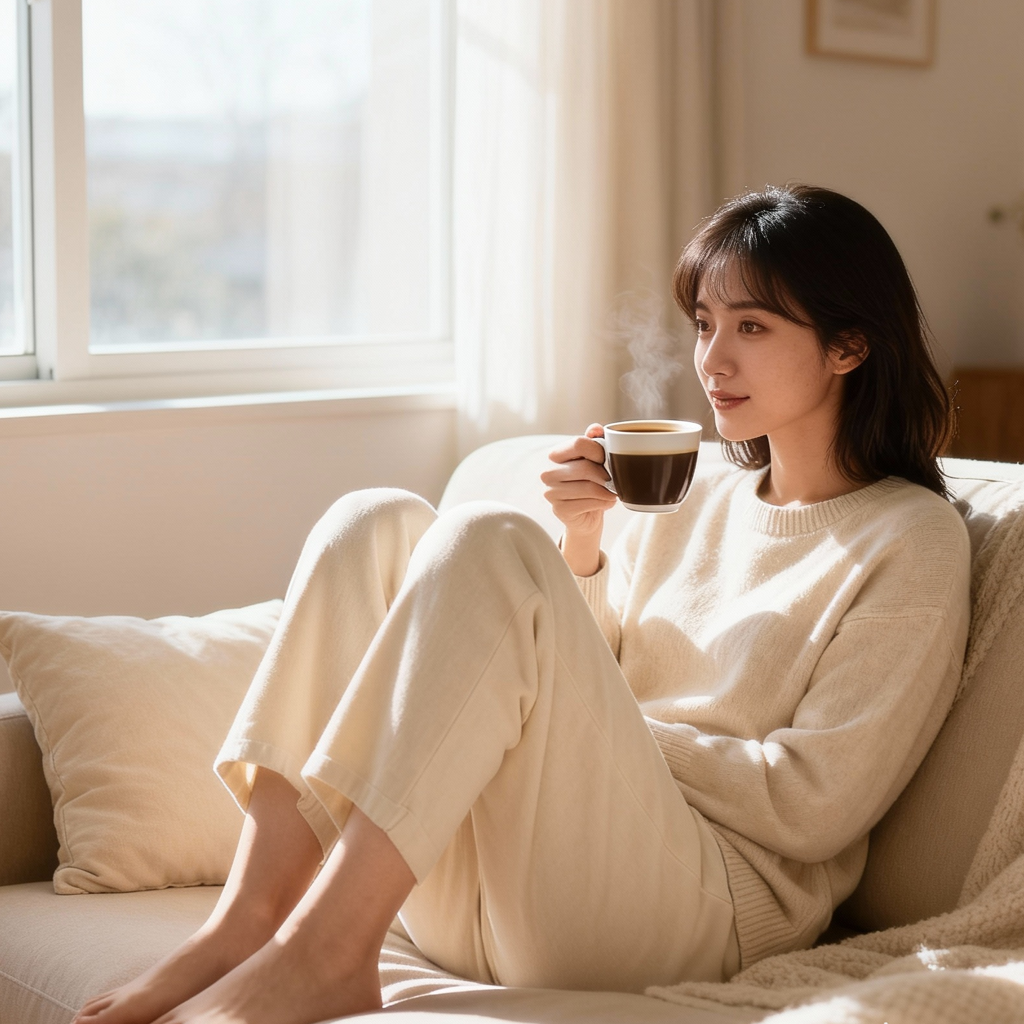
AI T-shirt lifestyle photoshoot is a creative tool that places your T-shirt designs on lifelike models and real-world scenes using generative imaging. Compared with manual shoots, it reduces cost and time while keeping creative control typical of AI fashion photography.
- Photoreal Models & FitChoose age, pose, and vibe; garments contour to bodies with realistic folds, necklines, and sleeves for authentic results.
- Scene & Lighting ControlDial in locations, time of day, and mood to match your ai t-shirt lifestyle photoshoot brief and campaign look.
- Fast IterationBatch variants speed up testing and shorten creative cycles across audiences typical in ai fashion photography.
AI T-Shirt Lifestyle Photoshoot Cases
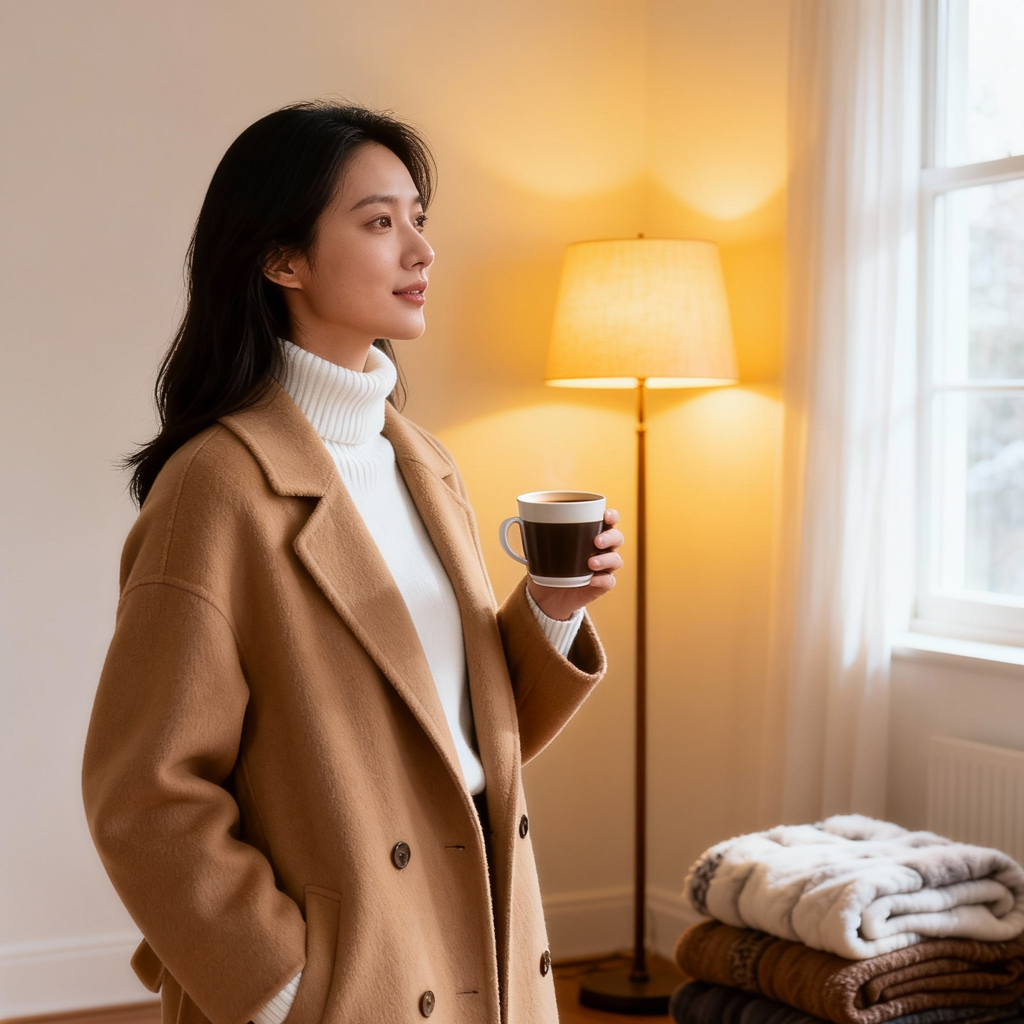
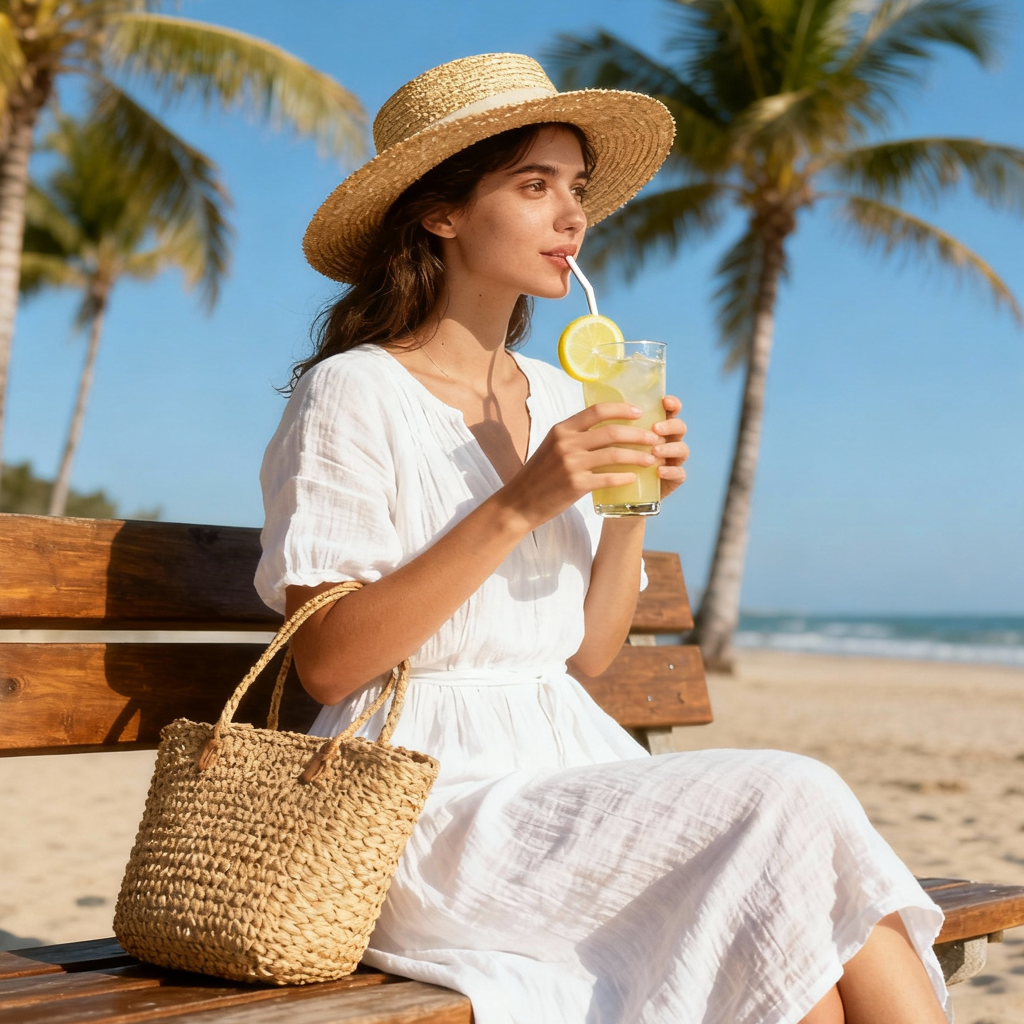
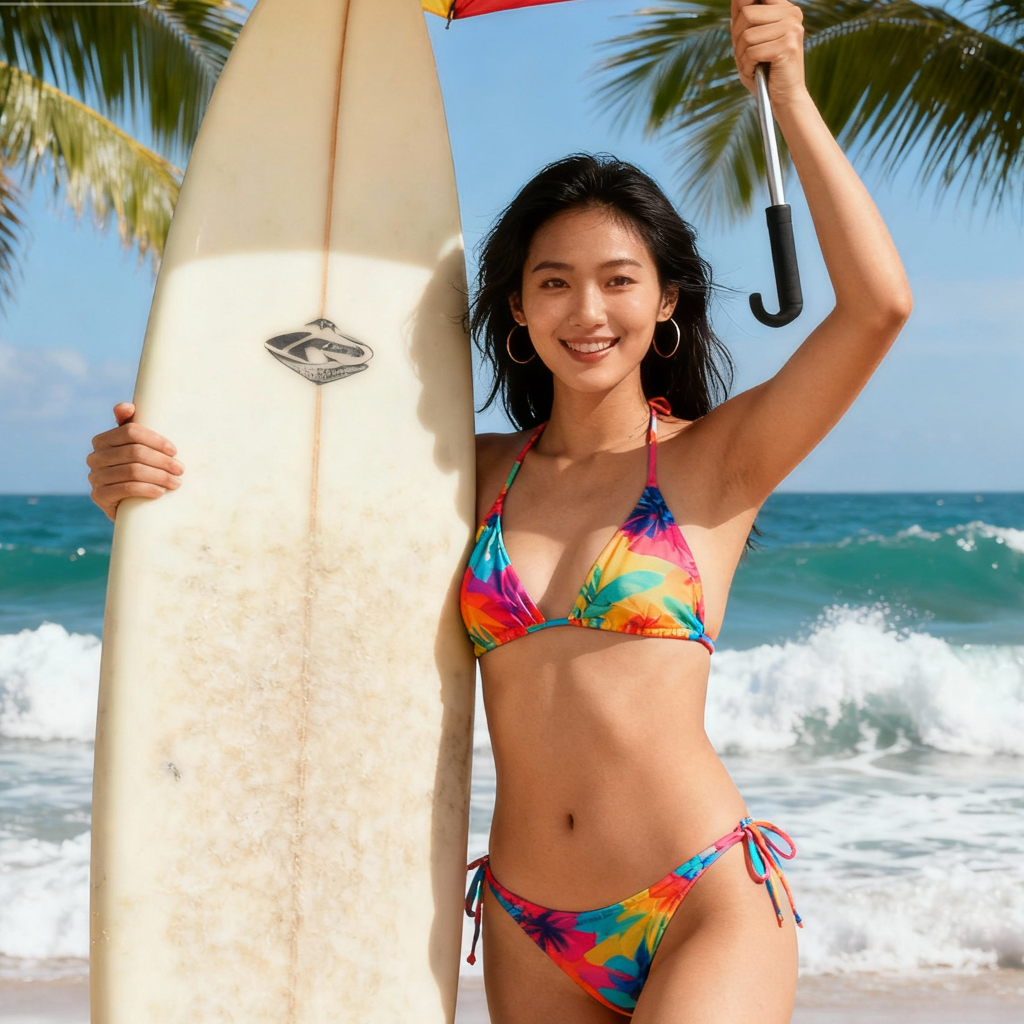
Use these scenarios to see how AI T-shirt lifestyle photoshoot elevates product storytelling and boosts conversion.
Features that Scale Your Studio
Everything you need to craft consistent, on-brand visuals—without complex setups or physical shoots.
Camera Controls
Set angle, focal length, distance, and depth to replicate the same frame across collections and drops.
Style Notes & Guardrails
Lock brand colors, logo placement, and background strength to keep every asset on guideline.
Face & Skin Realism
Natural texture, pores, and tones; avoid uncanny effects common in basic AI fashion photography.
Cloth Physics & Wrinkle Detail
Believable stretch, seams, and collar behavior at high resolution for true-to-fabric rendering.
Background Variations
One click to test studio, street, or nature looks for A/B experimentation and audience mapping.
Inpainting & Cleanups
Remove creases, fix threads, or swap props without rerendering your AI T-shirt lifestyle photoshoot.
AI T-Shirt Lifestyle Photoshoot FAQ
What makes the results look real?
Photorealism comes from matched lighting, perspective, and cloth behavior. AI T-shirt lifestyle photoshoot blends these with tone mapping and light wrap techniques often used in AI fashion photography.
Can I keep my brand colors accurate?
Yes. Use color-calibrated outputs, hex locks, and controlled backgrounds to protect brand palettes across batches.
Do I need model releases?
Synthetic talent is generated for your scenes, so no separate model releases are required for AI T-shirt lifestyle photoshoot usage.
Can I edit backgrounds later?
Yes. Use inpainting and masks to refine or replace environments without rerunning your AI T-shirt lifestyle photoshoot.
Will prints and textures stay crisp?
High-resolution sampling preserves logos, line art, and fine knit detail. For best results, upload source art at 2000px or higher.
How does this compare to a real shoot?
Compared with traditional production, AI T-shirt lifestyle photoshoot reduces cost and lead time while enabling rapid concepting common in AI fashion photography.