
Flat Lay Mannequin
Turn ordinary garment shots into elevated flat lay mannequin visuals in seconds. Upload an item, choose a preset, and instantly create product flat lay scenes that look consistent, on-brand, and ready to publish.
Use the flat lay mannequin preset to create product flat lay images with true-to-fabric texture and natural shadows.
Add references
Add up to four reference images to match brand styling.
Product Retouch
Flat Lay Mannequin Usage
From upload to export in four quick steps. Use these defaults to create product flat lay content that’s consistent across your catalog.
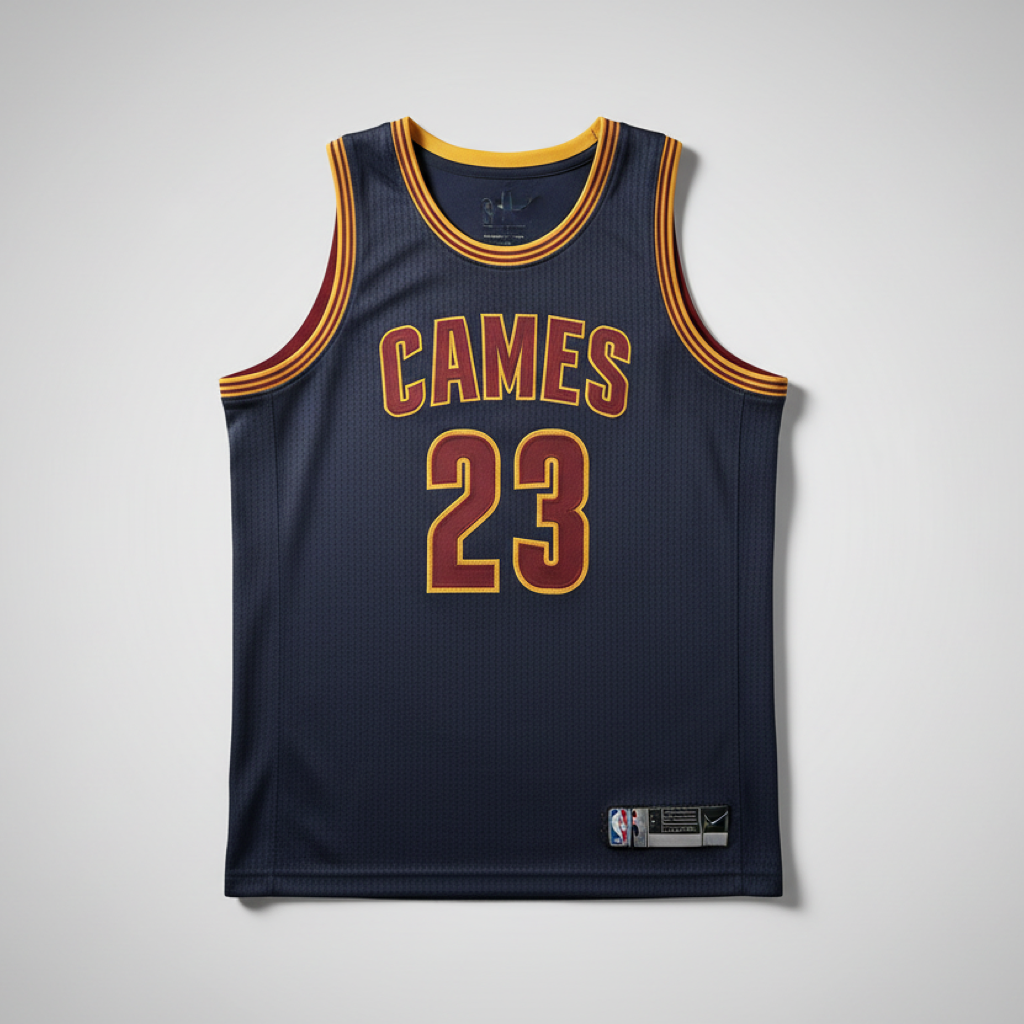
What Is Flat Lay Mannequin
A flat lay mannequin is a top-down presentation style where clothing is arranged on a surface and rendered to look professionally styled—without a visible model. Our tool automates this look: it detects edges, preserves fabric details, adds subtle depth, and outputs clean backgrounds sized for E-commerce.
- Studio-quality From Any PhotoTransform casual shots into a polished flat lay mannequin outcome with refined lighting and perspective alignment.
- Catalog ConsistencyBatch rules keep angles, margins, and canvas sizes uniform so every flat lay mannequin image fits your storefront grid.
- True-to-Fabric RenderingPreserve texture, embroidery, and prints while you create product flat lay scenes that feel tactile.
Flat Lay Mannequin Cases
Use one workflow for many outcomes—product pages, marketplaces, social teasers, and ads—so every flat lay mannequin image ships fast and looks consistent.
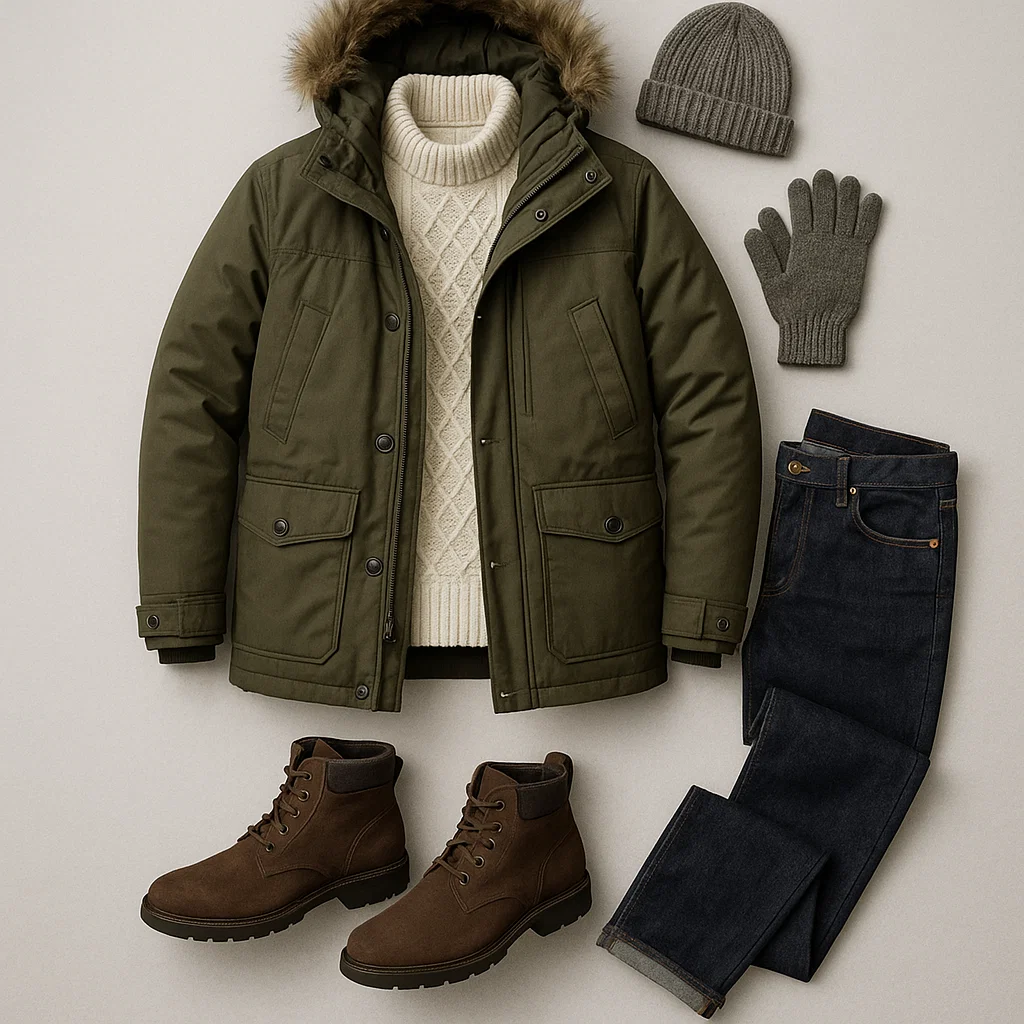
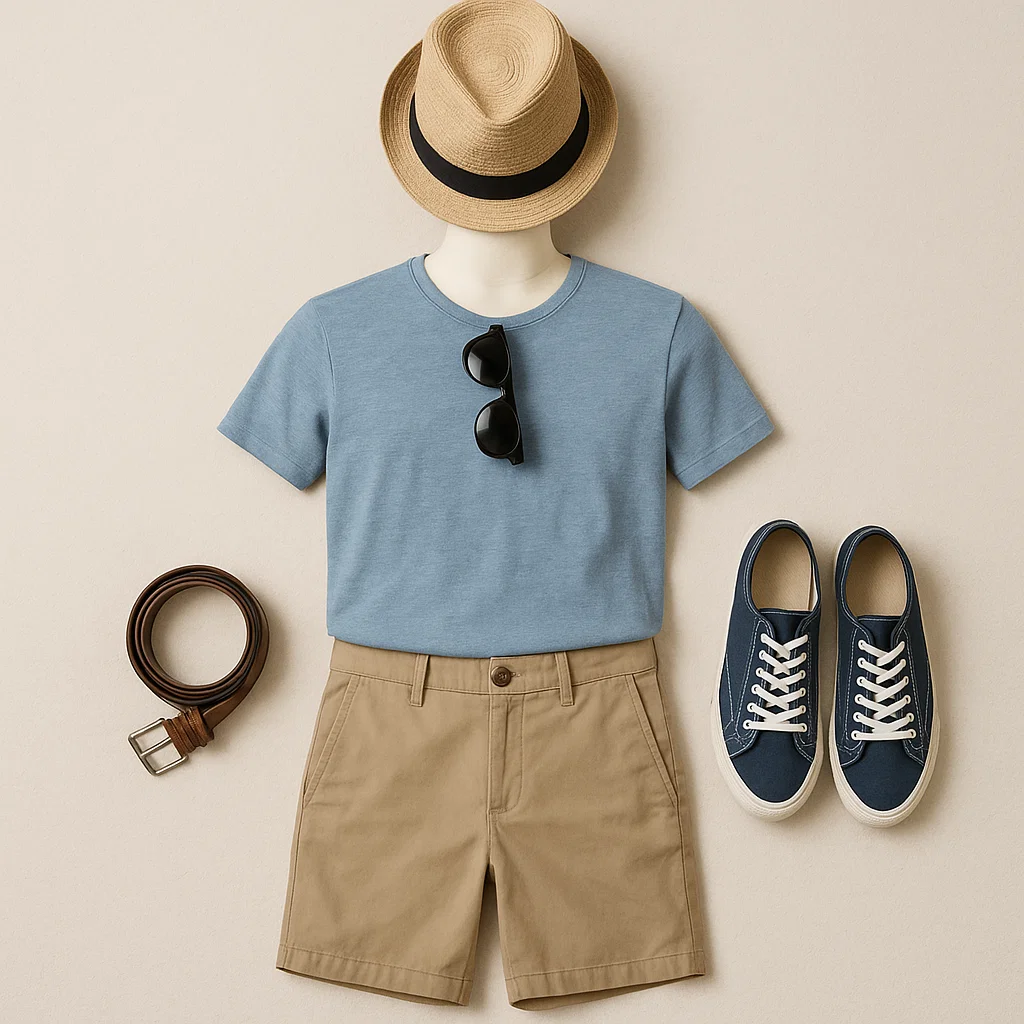
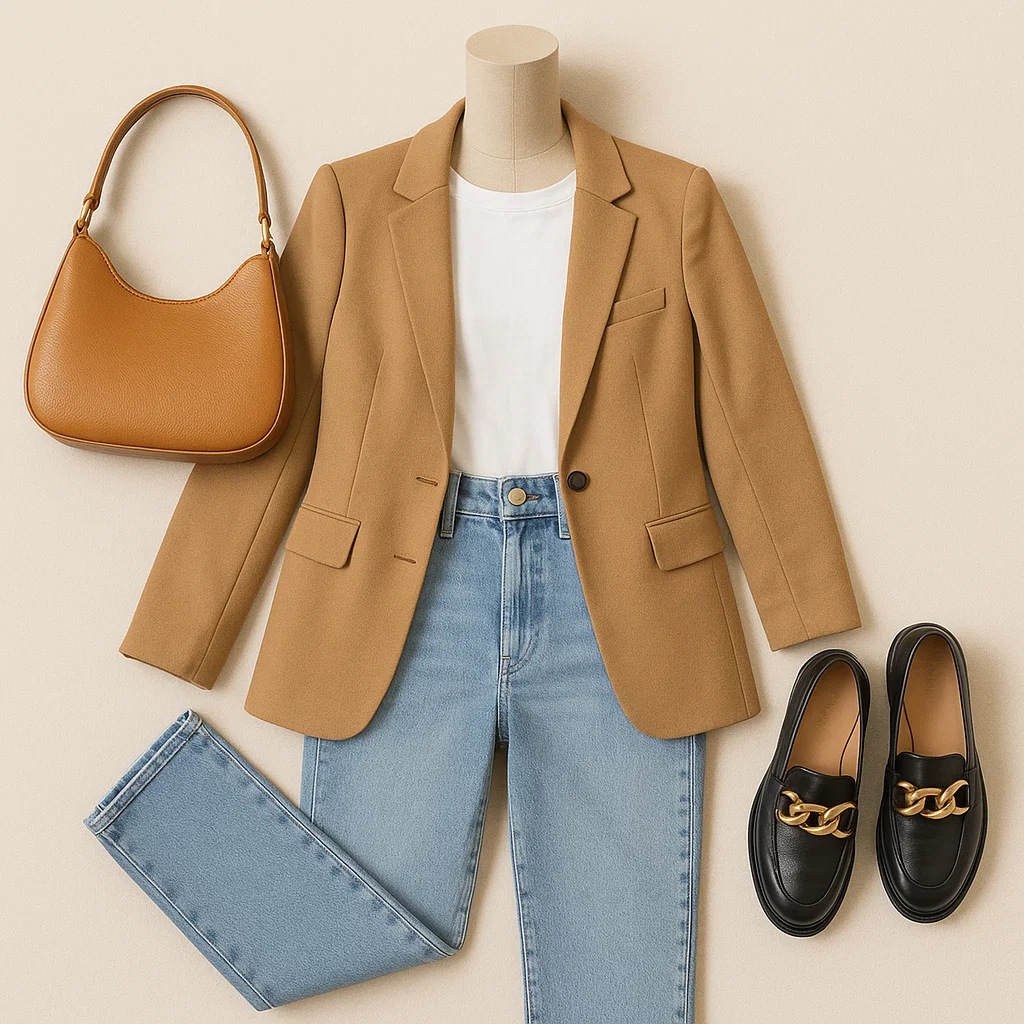
Why Choose This Flat Lay Mannequin Tool
Designed for fashion catalogs, the engine keeps proportions, textures, and shadows natural. Scale your flat lay mannequin output without compromising quality.
Guided Presets
Start with ready-made styles for tees, denim, outerwear, and knitwear so every flat lay mannequin stays on-spec.
Detail Preservation
Maintain seams, ribbing, and embroidery while you create product flat lay imagery that looks tactile on screen.
Smart Shadows
Auto-generated, soft shadows add depth so the flat lay mannequin reads dimensional without harsh edges.
Hi-Res Export
Export PNG, JPG, or WebP up to 8K for zoomable product pages and print sheets based on your flat lay mannequin scenes.
Brand-Safe Colors
Apply hex codes or palettes to backdrops and props to create product flat lay shots that match your identity.
Mask & Retouch
Erase clips, fix wrinkles, and straighten hems—fine controls to perfect each flat lay mannequin before publishing.
Flat Lay Mannequin FAQ
How is a flat lay mannequin different from a ghost mannequin?
A flat lay mannequin shows garments from a top-down viewpoint on a surface, while a ghost mannequin simulates a 3D “invisible model” wearing the item. Choose flat lay when you want clean styling grids and fast setup.
Which files work best?
High-resolution images with clear edges and minimal wrinkles perform best. For crisp results, shoot in diffused light, then let the flat lay mannequin preset refine perspective and shadows.
Can I keep a pure white background?
Yes. Select pure white or a brand color. The engine keeps natural, soft shadows so the flat lay mannequin stays dimensional.
Will textures and prints be preserved?
Yes. Fine stitches, ribbing, and prints are maintained so you can create product flat lay shots that still feel tactile.
Is this suitable for marketplaces?
Absolutely. Square crops, white or neutral backgrounds, and consistent margins make your flat lay mannequin images marketplace-ready.
What about transparent or glossy fabrics?
Enable advanced edge handling to mitigate haloing and reflections. A quick manual mask pass helps polish challenging materials in the flat lay mannequin workflow.