
Product Retouching
Clean backgrounds, fix lighting, remove dust, and make every SKU storefront-ready in minutes. Our product retouching automates tedious edits while keeping texture, true color, and natural shadows. Start faster with the AI product photo retouching tool built for scale.
Faster product retouching, consistent catalogs, higher conversions.
Add references
Add up to four references to guide style, angle, or packaging variations.
Product Retouch
Product Retouching Usage
Follow these steps to start product retouching with the AI product photo retouching tool.
What Is Product Retouching
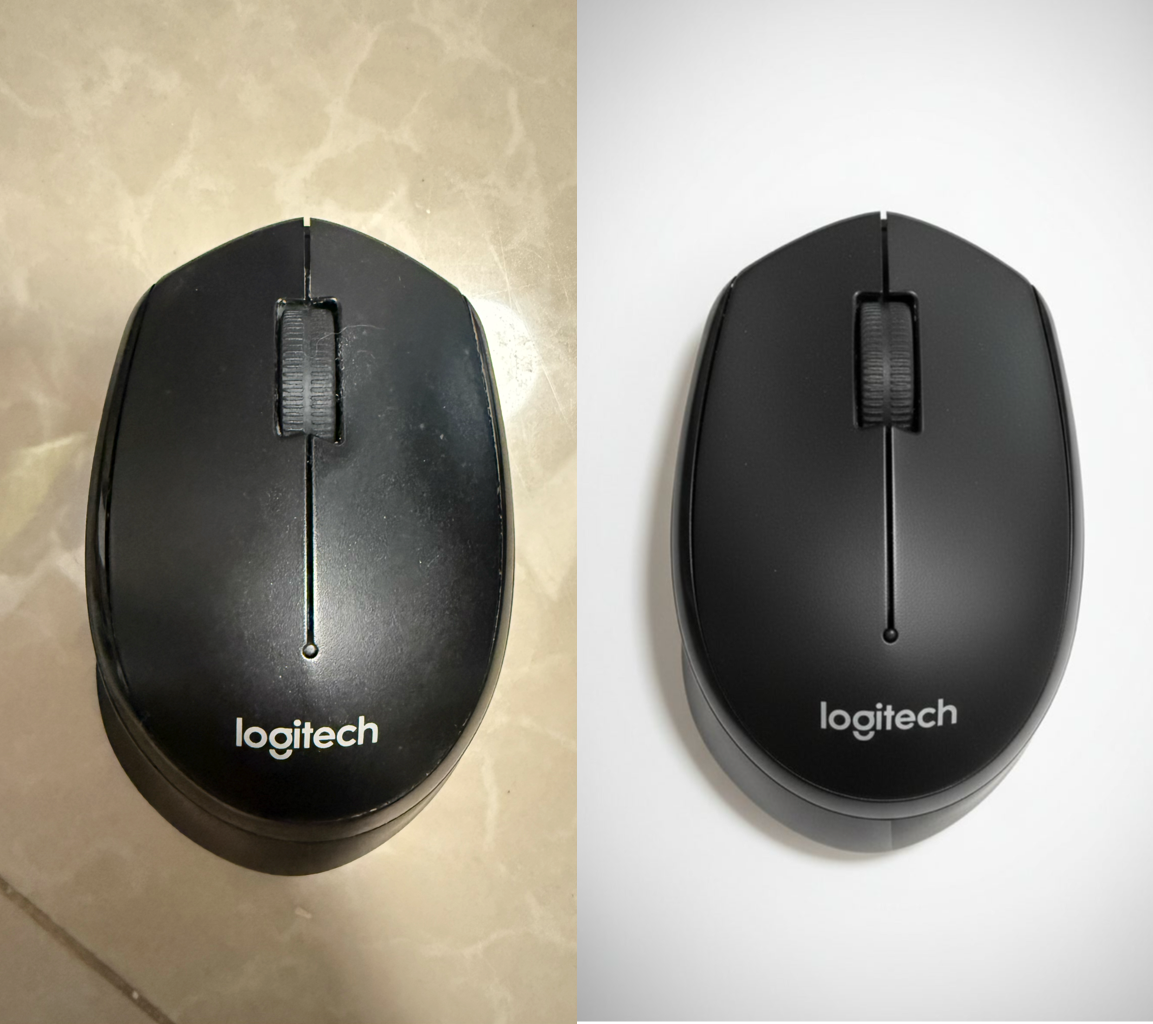
Product retouching is the practice of refining product photos so they look consistent, accurate, and persuasive across channels. It balances polish with realism—correcting color, removing distractions, shaping light, and presenting items in the best context for commerce.
- Color & Light CorrectionProduct retouching evens exposure, neutralizes color casts, and locks white balance for cohesive sets.
- Blemish & Dust RemovalProduct retouching clears scratches, fingerprints, sensor dust, and uneven surfaces—without plastic results.
- Shadow & Reflection ControlBuild realistic drop shadows or reflections that anchor the product and add depth.
Product Retouching Cases
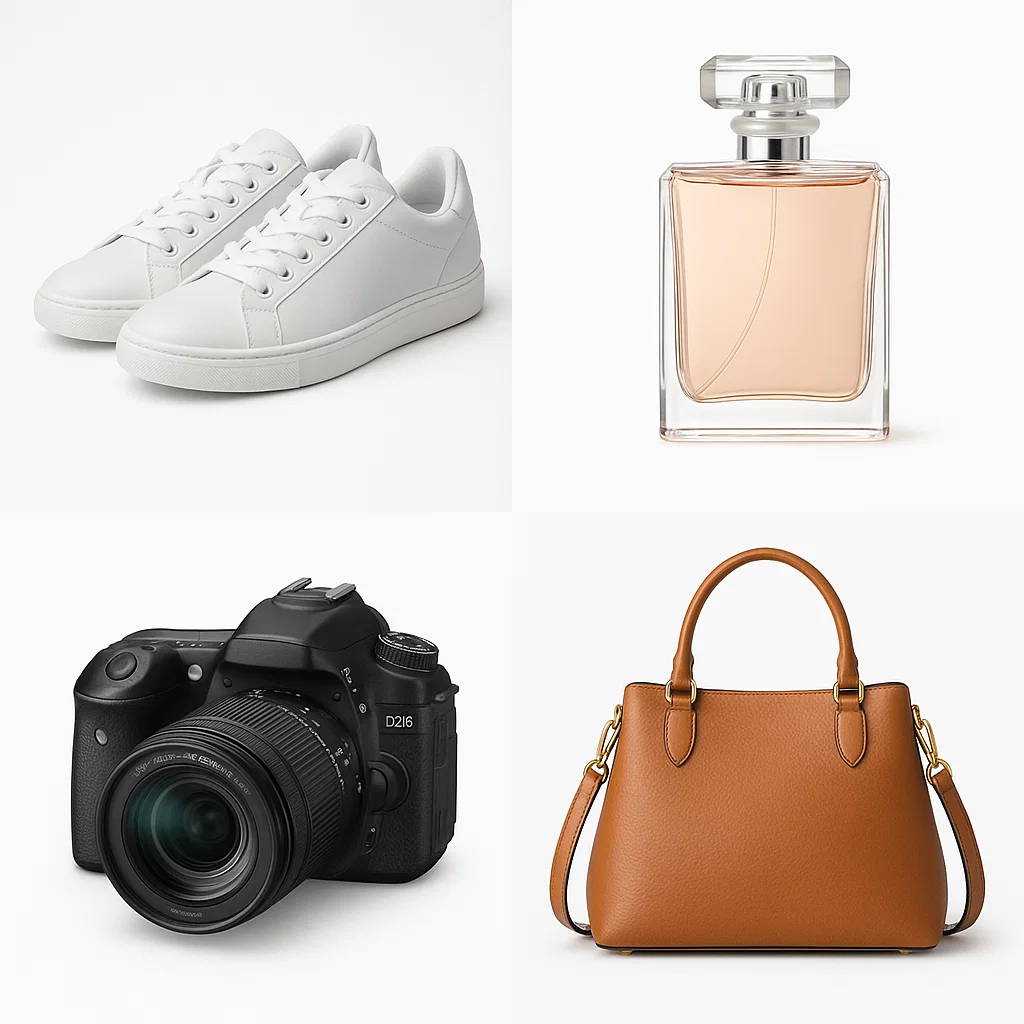
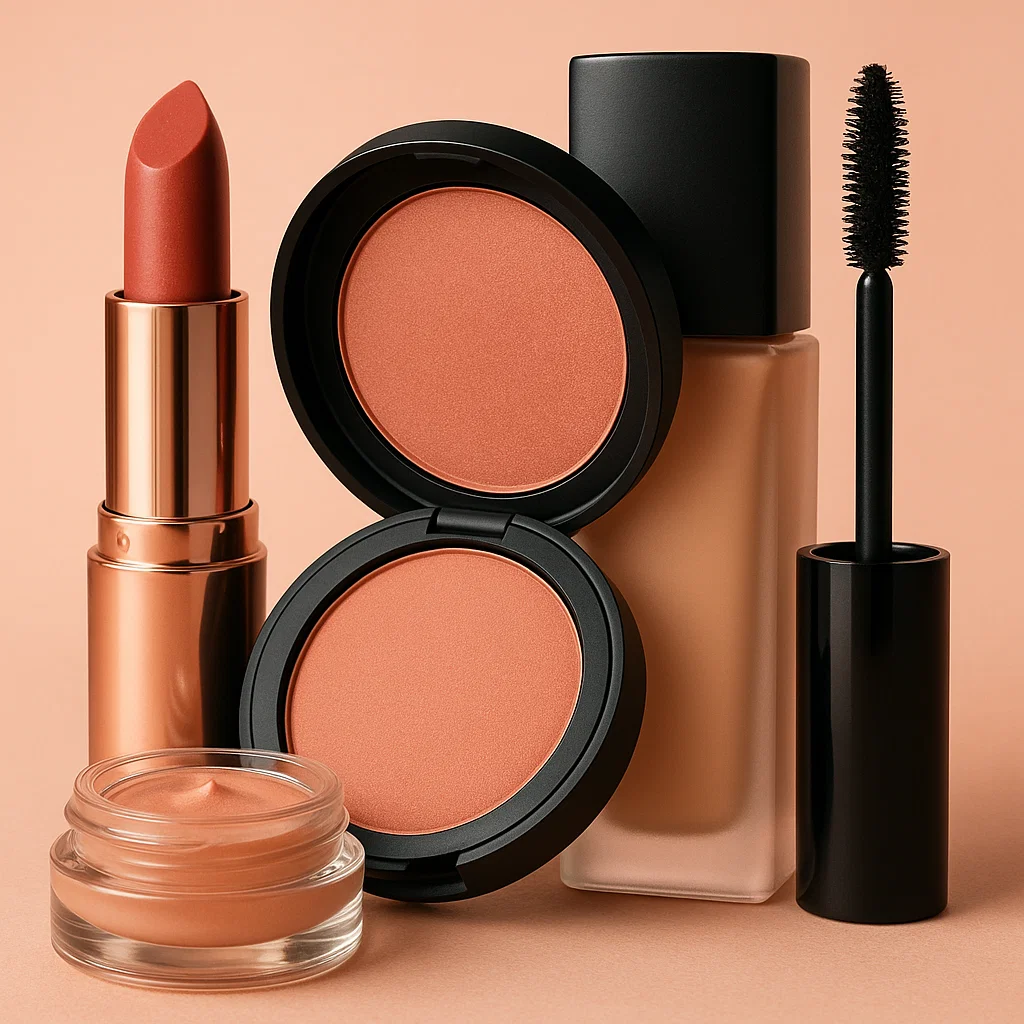
From catalog packshots to lifestyle composites, product retouching keeps your visuals conversion-ready.

Why Choose This Product Retouching Tool
Built for teams that need speed and consistency, this AI product photo retouching tool pairs automatic cleanup with precise manual control.
Brand-true colors
Calibrated adjustments preserve material texture and accurate hues.
Lens-aware enhancement
Sharpen details without halos or overshoot using subject-aware algorithms.
Natural materials
Keep fabrics, metals, glass, and packaging realistic—never waxy or over-smoothed—so product retouching feels invisible.
Hi-res exports
Export up to 8K with transparent backgrounds, color profiles, and metadata options.
On-brand presets
Save presets for different catalogs so every launch stays consistent with your brand standards.
Precision masking
Edge-aware masks handle fur, glass, and complex shapes with minimal cleanup.
Product Retouching FAQ
What makes product retouching different from basic editing?
It focuses on selling the item: accurate color, clean presentation, and details that influence purchase decisions.
Will it look natural?
Yes. The workflow prioritizes true texture and material cues so products never appear over-processed.
What file types are supported?
JPG, PNG, and WEBP uploads; exports include transparent PNG for marketplace-ready images.
How does the AI product photo retouching tool help teams?
It standardizes frequent edits, applies presets in batches, and reduces manual rework.
Is it suitable for all categories?
Yes—electronics, fashion, beauty, home goods, food, and more benefit from product retouching.
Can I edit shadows and reflections?
Yes—add, soften, or remove shadows and create subtle reflections for realistic depth.