
Product Background Design AI
Create studio-quality scenes in seconds with product background design AI—an AI background generator that places your item in on-brand, realistic environments for E-commerce, ads, and social.
Tip: Try prompts like "minimal cement tabletop, soft daylight, natural shadows" for clean catalog looks.
Add references
Upload up to four mood references to steer color and props.
Product Retouch
Product Background Design AI Usage
In four steps, turn plain shots into polished visuals with product background design AI.
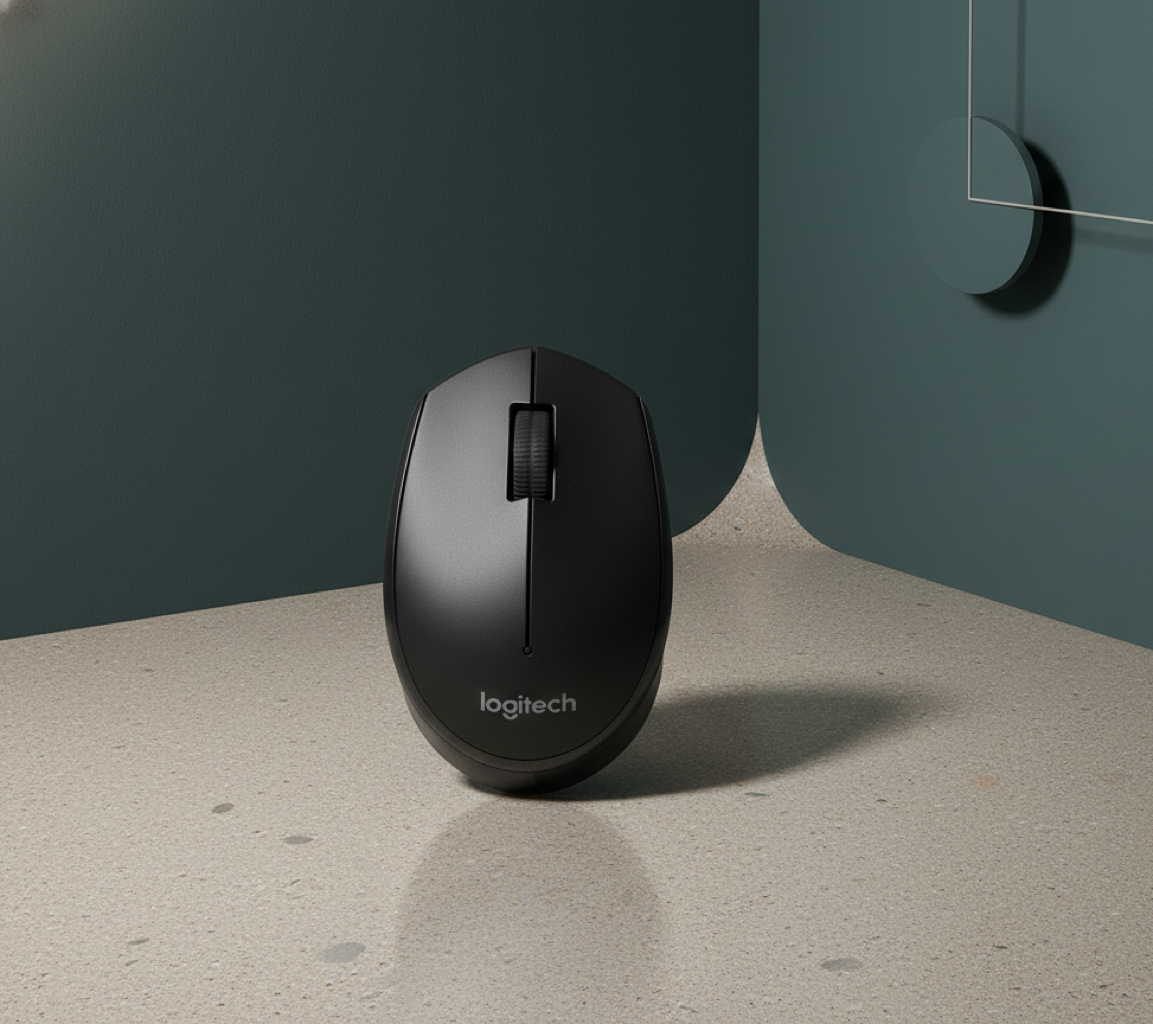
What Is Product Background Design AI
As an AI background generator for commerce, it helps you produce consistent listings, lifestyle shots, and campaign creatives without a studio.
- Instant Subject CutoutEdge-aware masking isolates the product automatically, keeping fine details like handles, rims, and fabric edges crisp.
- Style PresetsSwitch among studio, lifestyle, seasonal, or marketplace-ready looks to keep imagery consistent across channels.
- Lighting & Shadow MatchAutomatic relighting, perspective hints, and contact shadows make composites feel natural and product-first.
Product Background Design AI Cases
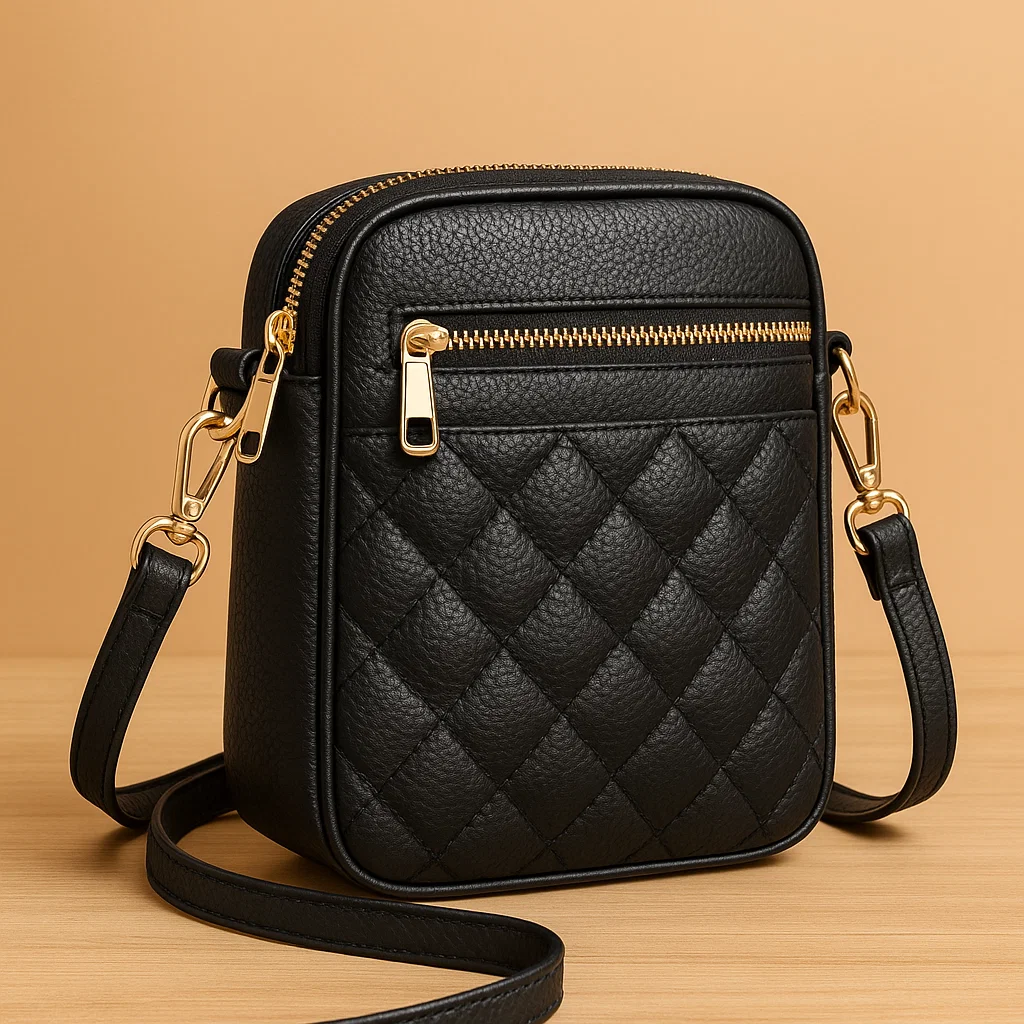
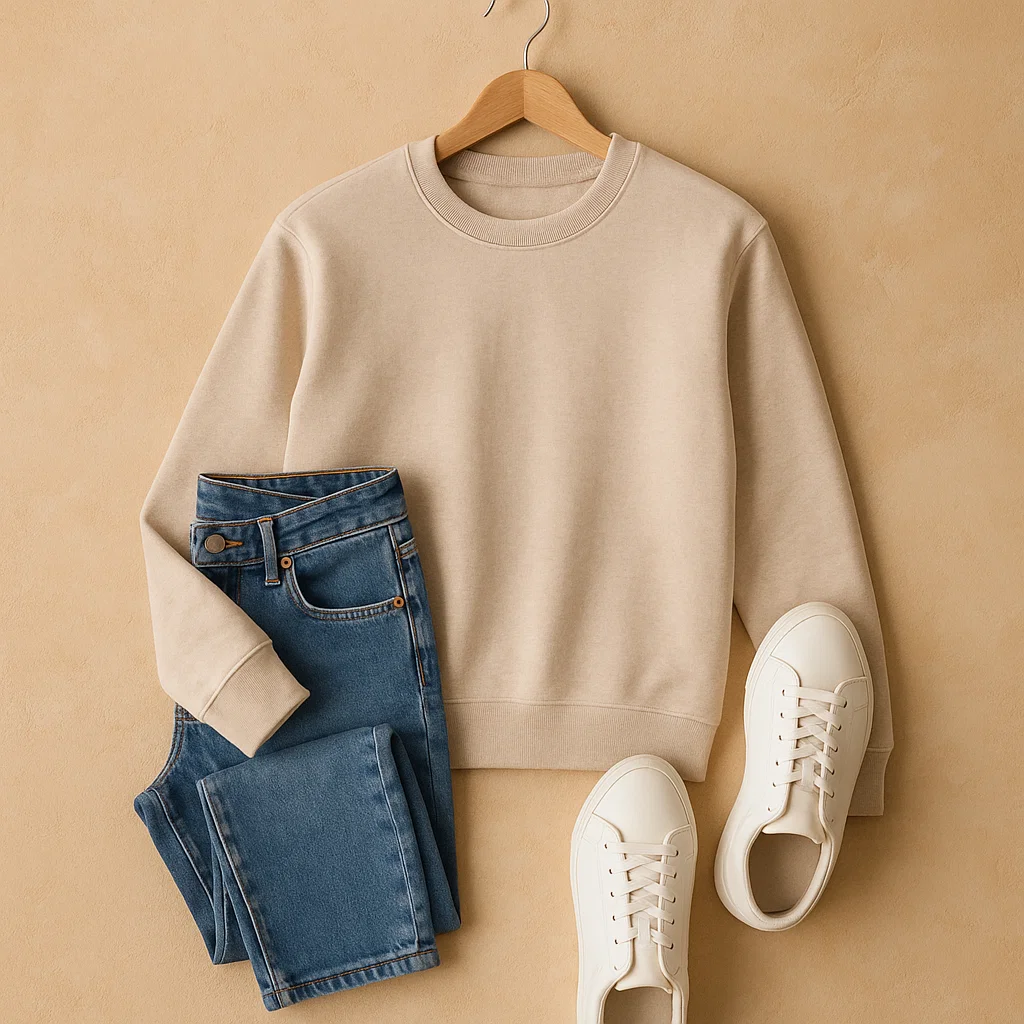
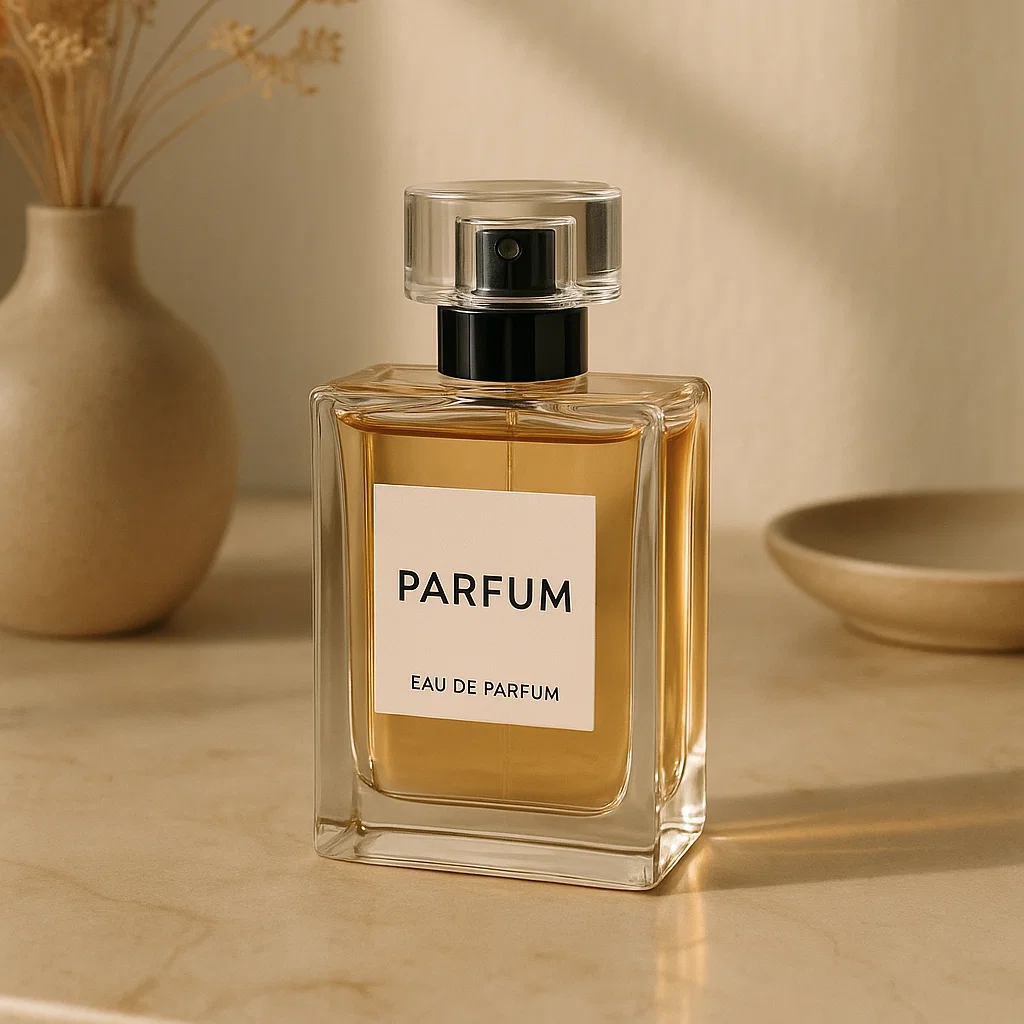
Use product background design AI to speed up launches, A/B test visuals, and scale brand-consistent assets without reshoots.
Key Features of Product Background Design AI
From prompt-to-scene generation to export-ready assets, product background design AI delivers speed, control, and consistent brand quality.
Smart Cutout
One-click background removal preserves edges, reflections, and translucent areas for clean composites.
Scene Builder
Describe surfaces, rooms, and ambiance; the system composes a coherent setting around your subject.
Lighting & Shadow Control
Adjust light direction, softness, and contact shadows so products sit naturally in the frame.
Brand Styles
Lock in typography, color accents, and framing to ensure on-brand outputs across teams.
High-Res Export
Download JPG/PNG/WEBP in web or print-ready sizes with transparent or solid backgrounds.
Non-Destructive Edits
Regenerate, mask, and fine-tune without overwriting your original product photo.
Product Background Design AI FAQ
What is Product Background Design AI?
It’s a workflow that uses generative models to remove a plain backdrop, build a custom scene, and align lighting so your product looks authentic.
Is it the same as an AI background generator?
An AI background generator creates the backdrop; product background design AI goes further by masking the subject, matching perspective, and guiding you with presets for commerce.
Which images work best?
Use sharp, well-lit photos with simple props and clear edges. Leave a little margin around the product for better masking and cropping.
Can I keep outputs consistent across a catalog?
Yes. Use shared presets for surfaces, angles, crop ratios, and lighting so each product line looks unified.
Are results photorealistic?
Most scenes look natural when you keep prompts specific, choose realistic surfaces, and enable contact shadows or subtle reflections.
What formats and sizes can I export?
Export JPG/PNG/WEBP in web or print-friendly resolutions. Square, 4:5, or 16:9 crops are commonly used for marketplaces and ads.