
Ghost Mannequin AI Free
Use ghost mannequin AI free to turn product shots into model-free apparel images. Remove the dummy, keep natural drape and seams, and export clean backgrounds for web stores, catalogs, and Photoroom workflows.
No studio reshoots—one upload gives the invisible manequin look.
Add references
Add up to four references to align collar shapes and lighting.
Product Retouch
Ghost Mannequin AI Free Usage
Create mannequin-free photos in four quick steps.
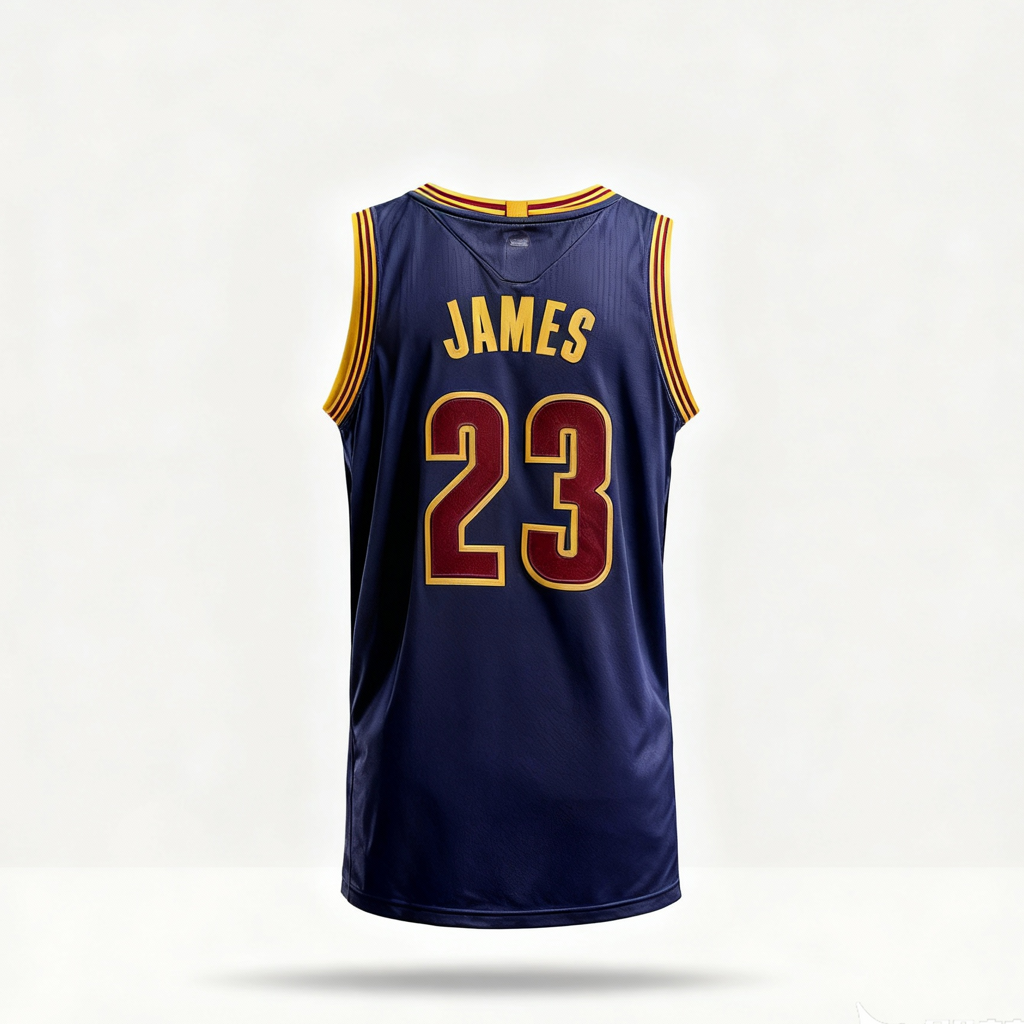
What Is Ghost Mannequin AI Free
Ghost mannequin—also called invisible manequin—shows clothing as if worn, without a visible model or dummy. AI identifies the mannequin, rebuilds inner-neck areas, and blends edges for a polished retail finish. With ghost mannequin AI free, you can trial the effect quickly and keep a consistent, catalog-ready style across your apparel images.
- Minutes, not hoursAutomate cutouts, inner-neck inpainting, and edge blending—no tedious manual masking.
- Realistic garment shapePreserves drape, seams, and inner-neck detail for consistent invisible manequin looks.
- Scales with your catalogProcess many SKUs with stable prompts, reusable presets, and batch actions.
Ghost Mannequin AI Free Cases
Where this workflow shines—from solo sellers to studio teams producing consistent retail imagery.
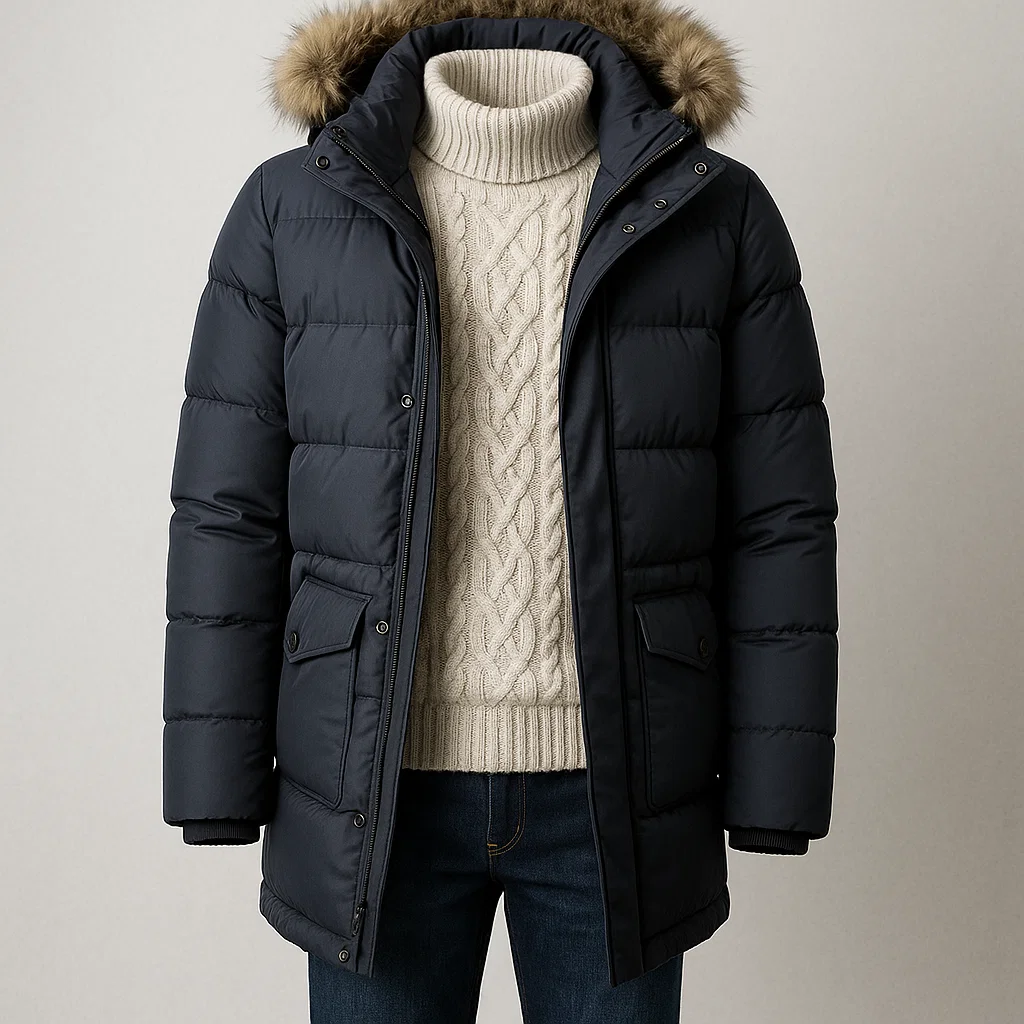
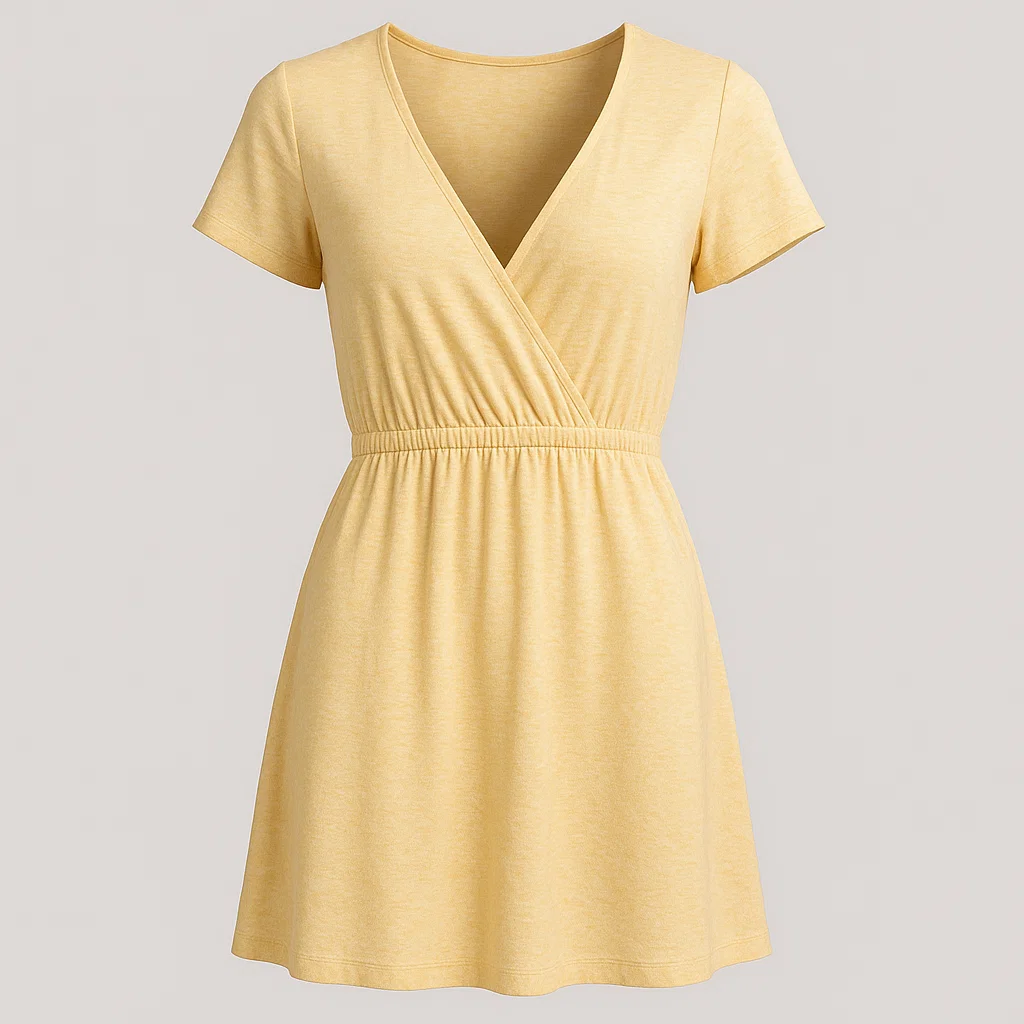
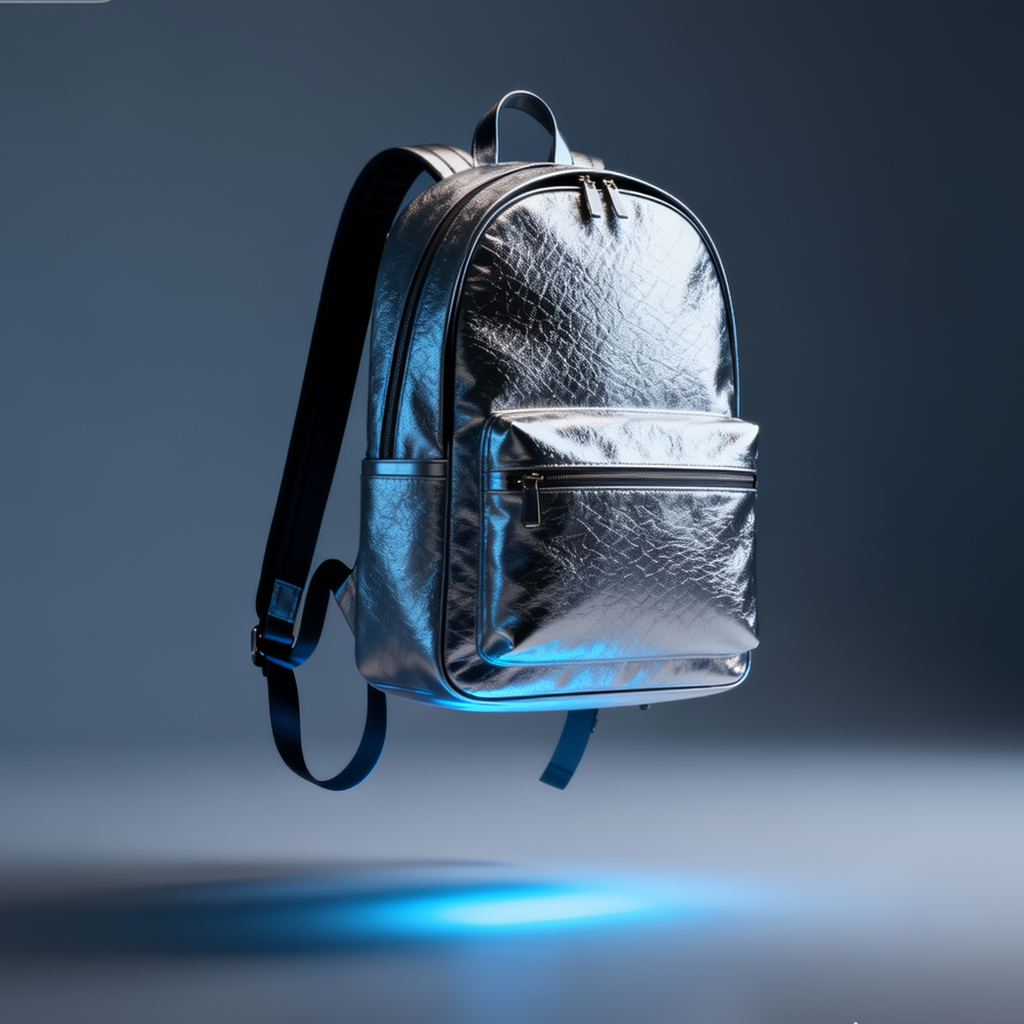
Key Features for Apparel Imaging
Everything you need to create polished, mannequin-free apparel photos at speed and scale.
One-click mannequin removal
Detects the dummy, rebuilds missing inner areas, and preserves garment contours.
Neck & sleeve reconstruction
AI inpainting restores hollow necks, hems, and labels for a natural finish.
Prompt presets
Ready-made settings tuned for tees, shirts, dresses, and knitwear.
Lighting consistency
Balances exposure and shadows to match your catalog or style guide.
Flexible backgrounds
Choose plain studio, soft gradient, or photoroom-like backgrounds.
Version history
Compare variants, undo steps, and keep the best take for each SKU.
Ghost Mannequin AI Free FAQ
What is the ghost mannequin effect?
It displays apparel as if worn, without a visible model or dummy, by reconstructing inner areas and blending edges for a clean, commercial look.
How is this different from simple background removal?
Background removers cut the scene. The ghost effect also rebuilds hollow necks and joins so garments appear naturally filled-out.
Do I need special photos?
Straight-on angles with clear collars work best. Avoid heavy wrinkles, motion blur, and extreme perspective for the most accurate results.
Can it handle sheer or glossy fabrics?
Yes, but strong reflections or transparency may need a quick manual touch-up to look fully natural.
Does it support back views or neck joins?
Yes. You can merge front and back shots or auto-generate inner-neck detail when only one view is available.
Is this like Photoroom?
Photoroom focuses on fast background cleanup. This tool specializes in the ghost effect and works well alongside Photoroom-based workflows.